
Choosing Video Editing Software For Social Media
If you're creating content for social media, the "best" video editing software isn't the one with the most features—it's the one built for the chaos of short-form vertical video. These tools are all about speed, mobile-friendly formats, and trend-responsive features like auto-captioning and viral audio libraries, things traditional editing suites often treat as an afterthought.
Why Generic Video Editors Just Don't Cut It for Social Media Anymore
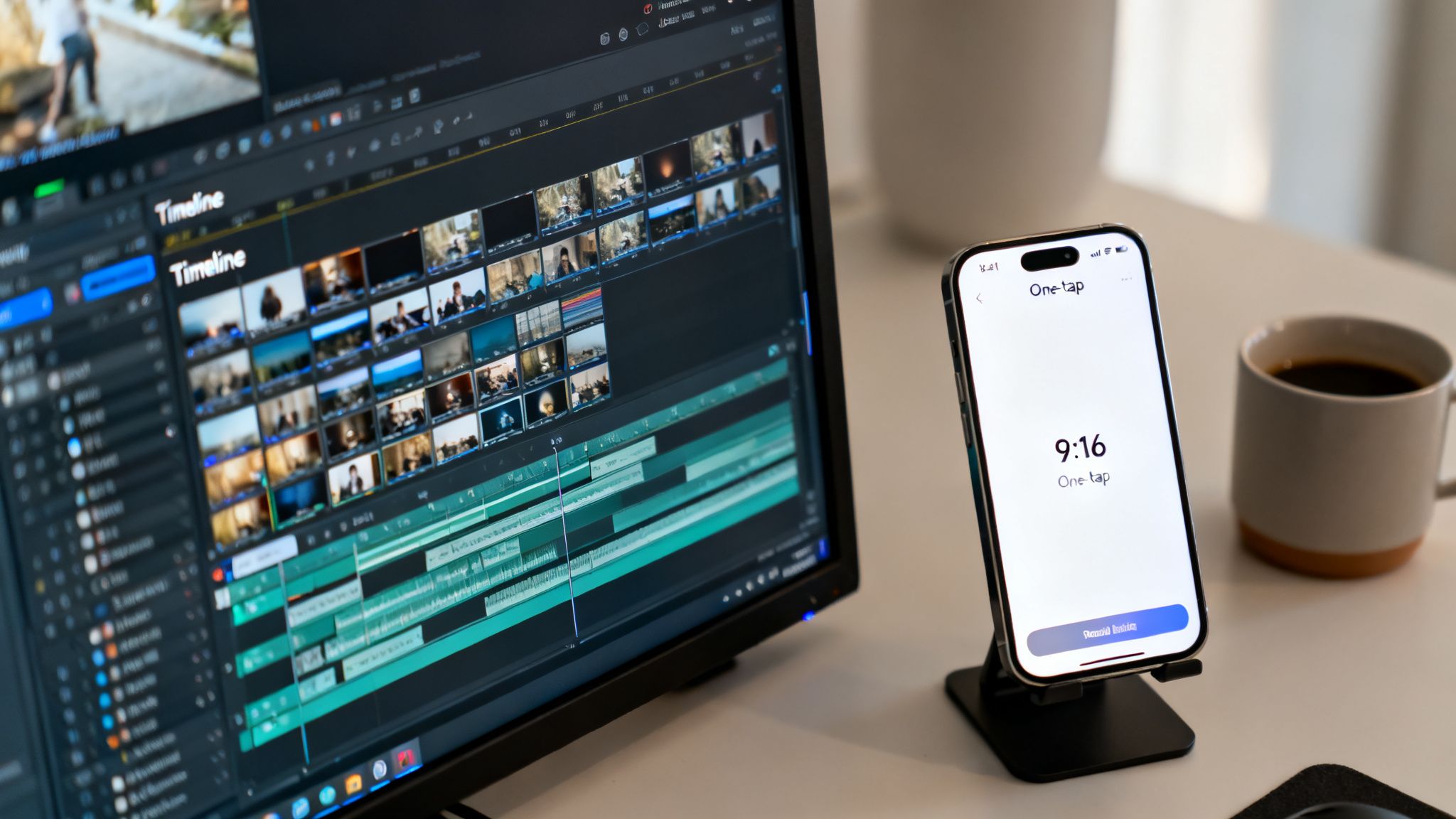
The social media world has flipped on its head. Just a few years back, a polished horizontal video for YouTube was the pinnacle of content creation. Today, the game is dominated by the relentless, lightning-fast pace of TikTok, Instagram Reels, and YouTube Shorts. This shift has left a lot of traditional video editors feeling like dinosaurs.
Think of a traditional editor like a professional chef's kitchen. It’s packed with every tool imaginable to craft a Michelin-star meal. It’s incredibly powerful, but it’s also complex and slow—total overkill when you just need to make a quick, killer sandwich.
And social media is all about making that perfect sandwich, fast. To stay relevant, creators have to pump out a high volume of engaging content, day in and day out. The old workflow of spending hours tweaking a complex timeline, manually keyframing effects, and exporting massive files just creates a massive bottleneck.
The New Rules of Social Video
The platforms themselves have rewritten the production playbook. Success now depends on a totally different set of priorities that generic software was never designed for.
-
Speed Over Perfection: The algorithm rewards consistency. A good video you post today is infinitely better than a "perfect" one you post next week. With their steep learning curves and clunky controls, traditional editors simply can't match the required pace.
-
A Vertical-First World: Everyone is watching on their phones, which makes the 9:16 aspect ratio king. Sure, most editors can crop to vertical, but specialized tools are built around it from the ground up, with templates and effects designed to pop on a mobile screen. For a full breakdown, check out our complete guide on social media video specs.
-
Features That Follow Trends: Viral content lives and dies by trending audio, dynamic captions, and specific visual gags. A generic editor forces you to hunt down, download, and import all these assets manually. A dedicated social media tool builds them right into your workflow, saving you precious time.
This new reality has created a huge demand for smarter, faster solutions. The global video editing software market has exploded, hitting $3.09 billion and is on track to reach $5.13 billion by the end of the decade. That growth is almost entirely driven by the world's insatiable appetite for short-form video.
The problem is simple: to compete, you need to produce a ton of captivating video without a Hollywood budget or endless hours to burn on tedious edits. Generic tools add friction; specialized software is designed to remove it.
At the end of the day, using a clunky, old-school editor for social media is like trying to write a text message on a typewriter. You can do it, but it’s clumsy, inefficient, and completely misses the point of the medium. Today's creators need tools built for the speed and scale of the modern internet.
The Essential Features For Creating Viral Social Video
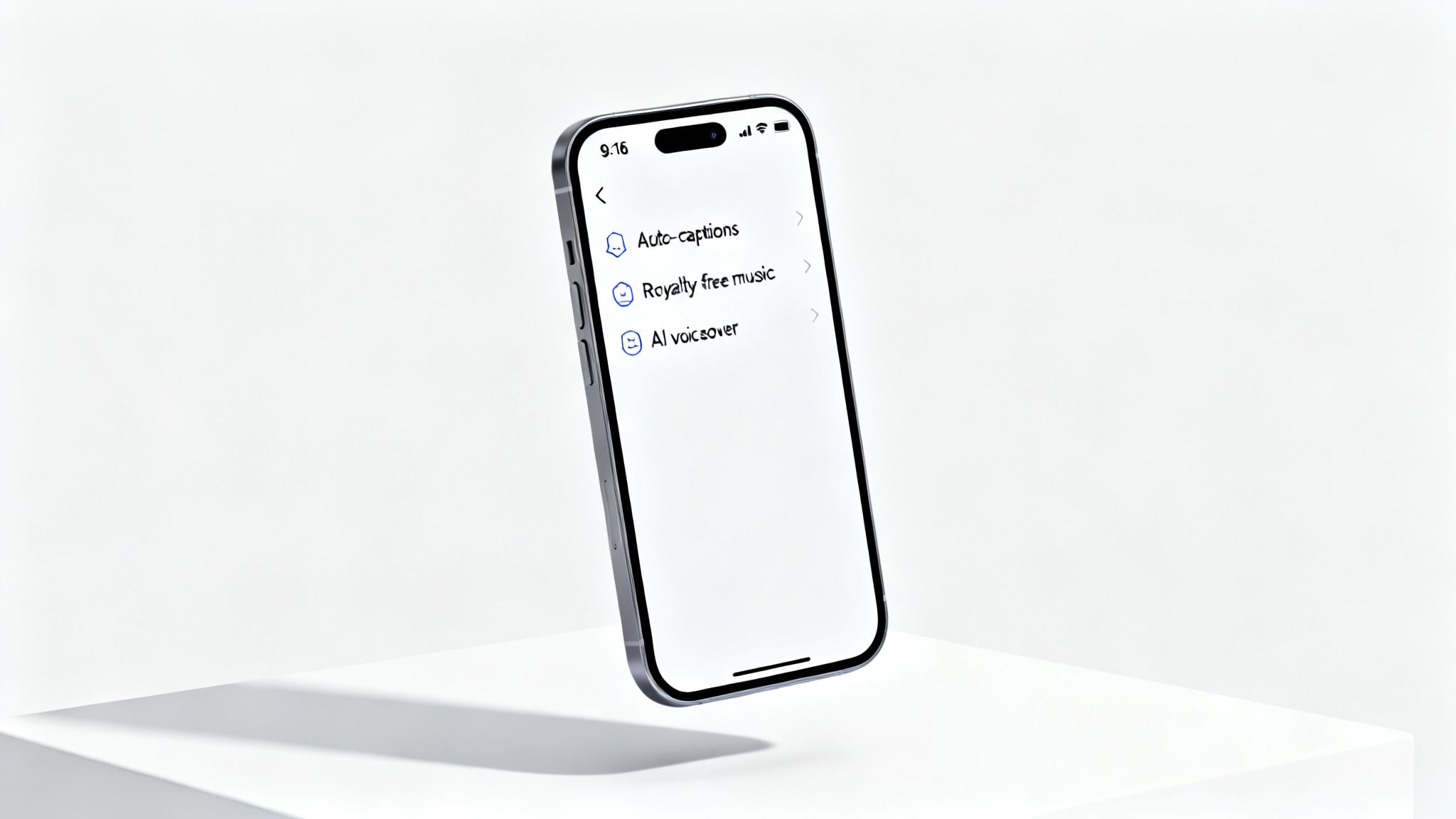
It’s easy to get lost in a sea of promises when you’re looking for video editing software. Every tool claims to be “powerful” or “easy to use,” but those buzzwords don’t mean much when you’re trying to create content that actually gets views on TikTok and Instagram. To make videos that stop the scroll, you need a specialized toolkit.
Think of it this way: you wouldn't bring a sledgehammer to perform delicate surgery. In the same way, you shouldn't use a clunky, desktop-first editor to create nimble, trend-driven vertical videos. The right software is purpose-built, anticipating your needs so you can focus on making great content without fighting the tool.
Let’s break down the non-negotiable features your software must have to compete in the fast-paced world of social video.
Native 9:16 Vertical Format Support
This one is the absolute baseline. While most traditional editors let you crop a horizontal video, it’s a clunky workaround that often leads to awkward framing and a drop in quality. A true social media video editor is built from the ground up for the 9:16 aspect ratio.
This means all the templates, text overlays, and visual effects are already optimized for a phone screen. It ensures your content looks and feels like it belongs on the platform, not like a poorly repurposed YouTube clip. Starting without this is like trying to run a race with your shoes tied together.
Dynamic Auto-Captioning
Here’s a stat that should get your attention: up to 85% of videos on platforms like Facebook are watched on mute. That makes on-screen text an absolute necessity, not just a nice bonus. If people can’t understand your video without sound, they’ll just scroll right past it.
But manually typing out and timing every single word is a soul-crushing task. The best video editing software for social media uses AI to automatically transcribe your audio and create perfectly synced captions. When you're evaluating tools, look for these specific features:
- Animated Styles: Captions that pop, highlight words as they're spoken, or use engaging fonts can dramatically boost how long people watch.
- Easy Customization: You’ll always need to fix a word here or there, adjust the timing, or change the colors to match your brand. The process should be quick and painless.
- Emoji Integration: A simple emoji can add a ton of personality and visual flair, breaking up walls of text and keeping viewers engaged.
Extensive Royalty-Free Asset Libraries
Social media trends move at the speed of light, and so does the audio that powers them. The last thing you want to do is spend hours hunting for a non-copyrighted song or sound effect on some sketchy third-party website. That’s a major workflow killer.
A top-tier editor gives you a massive, built-in library of royalty-free music, sound effects, and even stock video clips. Having this integrated directly into your editor means you can find and add the perfect audio to match the vibe of your video in seconds, all without worrying about copyright strikes that could get your channel taken down.
AI Voiceover Integration
The explosion of "faceless" content channels proves you don't need to be on camera to build a huge audience. The key to this style is high-quality narration, but let's be real—not everyone has a professional microphone or feels comfortable recording their own voice.
Modern software solves this problem with built-in AI voiceovers. You just type or paste your script, and the tool generates a realistic, human-sounding voiceover in seconds. The best platforms offer a huge range of voices, accents, and languages, giving you the flexibility to create content for anyone, anywhere.
For creators who want to get even more technical, mastering ffmpeg join video can unlock even more advanced ways to seamlessly stitch together different audio and video clips.
Essential Features Checklist For Social Media Video Editors
To help you size up your options, we've put together a quick checklist. This table breaks down the must-have features, what they actually do, and why they’re so important for growing your presence on social media.
| Feature | What It Does | Why It's Crucial for Social Media Growth |
|---|---|---|
| Native Vertical Editing | Provides a 9:16 editing interface where all tools and templates are optimized for mobile screens. | Ensures your content looks professional and native to the platform, increasing viewer retention. |
| AI Auto-Captions | Automatically transcribes audio into synchronized, on-screen text with customizable styles. | Captures the 85% of viewers who watch on mute and boosts engagement with dynamic, easy-to-read text. |
| Royalty-Free Asset Library | Offers a built-in collection of licensed music, sound effects, and stock videos. | Saves hours of searching and protects your channel from copyright strikes, allowing you to stay on-trend safely. |
| AI Voiceovers | Converts text scripts into high-quality, human-sounding narration in multiple voices and languages. | Enables the creation of professional "faceless" content at scale, without needing recording equipment or your own voice. |
| Templates & Effects | Includes pre-made layouts, transitions, and text styles designed specifically for social media trends. | Dramatically speeds up the creation process and makes it easy to produce visually engaging, modern-looking videos. |
Having these core features isn't just about convenience. It’s about giving you the speed and creative firepower you need to produce high-quality content consistently—which is the real secret to growing an audience today.
How AI Automation Is Revolutionizing Video Creation
Think of it this way: traditional video editing is like painstakingly building a piece of furniture from a confusing manual. AI video creation, on the other hand, is like describing what you want to an expert carpenter who assembles a perfect piece for you in minutes. This shift isn't just about convenience; it's becoming essential for creators who want to scale their output without burning out.
Artificial intelligence simply removes the biggest headaches in the video creation process. Forget spending hours meticulously syncing clips, timing text, and hunting for the right music. Now, you can focus purely on your core idea. AI acts as your creative partner, handling all the tedious technical stuff so you can produce more content, faster than ever before.
And this isn't just a passing trend. The AI-powered video software market is projected to explode from $3.67 billion in 2026 to a staggering $24.89 billion by 2036. That explosive 21.4% compound annual growth rate is driven by the relentless demand for social media content, where instant hooks and vertical formats are king. You can dive deeper into the research behind these AI video generation market forecasts.
From Script To Screen In Minutes
One of the most powerful AI features is script-to-video generation. Instead of staring at a blank timeline, you start with a simple text prompt or a finished script. The AI then gets to work, instantly turning your words into a fully edited video.
This process cuts out countless hours of manual labor. The AI can:
- Generate an entire script based on a single idea.
- Automatically find relevant clips and images from a massive stock library to match what your script is about.
- Pace the visuals to match the narration, creating a dynamic video that keeps viewers watching.
This kind of automation means a creator can pump out a polished video in the time it used to take just to sort through their raw footage.
The Power Of AI Voiceovers and Scene Selection
For faceless content creators, AI voiceovers are an absolute game-changer. You no longer need an expensive microphone or the confidence to perform on camera. You just provide the text, and the AI generates a lifelike, human-sounding voiceover in whatever style, accent, or language you need.
The real magic happens when AI combines this with automated scene selection. The software analyzes the script and voiceover, then intelligently picks and assembles visuals that actually align with the story. It’s like having a director and editor working for you 24/7.
This synergy solves three huge problems for social media creators:
- Time: It crushes production time from hours or days down to just a few minutes.
- Consistency: It allows for a reliable posting schedule, which is exactly what the social media algorithms want to see.
- Creative Fatigue: It handles the most repetitive tasks, freeing up your mental energy to brainstorm new ideas and strategies.
Exploring the world of automatic video editing can give you a better sense of how these workflows actually work. Ultimately, AI-powered video editing isn't about replacing your creativity—it's about amplifying it. It tears down the technical barriers, letting anyone with a good idea produce high-quality, engaging content at the speed required to win.
Choosing The Right Tool: Traditional Editors vs. AI Generators
Picking the right video editor for your social media content can feel like you're at a fork in the road. One path leads to the traditional, hands-on world of complex editing software, while the other zooms you into the fast-paced lane of AI video generators.
Here’s the thing: neither one is flat-out "better." The right choice really boils down to your personal goals, how much time you have, and the kind of videos you want to make.
To break it down, let's think about two different types of creators. First, you have the Creative Craftsman, someone who lives for the details and wants total control over every pixel. Then, there's the Strategic Scaler, whose main goal is to churn out a high volume of quality content as efficiently as possible. Each one has a tool that fits their workflow like a glove.
The Creative Craftsman Path
The Creative Craftsman treats video editing like an art. They’re deep in the trenches with powerful software like Adobe Premiere Pro or Final Cut Pro, and for them, controlling every keyframe, color grade, and audio mix is non-negotiable. They don't mind spending the time to master the software because perfecting each video is the ultimate reward.
This approach is perfect for content that needs a unique, artistic touch.
- Cinematic Vlogs: Think of videos where a specific mood is built through custom color grading and precise, emotional cuts.
- Detailed Product Reviews: Content that relies on slick zoom effects, custom motion graphics, and cuts timed perfectly to the beat.
- Artistic Storytelling: Videos that lean heavily on one-of-a-kind visual effects to build a signature style.
But all that control comes at a price: speed. The learning curve for these tools is steep, and even a seasoned pro can spend hours—or even days—polishing a single video. If you only need to post occasionally and want every video to be a unique masterpiece, this is your lane.
The Strategic Scaler Path
On the other hand, the Strategic Scaler sees content creation as a system. Their goal isn't just to post, but to grow an audience by posting consistently—often multiple times a day. They need a tool that smashes bottlenecks and automates all the repetitive, time-sucking tasks. This is exactly where AI video generators like ClipShort come into play.
This type of creator values speed, consistency, and scale more than granular, pixel-perfect control. They get that on platforms like TikTok and Reels, posting three great videos a day often beats posting one "perfect" video a week.
An AI generator is like having a production assistant on your team. It handles the tedious stuff—finding clips, syncing up voiceovers, and adding captions—so the Strategic Scaler can focus on what actually moves the needle: ideas, scripts, and growth strategy.
This decision tree nails the core choice you have to make: Do you want AI to speed up your editing, or do you prefer the total control of manual work?
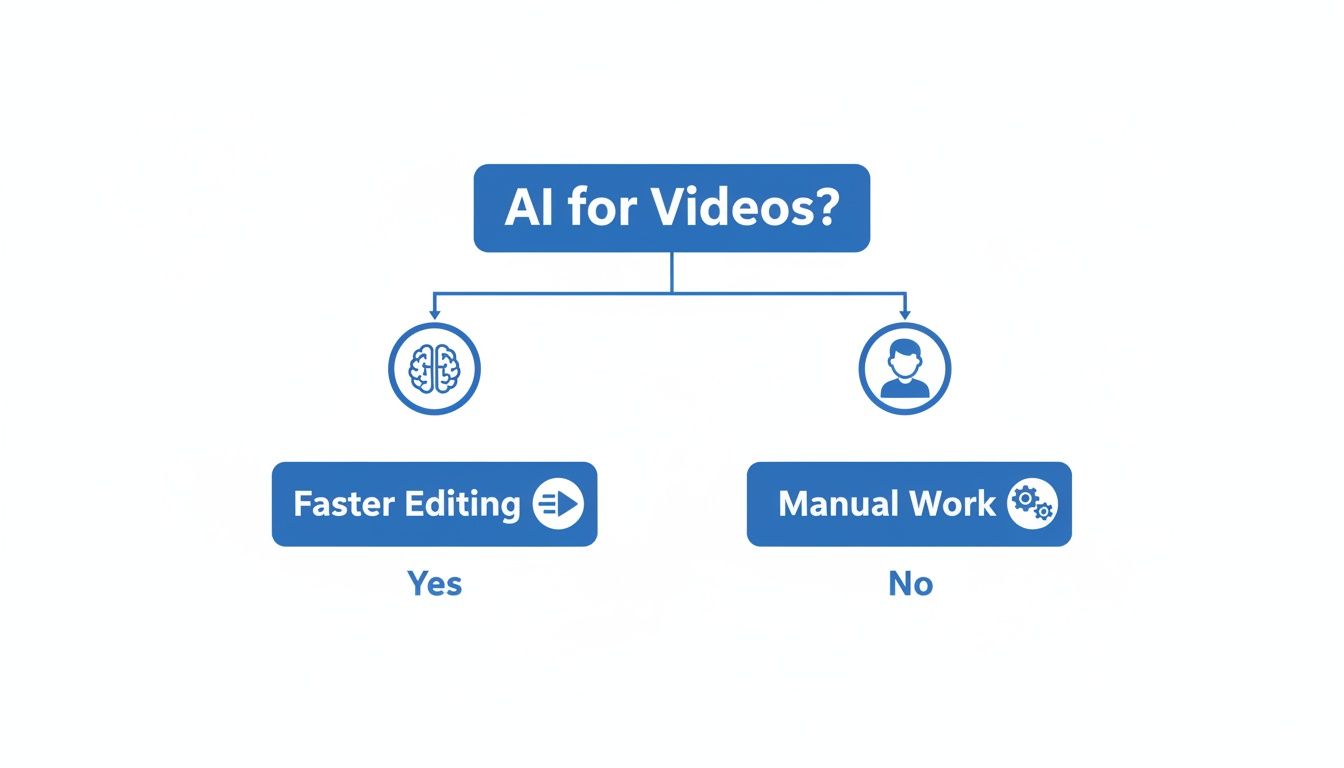
As the chart shows, choosing AI directly tackles the biggest hurdle for most social media creators: time.
Traditional Video Editors vs. AI Video Generators
Still on the fence? Let's put these two approaches head-to-head. This table breaks down the key differences to help you figure out which tool aligns with your content goals.
| Factor | Traditional Software (e.g., Premiere Pro) | AI Software (e.g., ClipShort) |
|---|---|---|
| Learning Curve | Extremely high; takes weeks or months to master. | Very low; you can get the hang of it in minutes. |
| Production Speed | Slow; a single video can take hours or even days. | Super fast; you can create a video in minutes. |
| Cost | High subscription fees, plus potential hardware upgrades. | Affordable, scalable monthly or annual plans. |
| Creative Flexibility | Unlimited; you have total control over every element. | High, but you're working within the AI's capabilities and templates. |
| Best For | Cinematic vlogs, unique artistic shorts, detailed tutorials. | Faceless educational content, news updates, listicles, daily trends. |
Choosing your software is one of the first big decisions you'll make as a creator. And it goes beyond just editing—exploring the best tools for content creators can help you build out a full-stack production system.
Ultimately, you need to match your tools to your ambition. If you’re a Creative Craftsman, a traditional editor is your canvas. But if you’re a Strategic Scaler, an AI generator is the engine that will power your growth.
A Practical Workflow For Creating Scalable Faceless Content
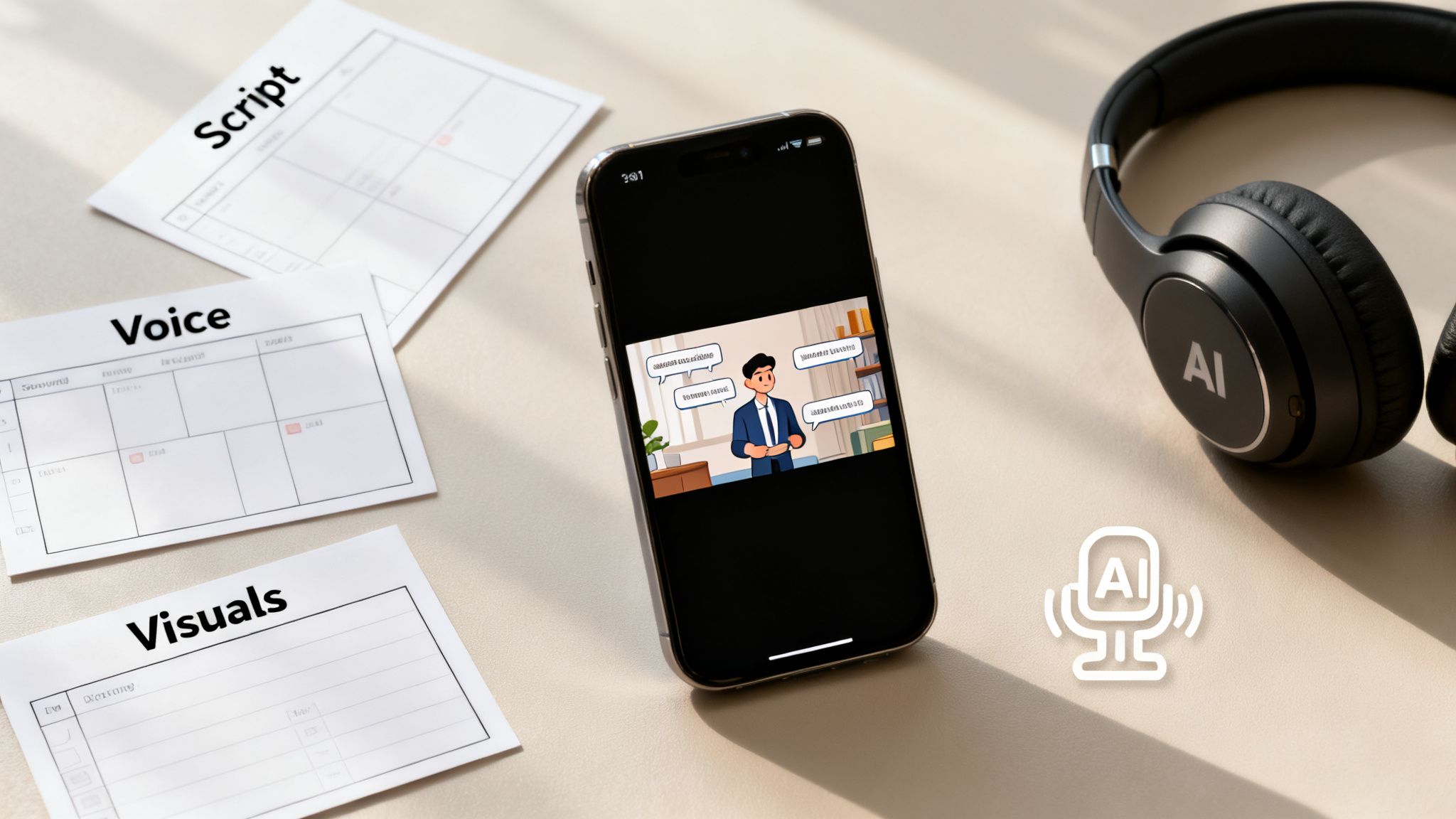
It’s one thing to understand that AI can make videos, but it’s another thing entirely to actually put it to work. So, let's walk through the entire process, step-by-step, for making a high-quality, faceless social media video with a modern AI tool.
This workflow is designed to get you from a rough idea to a finished, shareable video in just a few minutes. It proves you don't need a camera or any technical skills to start pumping out professional-looking content. Think of it less like a strict set of rules and more like a flexible assembly line where the most tedious parts of video creation are handled for you.
Step 1: Turn a Simple Prompt Into a Compelling Script
Every good video starts with the script. Instead of staring down a blank page, you can kick the whole thing off with a simple prompt. Just type in your idea—something like, "three morning habits for better focus"—and the AI gets to work, generating a full script that's already structured for short-form video.
This isn't just about saving time; it's a powerful way to smash through creative blocks. The AI hands you a solid first draft with a hook, a few key points, and a call to action. From there, you just need to tweak the text to fit your brand’s unique voice.
Step 2: Choose The Perfect AI Voice
Once the script is locked in, it's time to give it a voice. This step completely eliminates the need for expensive mics or the anxiety of recording yourself. Modern AI voice generators come with huge libraries of incredibly realistic, human-sounding voices in dozens of languages and accents.
You can pick a voice that perfectly matches the vibe you're going for:
- Energetic and upbeat for motivational content.
- Calm and authoritative for educational tutorials.
- Friendly and conversational for storytelling.
This kind of versatility lets you build a consistent audio brand for your channel without ever having to say a word. To see how far you can take this, check out our guide on how to fully automate your content creation process with these tools.
Step 3: Let The AI Assemble Engaging Visuals
This is where the magic really kicks in. The AI analyzes your script and voiceover, then automatically searches through a massive library of high-quality stock footage to find visuals that fit what you're talking about. It then edits these clips together, pacing them perfectly with the narration.
The AI essentially becomes your personal video editor. It makes smart choices about what scenes to show and for how long, cutting out what is usually the most time-consuming part of making a video: the endless hunt for B-roll and the tedious timeline editing.
This approach lets you stay focused on the story, not the technical grunt work of finding and cutting clips together.
Step 4: Customize and Brand Your Video
Automation gets you 90% of the way there, but the last 10% is what makes the video truly yours. The final touches are all about adding the branded, polished elements that keep people watching and coming back for more.
- Add Animated Captions: Choose a dynamic caption style that makes your words pop. The AI has already transcribed everything, so you just need to pick a look that grabs attention.
- Incorporate Brand Elements: Drop in your logo or apply your brand colors to the text. This gives your content a consistent, professional feel across the board.
- Add A Soundtrack: Browse the built-in library of royalty-free music and find a track that fits the mood of your video.
- Export and Share: With one last click, export your video in the perfect 9:16 format. It's now ready to be uploaded directly to TikTok, Reels, or Shorts.
So, What’s the Right Move for You?
We've walked through a lot, and by now, it should be clear: there’s no single "best" video editor for social media. The right tool is the one that fits your specific goals, plain and simple.
It all boils down to what you’re trying to achieve. Are you the kind of creator who obsesses over every single frame, crafting a cinematic masterpiece? Or are you focused on scaling up, pushing out a high volume of content to stay on top of the algorithm?
Your Strategy Defines Your Toolkit
Ultimately, you’re choosing between two very different paths.
- The Creative Craftsman: This is the traditional route. You use an editor that gives you complete, granular control. It's perfect for those one-off, highly artistic videos where perfection is the name of the game.
- The Strategic Scaler: This is the modern approach. You use AI-powered tools like ClipShort to handle the repetitive, time-sucking tasks. This lets you produce the sheer volume of content needed to really make a dent on social media.
The real takeaway here is that the game has changed. Technology has leveled the playing field, knocking down the old walls of time, money, and technical skill that used to keep people from creating pro-level video. Honestly, there's never been a better time to be a creator.
When you pick a tool that actually works with you instead of against you, you finally unlock your real potential. You can grow your audience, hit your monetization goals, and pump out killer videos faster than you ever thought possible.
The journey to mastering social media video doesn't start with learning a complex timeline or a thousand keyboard shortcuts. It starts with a simple choice that aligns with your ambition.
Whether you're a craftsman or a scaler, the power is in your hands. Find the tools that feel right for you, and get to work.
Got a few questions? You're not alone. When you're diving into video editing for social media, a lot of things can pop up. Here are some straight-shooting answers to the most common questions we hear.
Can't I Just Use a Free App on My Phone?
You absolutely can. For a lot of creators, free apps like CapCut are the perfect launchpad. They’re super popular because they let you jump on trends with ready-made templates without spending a dime. It's a fantastic way to get your feet wet with basic editing and just start posting.
But as you get more serious about building a real brand or scaling up your content, you’ll likely start to feel the squeeze of those free tools. Paid software usually means a much cleaner workflow (no watermarks!), access to way bigger and better-quality stock libraries, and more powerful AI features like custom voiceovers or slick branding tools.
The explosion in short-form video has lit a fire under the video editing market. It's projected to jump from $1,593.25 million in 2026 to a whopping $2,150.84 million by 2035. That growth tells a story: creators are moving toward more robust, paid tools to keep up with the demand for high-quality content. You can dig deeper into the trends shaping the video editing apps market to see where things are headed.
Do I Need a Different Editor for TikTok vs. Reels vs. Shorts?
Nope, not really. The nuts and bolts for TikTok, Instagram Reels, and YouTube Shorts are practically the same. All three platforms are looking for the same core things:
- Vertical Video: The 9:16 aspect ratio is king everywhere.
- Short and Sweet: Most content lands somewhere between 15 and 90 seconds.
- A Killer Hook: You’ve got about 1-3 seconds to stop the scroll.
Because they’re all playing the same game, any solid video editing software for social media will let you create content that looks great on all three. The real difference isn't your editor; it's your strategy—like knowing which trending sounds are blowing up on TikTok versus Reels at any given moment.
How Good Is AI-Generated Video, Really?
Honestly? It's gotten really good. AI video is more than capable of cranking out professional, engaging content, especially if you're running a faceless channel. The stock footage it pulls from is usually top-notch HD quality, and AI voiceovers sound shockingly human these days.
The true magic of AI isn't about creating one perfect, cinematic masterpiece. It's about its ability to produce a high volume of very good videos, fast. For social media growth, that consistency is often the winning ticket.
It's a beast for creating specific types of content that do well online, like educational explainers, list-style videos, and quick news updates. While it might not replace a human editor for a project that needs a ton of artistic flair or emotional depth, it’s an incredible ace up your sleeve when speed and scale are what you're after.
Ready to stop wrestling with tedious edits and start pumping out viral faceless videos in minutes? ClipShort uses powerful AI to handle the entire workflow—from writing the script and generating a voiceover to finding the perfect clips and adding scroll-stopping captions. See how ClipShort can completely change your content game today.