
Generate videos with ai: Create Viral Shorts in Minutes
If you've ever tried to keep up with the relentless demand for daily content on TikTok, Reels, or Shorts, you know how exhausting it can be. The pressure to constantly churn out fresh, engaging videos is a massive hurdle for everyone, from solo creators to full-blown marketing teams.
This is exactly where AI video generators come in and completely change the game.
Why AI Is A Game-Changer for Short-Form Video
Using AI isn't just about shaving a few hours off your workflow. It’s about fundamentally solving the content velocity problem—the need to produce a high volume of quality content, fast. For most of us, that means getting past some pretty big roadblocks:
- Expensive Gear: Forget needing professional cameras, fancy lighting, or high-end mics.
- Endless Editing: AI now handles the complex editing tasks that used to take days of tedious work.
- Being On Camera: You can jump on the wildly popular "faceless" content trend without ever showing your face.
- Creative Burnout: When you're out of ideas, AI can be a brilliant brainstorming partner to get you unstuck.
A Radically New Creative Workflow
AI video generation takes the entire creation process—once a multi-step, labor-intensive headache—and transforms it into a simple, efficient workflow.
This new approach, laid out below, shows just how smoothly an idea can become a finished video without all the usual friction.
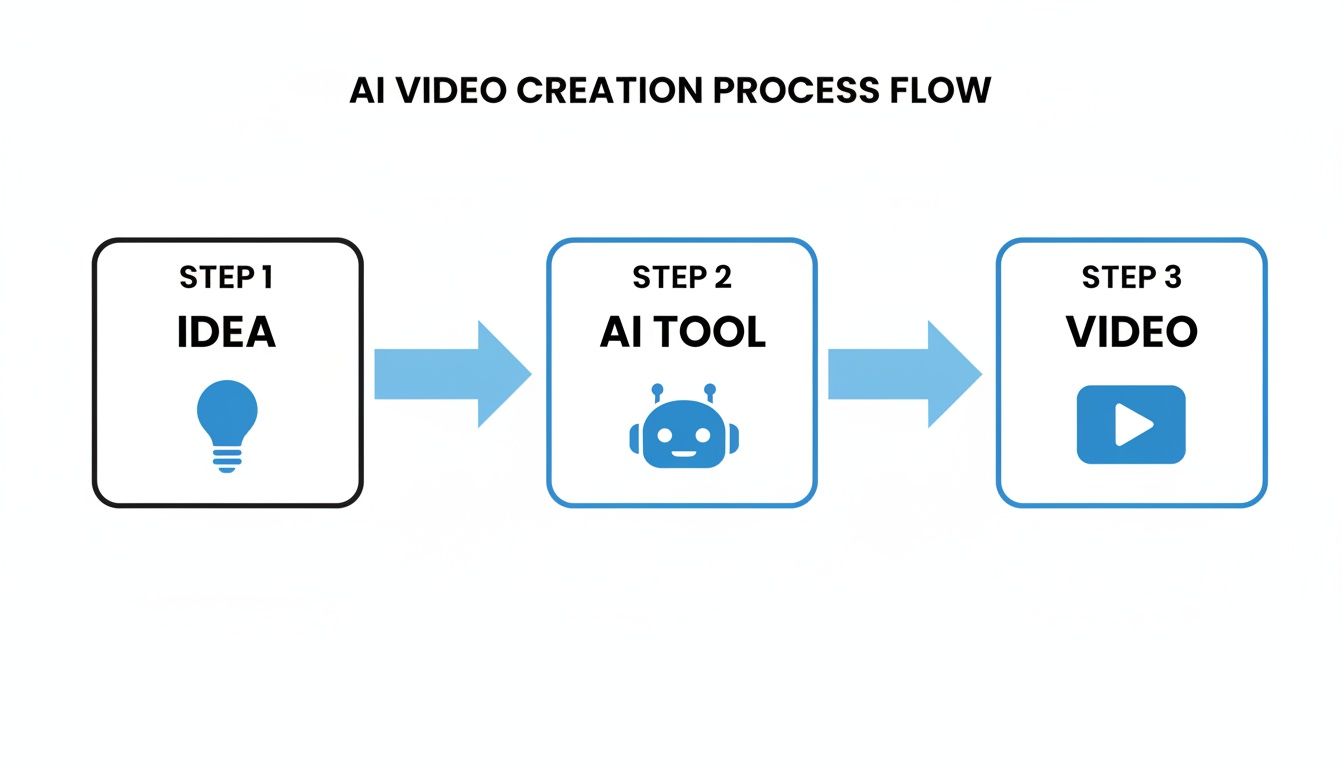
The big idea here is that AI acts as your production partner. It handles all the technical heavy lifting, freeing you up to focus on the creative strategy—the part that actually matters. Tools like ClipShort make it possible to go from a simple thought to a polished, platform-ready video in a tiny fraction of the time.
This efficiency is what's fueling some serious market growth. The AI video generator market is expected to explode from USD 788.5 million in 2025 to a massive USD 3,441.6 million by 2033. Big companies are already a huge part of that, scaling their video output in ways that were previously unimaginable.
By automating the most tedious parts of video production, AI frees creators to test more ideas, analyze performance, and double down on what works—without being limited by budget or manpower.
To get a better feel for the specific platforms making this happen, it's worth checking out tools like Vidito.ai, which is laser-focused on this space. And if you want to see how different tools stack up, take a look at our guide on the best AI video generators to find the right fit for your needs.
Crafting Prompts That Create Compelling Video Scripts
Here's the hard truth: the quality of your AI-generated video hinges almost entirely on the quality of your prompt.
If you feed the AI a lazy, one-line instruction, you're going to get a generic, forgettable script back. But if you give it a detailed, structured prompt, you're essentially handing it a blueprint for a video that grabs attention and refuses to let go.
Think of it like you're a director giving very specific instructions to an actor. The more context, emotion, and structure you provide, the better the final performance. The exact same principle applies here.
So many creators get frustrated with AI tools, and vague prompts are almost always the culprit. A command like "make a video about productivity" is a total shot in the dark. Instead, building your prompt around a proven storytelling framework is how you get predictable, high-quality results every single time.
The Hook, Story, Offer Framework
For short-form video, one of the most effective structures you can use is the Hook, Story, Offer (HSO) model. It’s tailor-made for platforms like TikTok and Reels because it aligns perfectly with how people consume content: fast and with purpose.
- Hook: This is the first 1-3 seconds. Its only job is to stop the scroll. It needs to be bold, intriguing, or even a little controversial.
- Story: This is the meat of the video. Here's where you expand on the hook, give some context, and deliver the core message or educational tidbit.
- Offer: This is your call to action (CTA). It tells the viewer exactly what to do next—follow for more, drop a comment, or check out a link.
This simple framework is incredibly powerful. It gives your video a clear purpose and a logical flow that keeps people watching. Without it, videos tend to wander aimlessly and lose viewer attention before you even get to the good part.
Building Prompts with the HSO Model
Okay, let's turn this theory into a practical prompt. The goal is to spoon-feed the AI all the key ingredients so it can assemble the script for you. A killer prompt doesn't just name the topic; it defines the audience, sets the tone, and clarifies the desired outcome.
Here’s a template you can swipe and adapt:
Role: Act as an expert scriptwriter for viral TikTok videos. Audience: Target [your specific audience, e.g., busy professionals, new parents, college students]. Tone: Use a [adjective, e.g., motivational, witty, educational, empathetic] tone. Framework: Write a 60-second video script using the Hook, Story, Offer model. Hook: Start with a surprising statistic or a controversial statement related to [your topic]. Story: Explain the three biggest mistakes people make when [doing the specific activity] and provide a quick, actionable solution for each one. Offer: End with a call to action encouraging viewers to follow for more daily tips on [your topic].
See how much detail is in there? This approach removes all the guesswork and gives the AI the power to generate a script that's not just well-structured but also perfectly aligned with your brand and goals.
Practical Prompt Examples
The difference between a weak and strong prompt becomes crystal clear when you see them side-by-side. Let's imagine we're making a video for a fictional productivity app.
Weak Prompt:
Write a video script about our new productivity app.
This is way too broad. The AI has no clue who this is for, what the vibe should be, or what makes the app special. The script it spits out will probably sound like a bland, corporate ad.
Strong, HSO-Based Prompt:
Act as a scriptwriter for a 45-second TikTok video targeting overwhelmed entrepreneurs. Use a confident and helpful tone. The script must follow the Hook, Story, Offer model. For the hook, start with the line: "You're not lazy, your to-do list is broken." For the story, explain how traditional lists create decision fatigue and introduce our app's 'priority matrix' feature as the solution. For the offer, tell them to download the app to reclaim 10 hours a week and follow for more productivity hacks.
Now that's a prompt. It gives the AI everything it needs: a niche audience, a specific tone, a scroll-stopping hook, a clear story, and a powerful call to action. This is exactly how you generate videos with AI that actually get views.
Nailing this first step is absolutely crucial. A well-crafted prompt is the single most important part of the entire AI video creation process, as it lays the foundation for everything else. If you're looking for more inspiration on how to structure your narratives, check out our detailed guide on writing a compelling YouTube video script.
Okay, you've nailed down a script that’s ready to hook viewers. Now for the fun part: bringing it to life with the right look and feel. This is where we move past the words on the page and start building the actual video experience, making sure every sight and sound feels true to your brand.
The voiceover you pick can make or break viewer trust, and the visual style you choose instantly signals whether your content is fun, serious, professional, or artistic. When you're using an AI tool to generate your video, you have an incredible palette to work with. The trick is to choose wisely.
Finding the Perfect AI Voice
The voice you select is the emotional backbone of your entire video. A mismatched voice feels jarring and can cause viewers to scroll right past, but the right one makes your message feel authentic and magnetic. A tool like ClipShort isn’t about picking some generic robot voice; it’s about choosing a personality.
Think about these key things when you're browsing voice options:
- Who Are You Talking To? A high-energy, youthful voice is perfect for reaching a Gen Z crowd on TikTok. On the other hand, a calmer, more deliberate tone might connect better with professionals watching educational content.
- Language and Accent: With dozens of languages and accents, you can create content that feels local to a global audience. Making a video for the Australian market? Grab an Aussie accent. Targeting viewers in Brazil? Choose a Brazilian Portuguese voice. This kind of localization makes a huge difference.
- Pacing and Tone: Don't just read the name—listen to the samples. Does the voice sound excited? Serious? Trustworthy? A documentary-style short about history needs a completely different vibe than a quick-tip video on a new software feature.
Your goal is to find a voice that feels like it is your brand. If your brand could talk, this is what it would sound like. Take your time here; it's the audio foundation of your video's identity.
Selecting a Visual Style That Fits Your Niche
Once you’ve got the audio locked in, it’s time to decide on the visuals. The style of your video’s imagery says a ton about your brand before the narration even kicks in.
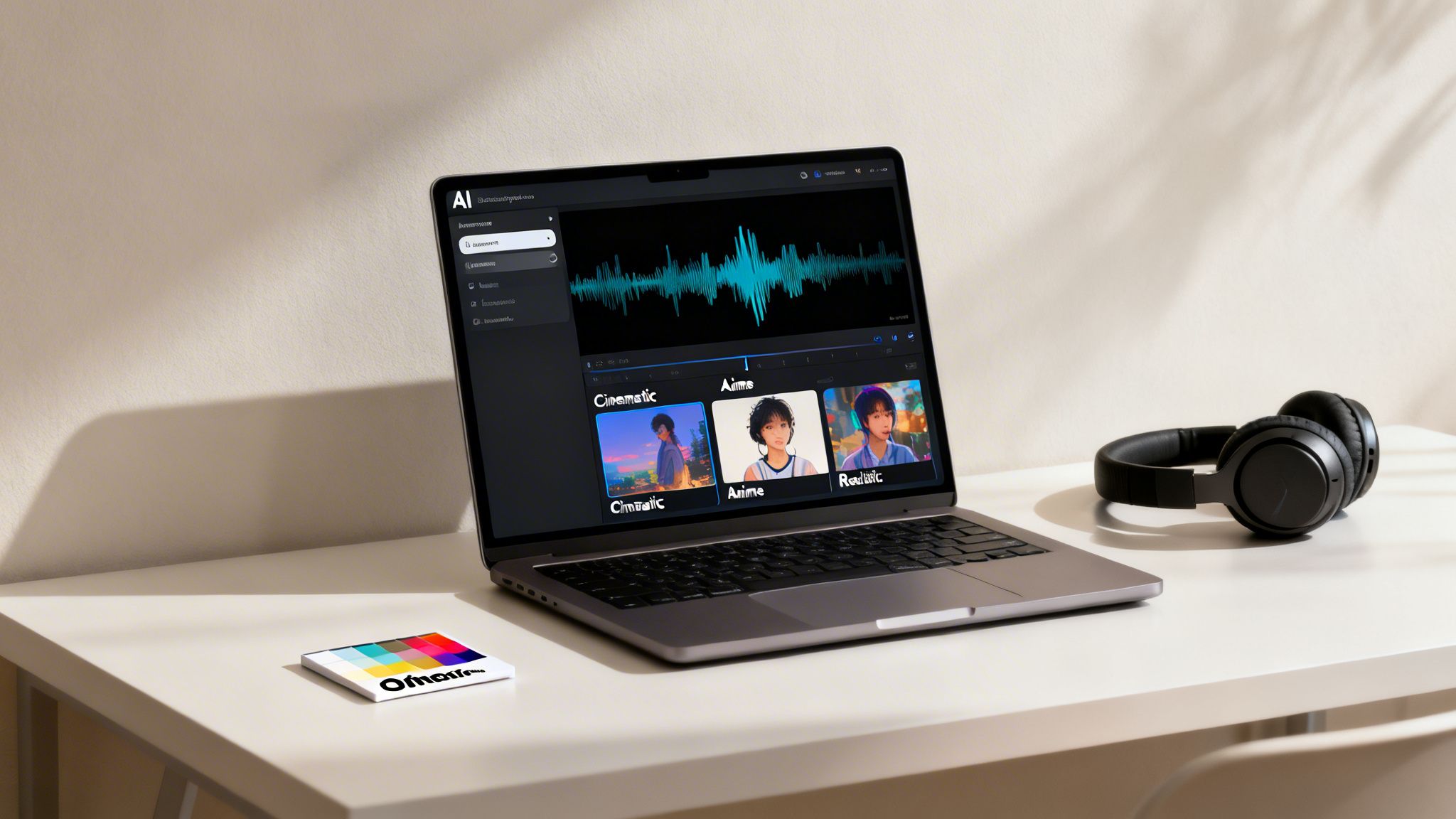
This is where you get to move beyond generic stock footage and really define a cohesive look that matches your content’s mood.
Different styles work best for different niches. Here’s a quick rundown of what I’ve seen perform well:
- Cinematic: Perfect for dramatic storytelling, historical content, or showing off a high-end product. It just feels premium.
- Realistic: This is the go-to for most educational content, tutorials, and "how-to" videos. It feels authentic and clear.
- Anime/Illustration: Fantastic for breaking down complex topics in a simple, engaging way. I see this all the time in tech explainers and it works incredibly well.
- Comic Book: A great pick for high-energy, action-packed content. It’s bold, grabs attention immediately, and is perfect for stories with a clear "hero" narrative.
Consistency is everything. Pick a style and stick with it. This creates a visual signature that helps your content get recognized instantly in a crowded feed.
Customizing Scenes and Adding Your Own Assets
Even though the AI does a fantastic job of generating scenes from your script, you're always in the driver's seat. The best workflows I’ve seen blend AI speed with a little human touch-up. Inside ClipShort, it’s super easy to jump into individual scenes and get them just right.
This usually involves a few quick edits:
- Regenerating a Scene: If an image doesn't quite hit the mark, just hit regenerate. You can even tweak the prompt slightly to guide the AI toward a better result.
- Uploading Your Own Assets: This is a non-negotiable for branding. Swap out an AI image for your company logo, a product screenshot, or a specific clip you want to feature.
- Adjusting Scene Duration: You can easily trim or extend a scene's timing to match the pacing of the voiceover. No more awkward pauses or rushed visuals.
This hybrid approach gives you the speed of AI generation with the precision of manual control. It's what separates generic, cookie-cutter AI videos from polished, professional content that actually builds an audience.
Using Captions and Music to Maximize Viewer Retention
A killer script and slick visuals will get you most of the way there. But in the ruthless, fast-scroll world of short-form video, it's the finishing touches that make the difference between a pretty good video and a viral one.
The right captions and music aren’t just nice-to-haves; they’re your secret weapons for grabbing—and holding—viewer attention from the very first frame.
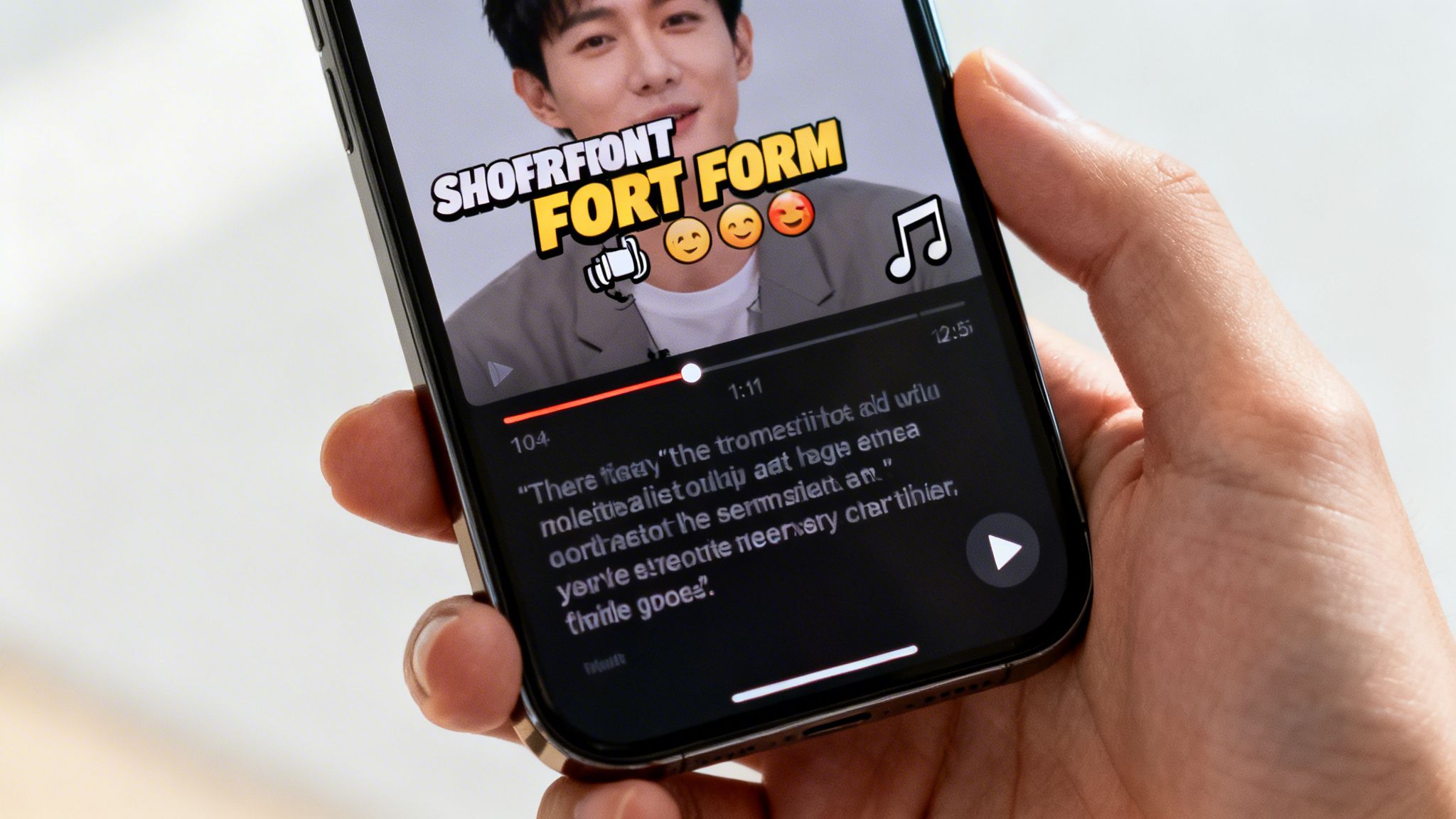
This is a non-negotiable, especially when you realize a massive chunk of your audience is watching with the sound off. If your captions aren't clear and compelling, your entire message vanishes into thin air. These final edits are what make your videos accessible, energetic, and completely scroll-proof.
The Power of Animated Captions
Let's be honest: static, boring subtitles are dead. To keep eyeballs glued to the screen, your text needs to move. Animated captions that pop, slide, or highlight words as you speak create a constant sense of motion that the human eye can't ignore.
This isn’t just for looks; it’s pure viewing psychology. Movement commands attention. When words appear on screen perfectly synced with the voiceover, it drives the point home and makes your content so much easier to digest. AI tools like ClipShort have awesome built-in templates designed for exactly this, letting you nail the effect with just one click.
Here's why dynamic captions are a game-changer for retention:
- Matches the Vibe: They mirror the fast, punchy energy of platforms like TikTok and Reels.
- Boosts Comprehension: Highlighting keywords as they’re spoken helps the brain process information faster.
- Total Accessibility: It makes sure your video hits just as hard on mute, massively widening your reach.
Customizing Subtitle Timing and Emojis
Once you've picked a slick animated style, it's time to fine-tune the delivery. The goal is to weave the text into the story itself, not just slap a transcript on top. When you generate videos with AI, you get granular control over these crucial details.
For instance, you can play with the timing to add emphasis or create a dramatic pause. This tiny adjustment can completely flip the impact of a sentence. Think about a hook like, "This one mistake... is costing you thousands." By adding that slight delay before the big reveal, you build suspense and make people lean in, dying to know the rest.
Don't sleep on emojis. Dropping a relevant emoji (like 🤯 or 🔥) next to a key phrase instantly injects emotion and makes your video feel more native and authentic to the platform.
A pro move is to use emojis to visually represent the core emotion of a sentence. This adds another layer of personality that helps your content connect on a much deeper level. Our guide on how to add captions to videos breaks down more of these specific techniques for getting the biggest impact.
Choosing the Right Background Music
Music is the final, essential piece of the puzzle. It sets the entire mood. The right track can make your video feel epic, funny, inspiring, or trustworthy. The wrong track? It's just noise, and it can completely torpedo your message.
Before you pick a track, think about the emotional journey you want to take your viewer on.
- For educational content: Go for something upbeat and ambient, like a lo-fi track. You want energy, not a distraction.
- For motivational stories: You need something cinematic and epic to build that emotional swell and inspire your audience.
- For demos or tutorials: A clean, modern corporate track can make your brand feel polished and professional.
And remember, volume is everything. The music should always be in the background. It’s there to support the voiceover, never to fight with it. A solid rule of thumb is to set the music just loud enough to add atmosphere, but quiet enough that the narration remains crystal clear.
When you use an AI video generator, you'll usually find a library of royalty-free music. Spend a few minutes auditioning tracks to find the one that truly clicks with the tone of your script. This final step is what pulls the script, visuals, and captions together into one cohesive, high-retention video that people will actually finish watching.
The following table breaks down exactly how these AI-driven elements work together to keep your viewers hooked.
AI Video Element Impact on Viewer Retention
| AI-Generated Element | Function | Impact on Retention |
|---|---|---|
| Animated Captions | Highlights words as spoken with dynamic effects (pop, slide, color). | Keeps eyes engaged, improves comprehension for sound-off viewers, and matches the fast pace of social platforms. |
| Strategic Emojis | Adds visual emotion and personality to on-screen text. | Increases relatability, makes content feel more native, and amplifies the emotional impact of key phrases. |
| Custom Timings | Controls the pace of captions to create emphasis or suspense. | Builds anticipation around key points, making the message more memorable and preventing viewers from scrolling away. |
| Mood-Matched Music | Provides an emotional or atmospheric audio backdrop. | Sets the tone (e.g., epic, informative, funny) and enhances the storytelling, making the video more immersive. |
Ultimately, combining these AI-powered features is what transforms a simple video into a piece of content that is almost impossible to scroll past.
Time to Export and Optimize Your Video for Each Platform
You did it. The AI video is generated, the captions are snappy, and the music hits just right. But don't hit publish just yet—we're at the final, crucial step. This is where we get your masterpiece ready for the world, making sure it looks incredible and actually performs on TikTok, Reels, and Shorts.
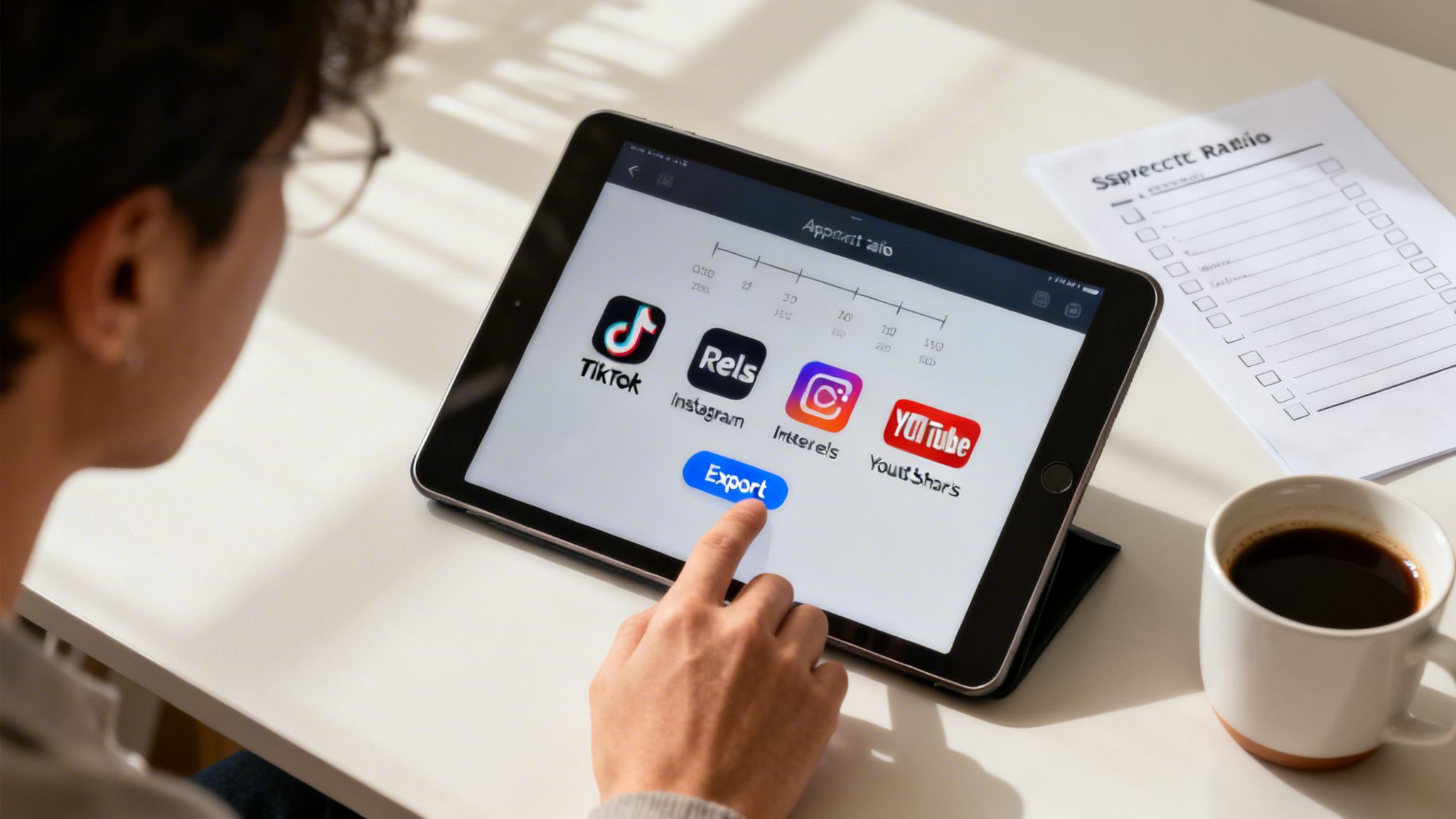
This part is all about precision. Exporting from a tool like ClipShort is dead simple, but the settings you choose and how you tweak your content for each platform can be the difference between a total flop and a viral hit.
Nail Your Export Settings
First things first, let's get the technical stuff right. A blurry or poorly formatted video is an instant scroll-past for today's viewers. We can't have that.
Inside ClipShort, the export options are already streamlined for short-form content. Just lock in these three settings for maximum quality:
- Aspect Ratio: 9:16. No exceptions. This vertical format is non-negotiable; it fills the entire screen on a phone, creating that immersive feel you need to hook someone.
- Resolution: Go with 1080p (Full HD). This gives you a super crisp and clear picture without making the file so massive that it takes forever to upload.
- Frame Rate: Stick to 30 frames per second (fps). It's the standard for almost all online video and gives your content a smooth, natural look on social feeds.
Getting these three settings right is the foundation. It ensures your video looks professional from the jump.
Tailor Your Content for TikTok, Reels, and Shorts
Okay, so TikTok, Reels, and Shorts all look the same, right? Wrong. Each platform has its own quirky algorithm and audience expectations. A lazy, one-size-fits-all approach to your captions and hashtags will absolutely kill your reach.
For instance, TikTok’s discovery algorithm is a beast, so a smart mix of broad and super-niche hashtags is your best friend. Over on Instagram, Reels tends to favor more polished, aesthetic content and trending audio.
The most successful creators I know don't just copy-paste. They make small, strategic tweaks to the description, title, and hashtags to play to the strengths of each individual platform.
And for YouTube Shorts? The title is everything. It’s what grabs attention in a ridiculously crowded feed. When you're optimizing for each platform, using an AI-powered YouTube video title generator can be a game-changer for crafting titles that pull in views.
Your Pre-Publish Checklist
To keep things consistent and avoid dumb mistakes (we've all made them), create a simple checklist you can run through before every post. This takes the guesswork out of the equation and gives your video the best shot at success.
Here’s a quick checklist you can steal:
- Final Export Check: Is the video 9:16 at 1080p? Double-check it.
- Killer Hook: Does the first line of your caption immediately grab attention?
- Hashtag Strategy: Do you have 3-5 relevant hashtags, mixing popular terms with niche ones?
- Clear Call-to-Action (CTA): Have you told people exactly what to do? (e.g., "Follow for more tips," "Comment your favorite part").
- Post at Peak Time: Are you posting when your audience is actually online? Dive into your analytics to find those golden hours.
Following a simple process like this for every video you generate with AI turns posting from a chaotic scramble into a repeatable system. It's how you build momentum, drive real engagement, and grow your audience way faster.
Common Questions About Making Videos with AI
Getting into AI video creation can feel a bit like stepping into a new world. You see the incredible potential, but a few key questions might be holding you back. Let's tackle the most common ones head-on so you can start creating with confidence.
One of the first things people ask is, "Will my videos look like they were made by AI?" The honest answer: it really depends on you. If you just toss a generic prompt at the tool and hit "generate," yeah, it might feel a little robotic.
But that’s not how the pros do it. When you put in the effort to write a detailed prompt, upload your own branded assets, and spend a few minutes tweaking the captions and music, you get something that feels completely authentic. The magic is in using AI as your super-powered assistant, not as a replacement for your creative spark.
Will Social Media Platforms Penalize AI-Generated Content?
This is a big one, and thankfully, the answer is pretty clear: No. Platforms like TikTok, Instagram, and YouTube don't punish content just because it was made with AI.
Their algorithms are built to reward one thing above all else: viewer engagement.
If your video grabs attention, gets likes, and starts a conversation, it's going to get pushed to more people—it doesn't matter how it was made. The goal is always to create high-quality, valuable content that your audience actually wants to watch. As long as your AI videos are engaging and stick to the platform's community guidelines, you’re in the clear.
How Much Editing Does an AI Video Really Need?
While an AI tool can get you a finished video in a couple of minutes, the most successful creators know the value of a little polish. Think of the AI's first draft as getting you 80% of the way there. It does all the heavy lifting—the script, the voiceover, the scenes.
Your job is to come in and add that last 20% of magic. This usually just means a few quick tweaks:
- Script Review: Swapping out a word or two for better flow.
- Asset Swaps: Replacing a generic AI image with a specific screenshot, product photo, or your logo.
- Caption Timing: Adjusting the animated text for emphasis and maybe tossing in a few on-brand emojis.
- Music Check: Making sure the background track fits the vibe and isn't drowning out the narration.
This final touch-up is what turns good content into great content, and in a tool like ClipShort, it usually only takes a few extra minutes.
Can I Use AI for Any Niche or Topic?
Absolutely. AI video tools are incredibly flexible and can handle just about any niche you can think of. They're fantastic at taking existing information and turning it into compelling visuals.
The real power of AI shines when you're creating content on established topics. Whether you're making mini-documentaries about history, tutorials for tech products, or motivational stories, AI gives you an incredible foundation to build on.
Now, if your content relies on deeply personal stories or brand-new research, you’ll obviously need to provide that unique input yourself. But even then, AI can help structure your story, create the visuals, and handle all the technical editing, saving you a ton of time. The trick is to feed the AI specific details and your unique insights to guide it, ensuring the final video is both accurate and genuinely yours.
Ready to stop wondering and start creating? With ClipShort, you can turn your ideas into viral-worthy videos in minutes. Sign up today and see how easy it is to generate high-retention videos with AI. Start creating with ClipShort.