
7 Top Faceless YouTube Channels and The Tools They Use to Win in 2025
YouTube's creator economy is no longer just about charismatic personalities on screen. A new wave of creators is building massive audiences and generating substantial income without ever showing their face. These top faceless YouTube channels leverage smart automation, compelling storytelling, and strategic content packaging to dominate niches from finance to horror stories. But how do they do it?
It’s not just about hiding your identity; it's a calculated business model built on efficiency, scalability, and algorithm-friendly content. This article breaks down the exact strategies and tools used by exemplary faceless creators and the platforms that power their growth. We will dissect their content formulas, monetization tactics, and the replicable workflows you can use to launch or scale your own channel.
You will learn precisely how these creators operate, including deep-dives into their editing techniques, content hooks, and the specific metrics they track for success. Understanding how to create video content without filming yourself is the cornerstone of the faceless creator blueprint, enabling these anonymous channels to thrive.
This guide provides an actionable blueprint, moving beyond simple descriptions to give you tactical insights and replicable methods. For each platform and channel example discussed, we provide direct links and screenshots to give you a clear, practical roadmap. We’ll show you that the most powerful voice on YouTube doesn't always come with a face, and we'll give you the tools to build your own.
1. ClipShort
For creators aiming to scale one of the top faceless YouTube channels with maximum efficiency and impact, ClipShort is an indispensable AI-powered platform. It's engineered to eliminate the most significant barriers in short-form video production: time, technical skills, and the need to be on camera. By automating the entire workflow from script to final rendered short, it empowers creators to produce high-volume, trend-aware content without a complex production setup.
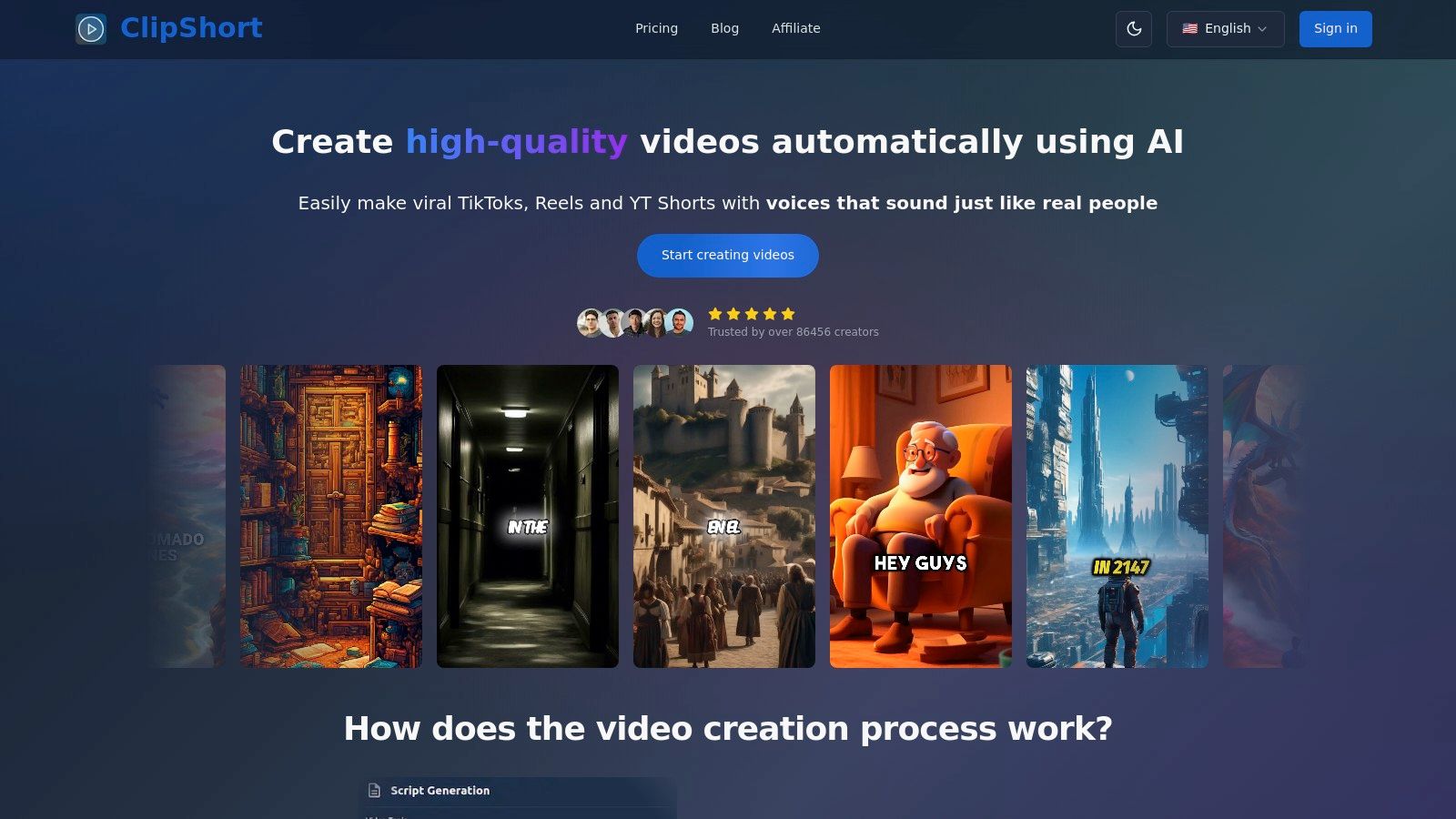
This tool is a standout choice because it consolidates scriptwriting, voiceover generation, visual creation, and animated captioning into a single, streamlined interface. Creators can generate a script from a simple prompt, select a lifelike AI voice from over 50 languages and multiple accents, and then let the AI generate a sequence of visuals in styles ranging from cinematic to anime. This end-to-end automation transforms video creation from a multi-day project into a task that takes mere minutes.
Key Strengths & Strategic Advantages
ClipShort’s design philosophy centers on retention, a critical metric for YouTube Shorts. Features are not just for aesthetics; they are strategically implemented to keep viewers watching.
- End-to-End Automation: The platform handles the entire production process from a single prompt. This massively reduces friction, allowing for rapid idea testing and consistent posting schedules, which are vital for algorithm favorability.
- Advanced Voice & Language Support: With 50+ languages and multiple accents, creators can precisely target global audiences. The voices are impressively natural, avoiding the robotic tone that can alienate viewers and diminish a channel's authority.
- Retention-Focused Editing Tools: Animated captions, customizable subtitle timing, and emoji overlays are built-in. These elements are proven to boost watch time and engagement, directly impacting a video's performance on the Shorts shelf.
- Creative Flexibility: While highly automated, ClipShort offers crucial control points. Users can select from various visual styles (cinematic, anime, realistic) or upload their own branded assets. This hybrid approach ensures brand consistency while leveraging AI for speed.
How to Leverage ClipShort for Your Channel
To maximize the platform's potential, focus on rapid experimentation. Use the AI script generator to create five different video ideas within your niche. Produce a short for each, test different voiceovers, and analyze which format resonates most with your audience based on watch time and engagement metrics. This data-driven approach, enabled by ClipShort's speed, is key to scaling a successful faceless channel.
Actionable Takeaway: Use the "Regenerate" image feature strategically. If an AI-generated scene doesn't perfectly match your script's intent, regenerate it or replace it with a stock video clip or your own branded graphic. This small step can significantly elevate the final video's quality and narrative cohesion.
Platform Breakdown
| Feature | Strategic Benefit for Creators |
|---|---|
| AI Script Generation | Overcomes writer's block and allows for rapid content ideation and A/B testing of video hooks. |
| Lifelike Voiceovers (50+ Languages) | Enables precise audience targeting and localization, building a stronger connection with regional viewers. |
| Animated Subtitle Templates | Boosts viewer retention and comprehension, making content more accessible and engaging for silent-viewing audiences. |
| Custom Asset Uploads | Maintains brand consistency by allowing the integration of logos, specific images, and custom video clips. |
Pricing and Access
ClipShort operates on a subscription-based model. Specific plan details and pricing tiers are available on its official website. Given the comprehensive feature set aimed at high-volume creators and agencies, the pricing structure is designed to offer value based on production needs.
Pros:
- Complete end-to-end automation saves significant production time.
- High-quality, multi-language voiceovers for global audience reach.
- Built-in features are specifically designed to maximize viewer retention.
- Flexible creative controls allow for brand-aligned content.
Cons:
- Pricing is subscription-based and requires visiting the website for details.
- Lacks the granular, frame-by-frame control of a traditional non-linear video editor.
For those serious about building a high-performing channel, ClipShort provides the tools and speed necessary to dominate the faceless content landscape. If you're looking for an in-depth guide on how to start, you can learn more about how to create a faceless YouTube channel on ClipShort's blog.
Website: https://www.clipshort.co
2. Udemy
While a thriving channel is the goal, building one requires a solid foundation of knowledge. Udemy serves as an essential educational launchpad, offering an extensive marketplace of on-demand courses specifically designed for creators looking to master the art of faceless YouTube content. Unlike learning through trial and error, Udemy provides structured, project-based learning paths that cover everything from initial channel setup to advanced automation and monetization strategies. This platform is ideal for those who prefer a guided curriculum to piece together their faceless channel strategy.
Why Udemy Is A Key Resource
Udemy stands out due to its sheer volume and specificity. A quick search for "faceless YouTube channels" or "YouTube automation" yields hundreds of courses tailored to this exact niche. This allows creators to choose an instructor and teaching style that perfectly matches their learning preferences and current skill level, from absolute beginner to seasoned video editor.
The platform’s model is built on accessibility. Courses are frequently available at a deep discount during site-wide sales, often priced between $10 and $20. Once purchased, you get lifetime access, allowing you to revisit key lessons on scripting, AI voice-over generation, or SEO as your channel evolves. Most courses also offer a 30-day refund policy, providing a safety net if a course doesn't meet your expectations.
Strategic Breakdown & Actionable Takeaways
What It Is: An online course marketplace offering structured video lessons on building and scaling top faceless YouTube channels.
How It Works: Instructors upload comprehensive courses broken down into video modules, downloadable resources, and practical assignments. Students purchase individual courses for lifetime access.
Actionable Tips for Creators:
- Filter by "Bestseller" and High Ratings: To navigate the vast catalog, start by filtering for courses with a high number of positive reviews (4.5 stars or higher) and a "Bestseller" tag. This helps you quickly identify proven, high-quality content.
- Preview the Curriculum: Before purchasing, always watch the free preview videos and carefully review the course syllabus. Ensure the content covers the specific skills you need to learn, whether it’s finding profitable niches, writing engaging scripts, or mastering video editing software.
- Focus on Project-Based Courses: Look for courses that include hands-on projects, such as creating your first video or setting up an automated workflow. Applying the concepts immediately is the fastest way to build practical skills.
Website: https://www.udemy.com
3. Fiverr
Scaling a faceless YouTube channel often moves from doing everything yourself to strategically outsourcing tasks. Fiverr is the leading freelance marketplace where creators can assemble a complete, on-demand production team. Instead of learning every skill from scratch, you can hire specialists for scripting, voice-overs, video editing, and thumbnail design, effectively building a content pipeline. This platform is perfect for creators who want to accelerate their output and focus on strategy rather than the granular details of production.
Why Fiverr Is A Key Resource
Fiverr’s strength lies in its vast, accessible talent pool organized into "gigs." You can find freelancers at nearly every price point, from affordable entry-level editors to seasoned "Pro" sellers with verified portfolios. This makes it possible to start outsourcing with a small budget and scale up as your channel grows and generates revenue. The platform's structure, with clear deliverables, deadlines, and a built-in messaging system, simplifies the often-complex process of managing multiple freelancers.
The transparency of seller ratings, reviews, and portfolios is crucial for vetting talent. You can see past work and read client feedback before committing to an order, minimizing the risk of a poor-quality outcome. For those looking to build one of the top faceless YouTube channels, this ability to quickly find and hire reliable specialists is a significant competitive advantage. Many sellers even offer complete "YouTube automation" packages, handling everything from topic research to final video upload.
Strategic Breakdown & Actionable Takeaways
What It Is: A freelance marketplace for hiring specialists to handle specific tasks in your faceless channel’s production workflow.
How It Works: Creators browse and purchase fixed-price services ("gigs") from freelancers. Communication, payment, and file delivery all happen directly on the platform.
Actionable Tips for Creators:
- Start by Outsourcing Your Biggest Bottleneck: Identify the single task that takes you the most time or that you enjoy the least, whether it's scriptwriting, editing, or thumbnail design. Hire a freelancer for just that one task to test the outsourcing process.
- Vet Sellers by Reviewing Their Portfolio: Don't just rely on star ratings. Carefully examine a seller's portfolio to ensure their style aligns with your channel's vision. For video editors, check for smooth transitions and good pacing. For thumbnail designers, look for high-contrast, clickable designs.
- Create a Detailed Brief: To get the best results, provide your freelancer with a clear and comprehensive brief. Include links to example videos, specify your desired tone, and outline the exact structure you want. The more detail you provide, the less room there is for error. Learn more about finding a profitable niche before you start hiring.
Website: https://www.fiverr.com
4. TubeBuddy
While great content is crucial, it’s useless if no one can find it. TubeBuddy is a YouTube-certified browser extension and toolkit designed to solve this exact problem. For top faceless YouTube channels that rely heavily on discoverability and search traffic, this tool is an indispensable ally for research, SEO, and optimization. It integrates directly into your YouTube dashboard, providing data-driven insights that help you choose the right topics, craft clickable titles, and understand what your competitors are doing to succeed.

Why TubeBuddy Is A Key Resource
TubeBuddy excels by saving creators their most valuable asset: time. Instead of manually tracking video rankings or guessing which keywords to target, its suite of tools provides instant analysis. Features like the Keyword Explorer show you search volume, competition, and related terms, taking the guesswork out of your content strategy. This is especially vital for faceless channels that often compete in high-volume, trend-driven niches like compilations, tutorials, or news summaries.
The platform's A/B testing tool, Click Magnet, is a game-changer for optimizing thumbnails and titles, which are the two most important factors for click-through rate. Furthermore, its bulk processing tools allow you to update cards, end screens, and descriptions across hundreds of videos at once, a massive efficiency gain for channels that scale through high-volume uploads. This focus on scalable optimization makes it a core part of the faceless creator's tech stack. Understanding these elements is a key part of learning how to make a viral YouTube video.
Strategic Breakdown & Actionable Takeaways
What It Is: A browser extension and channel management toolkit offering keyword research, competitor analysis, and productivity tools specifically for YouTube.
How It Works: After installation, TubeBuddy overlays its features directly onto the YouTube interface, providing real-time data and tools as you browse, upload, and manage your content.
Actionable Tips for Creators:
- Master the Keyword Explorer: Before creating any video, use the Keyword Explorer to validate your topic idea. Aim for keywords with a "Good" or "Excellent" score, which indicates a healthy balance of search volume and low competition.
- A/B Test Your Thumbnails: Don't just upload a thumbnail and hope for the best. Use the A/B testing feature on your most important videos to test different designs, colors, or text. A small increase in click-through rate can lead to significant long-term views.
- Spy on Competitors: When researching a topic, use TubeBuddy to see the exact tags your top-ranking competitors are using. This provides a proven list of relevant tags you can adapt for your own video to improve its discoverability.
Website: https://www.tubebuddy.com
5. Pictory
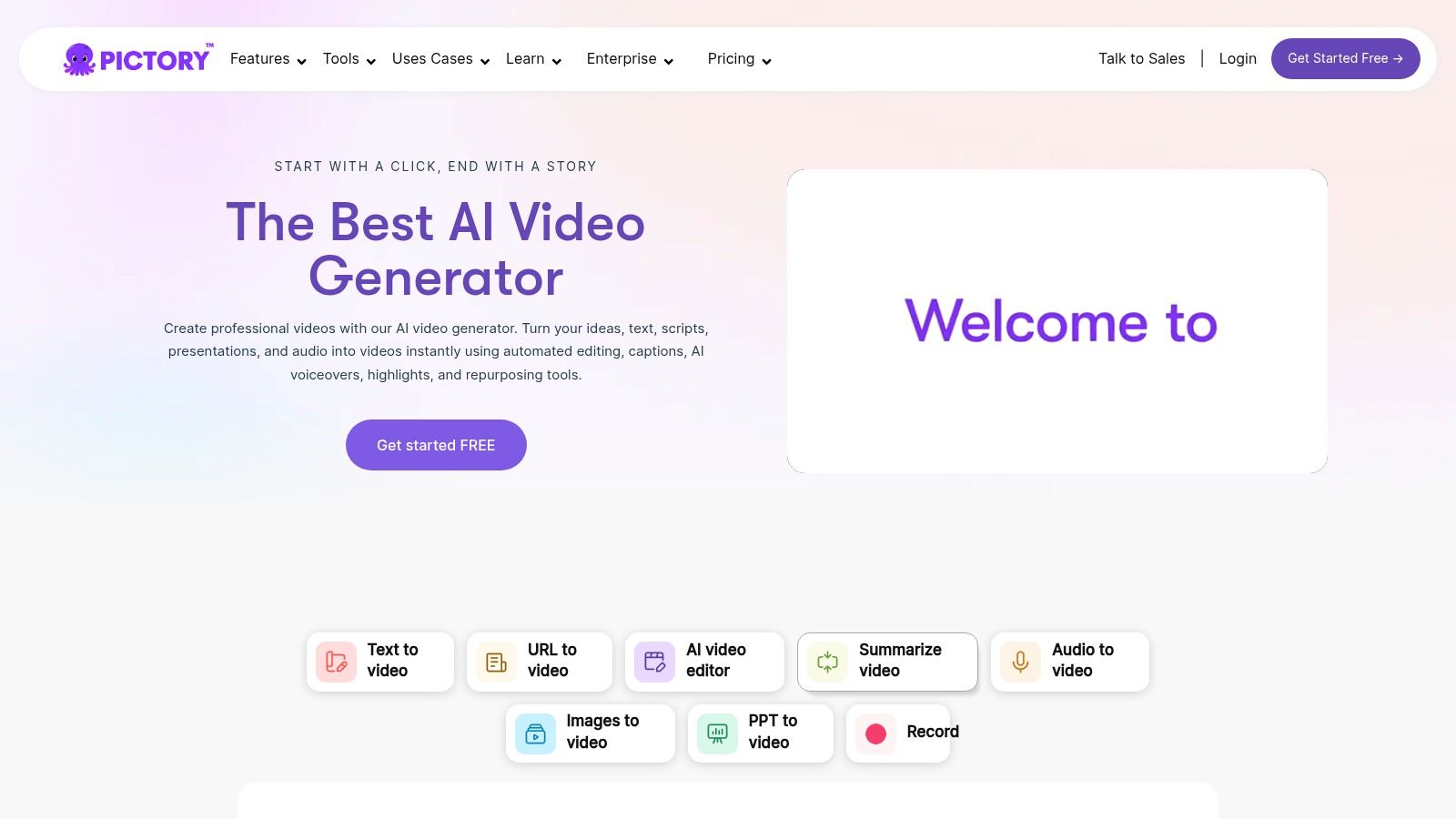
For creators aiming to produce faceless content at scale, Pictory is a powerful AI-driven video generator that dramatically streamlines the production process. Instead of manually sourcing clips and syncing voiceovers, Pictory uses artificial intelligence to transform text scripts, blog posts, or even existing audio recordings into fully edited videos. The platform automatically selects relevant stock footage, adds captions, and generates a synthetic voiceover, turning a process that once took hours into one that takes minutes. This makes it an indispensable tool for creators in niches like educational explainers, listicles, and news summaries, where speed and consistency are crucial.
Why Pictory Is A Key Resource
Pictory’s core advantage lies in its efficiency. It automates the most time-consuming parts of creating B-roll heavy videos, a format common among top faceless YouTube channels. Its text-to-video engine analyzes your script sentence by sentence and intelligently pulls corresponding video clips from its integrated Storyblocks and Getty Images libraries. This rapid assembly allows a single creator to produce multiple high-quality videos per day, a key strategy for dominating keyword-driven niches and capitalizing on trending topics before they fade.
The platform is designed for accessibility, offering a user-friendly, text-based editor that feels more like editing a document than a video timeline. This lowers the technical barrier for new creators who may be intimidated by complex software like Adobe Premiere Pro. Furthermore, its built-in AI voices provide a clean, consistent narration without the need for expensive microphone equipment or recording sessions. The inclusion of team workspaces and brand kits also makes it a scalable solution for creators looking to hire help or maintain a uniform look across their content.
Strategic Breakdown & Actionable Takeaways
What It Is: An AI-powered video creation platform that converts text into professional videos with stock footage, captions, and voiceovers.
How It Works: Users input a script, URL, or audio file. Pictory’s AI then generates a video storyboard by matching text to visuals from its stock library. Creators can then edit the video using a simple text-based interface.
Actionable Tips for Creators:
- Leverage the "Article-to-Video" Feature: Find a high-performing blog post in your niche (or use your own) and paste the URL into Pictory. The AI will summarize it and create a video, giving you a proven content idea with a pre-made script.
- Refine Visual Selections: While the AI is good, it isn’t perfect. Always review the automatically selected clips. Use the search bar to find more specific or emotionally resonant B-roll that better matches the tone of your narration.
- Customize the AI Voice: Experiment with different AI voices, pitches, and speeds to find one that best fits your channel’s brand. A slightly faster pace can often make informational content feel more dynamic and engaging for viewers.
Website: https://pictory.ai
6. Envato Elements
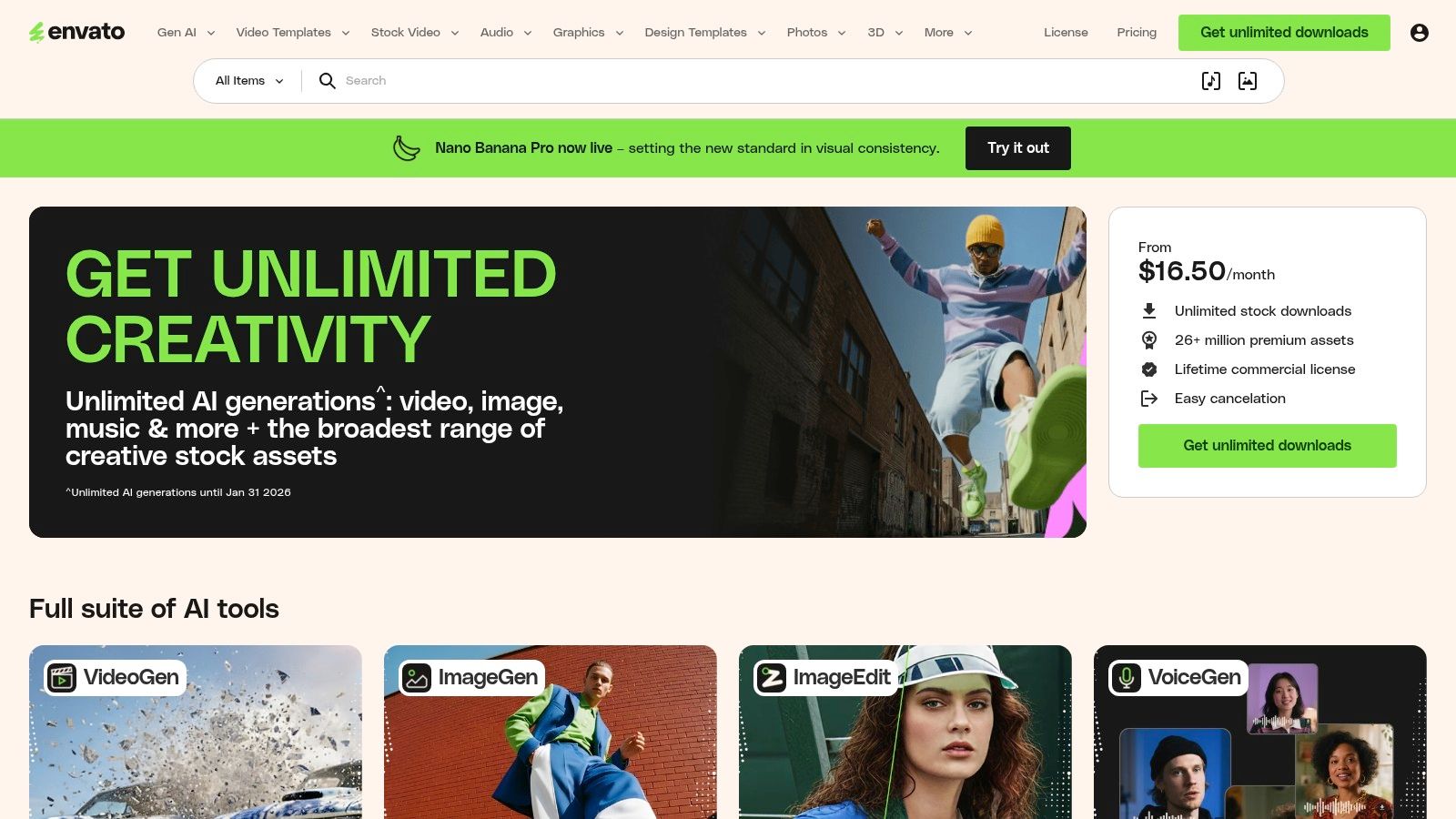
Creating high-quality content for the top faceless YouTube channels often relies on a steady stream of diverse assets, from stock footage and music to video templates. Envato Elements solves this by offering an "all-you-can-download" subscription service. It's a massive digital library where creators can find millions of assets, making it an indispensable resource for channels that heavily depend on B-roll, motion graphics, and professional audio to tell their stories without showing a face. This platform is perfect for creators who need to produce content quickly and consistently without sacrificing production value.
Why Envato Elements Is A Key Resource
Envato Elements provides unparalleled value by consolidating nearly every creative need into a single, affordable subscription. Instead of paying for separate services for stock video, background music, sound effects, and video templates, creators get unlimited access to a library of over 26 million assets. This model dramatically lowers the barrier to entry for producing professional-looking videos, especially for channels in niches like documentaries, listicles, or tutorials that require constant new visuals.
The platform’s simple commercial license is another major advantage. For every project you create, you register the assets used, which grants you a broad commercial license for that specific use. This straightforward system removes the legal complexities often associated with using stock media, giving faceless creators peace of mind as they monetize their content on YouTube. The sheer volume and variety ensure you can almost always find the exact clip or sound effect to match your script.
Strategic Breakdown & Actionable Takeaways
What It Is: An unlimited download subscription service providing millions of creative assets, including stock video, music, video templates, and graphics for faceless content.
How It Works: Users pay a monthly or annual fee for unlimited access to the entire library. When an asset is downloaded for a project, it is registered to receive a simple commercial license for that specific use case.
Actionable Tips for Creators:
- Create Asset Collections: Use the "Collections" feature to organize assets for specific video projects or channel themes ahead of time. For example, create a collection of futuristic B-roll for a tech channel or serene nature clips for a meditation channel to streamline your workflow.
- Leverage Video Templates: Don't just focus on stock footage. Explore the vast library of After Effects and Premiere Pro templates for intros, outros, titles, and data visualizations. This is one of the fastest ways to elevate your production quality with minimal effort.
- Filter Smartly for Audio: When searching for music, use filters like "Mood," "Genre," and "BPM" (beats per minute) to quickly find audio that matches the pacing and tone of your video. For sound effects, get specific with your search terms (e.g., "keyboard typing fast" instead of just "typing").
Website: https://elements.envato.com
7. Epidemic Sound
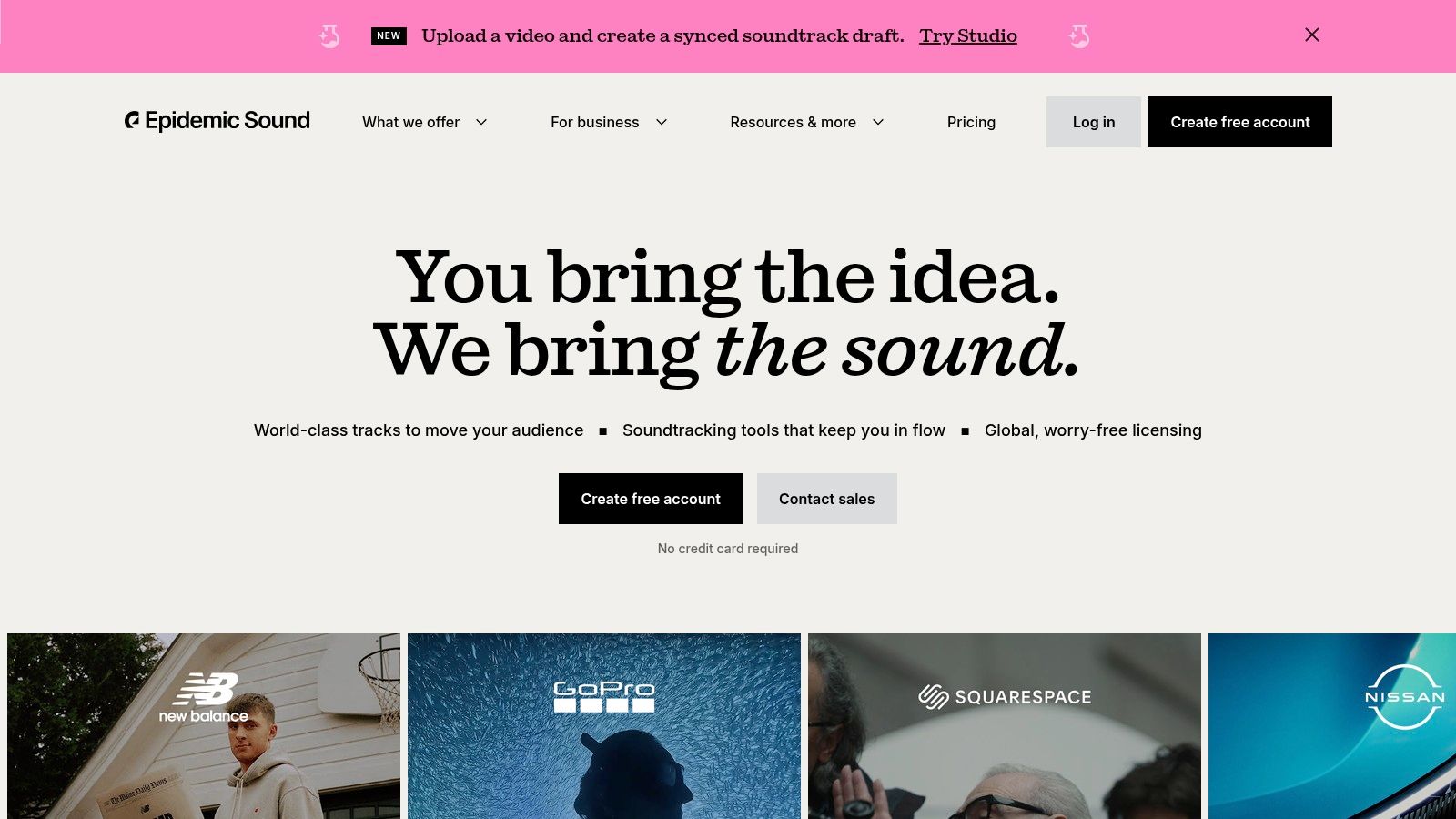
High-quality audio can make or break a faceless video, yet finding music and sound effects that won’t trigger a copyright strike is a major challenge. Epidemic Sound solves this problem by offering a massive, professionally curated library of royalty-free music and sound effects. This platform is a non-negotiable tool for creators who want to enhance their videos with premium audio while staying clear of monetization issues and legal headaches, ensuring their content is safe for YouTube and other platforms.
Why Epidemic Sound Is A Key Resource
Epidemic Sound is built specifically for content creators. Unlike generic stock music sites, its licensing model is simple and designed for social media. When you subscribe, you connect your YouTube, TikTok, or other social channels, and any video published during your subscription is cleared forever, even if you cancel later. This "clear forever" guarantee is a huge relief for anyone building a long-term content library.
The platform's library contains over 50,000 music tracks and 200,000 sound effects, with powerful search filters that let you find the perfect audio by mood, genre, tempo, or instrument. For faceless channels that rely heavily on narration, Epidemic Sound offers "Stems," which are individual layers of a song (like drums or melody). This allows you to remove vocals or specific instruments to create a perfect, non-distracting background for your voice-overs.
Strategic Breakdown & Actionable Takeaways
What It Is: A subscription-based platform providing royalty-free music and sound effects with a simple, YouTube-safe licensing model for top faceless YouTube channels.
How It Works: Creators subscribe to a plan (like Personal or Commercial), link their social media channels, and gain unlimited access to download and use the entire audio library in their content.
Actionable Tips for Creators:
- Utilize the "Find Similar" Feature: When you find a track you like, use the "Find Similar" button to discover other songs with a comparable mood and style. This is a fast way to build a consistent sonic brand for your channel.
- Leverage Stems for Custom Mixes: Don't just use the full track. Download the Stems to remove distracting elements like vocals or lead instruments. This ensures your background music complements your narration instead of competing with it.
- Create Themed Playlists: Organize tracks and sound effects into playlists for different video types (e.g., "Uplifting Tutorials," "Tense Documentary," "Quick Explainer SFX"). This saves significant time during the editing process.
Website: https://www.epidemicsound.com
Top 7 Tools for Faceless YouTube Channels — Comparison
| Tool | Implementation Complexity 🔄 | Resource Requirements ⚡ | Expected Outcomes ⭐📊 | Ideal Use Cases 💡 | Key Advantages ⭐ |
|---|---|---|---|---|---|
| ClipShort | 🔄 Low — end-to-end automation, minimal setup | ⚡ Low–Moderate — subscription; no filming required | ⭐⭐⭐⭐ — higher engagement and faster subscriber growth (user reports) | 💡 High-volume faceless shorts, trend testing, influencers & social managers | ⭐ Fast scale, 50+ languages, retention-first caption/overlay tools |
| Udemy | 🔄 Moderate — time investment to complete courses | ⚡ Low — affordable (frequent sales); time for learning | ⭐⭐ — skill/strategy gains depend on course quality & application | 💡 Structured learning for channel strategy, scripting, monetization | ⭐ Wide course catalog, lifetime access, project-based lessons |
| Fiverr | 🔄 Low to Moderate — quick hiring but requires vendor management | ⚡ Variable — pay-per-gig; budget scales with scope | ⭐⭐⭐ — professional results possible if sellers are well-vetted | 💡 Outsourcing editing, scripts, thumbnails, voiceovers, channel setup | ⭐ Rapid access to specialists; visible reviews/portfolios |
| TubeBuddy | 🔄 Moderate — install + learn SEO/A/B testing tools | ⚡ Low–Moderate — free tier; paid tiers unlock full features | ⭐⭐⭐⭐ — improved discoverability, faster iteration and scaling | 💡 Keyword research, title/thumbnail A/B tests, bulk workflows | ⭐ YouTube-certified tools, Click Magnet A/B testing, bulk edits |
| Pictory | 🔄 Low — script/URL-to-video with text-based editing | ⚡ Moderate — subscription; stock assets and voiceovers included | ⭐⭐⭐ — rapid voiceover/B-roll videos; limited to 1080p on listed plans | 💡 Converting scripts/blogs/recordings into faceless videos for teams | ⭐ Auto-captions, stock libraries, team workspaces |
| Envato Elements | 🔄 Low — download assets; integrate into editor | ⚡ Moderate — unlimited-download subscription; editing software needed | ⭐⭐⭐ — speeds production with high-volume B-roll and templates | 💡 B-roll sourcing, thumbnails, motion-graphics templates, rapid templating | ⭐ Massive asset library with commercial licensing, templates |
| Epidemic Sound | 🔄 Low — subscribe and apply platform-safe tracks | ⚡ Moderate — subscription; 30-day trial; multichannel plans available | ⭐⭐⭐⭐ — reduces copyright risk and monetization issues | 💡 Background music/SFX for YouTube channels and client projects | ⭐ Large catalog, creator-friendly licensing, "clear forever" coverage (while subscribed) |
Your Next Move: Building a Faceless Empire with the Right Tools
The journey through the world of the top faceless YouTube channels reveals a powerful, undeniable truth: success on YouTube is no longer tethered to showing your face. The channels we've explored, from intricate animated histories to data-driven news reports, prove that a compelling brand can be built entirely on the strength of its content, the clarity of its value, and the efficiency of its production system. The common thread is not a charismatic personality on screen, but a repeatable, scalable workflow behind it.
This new creator paradigm is built on a strategic foundation. It’s about identifying a niche hungry for information, crafting narratives that hook viewers within seconds, and leveraging a powerful toolkit to produce and distribute content at a pace that keeps audiences engaged. The barrier to entry has never been lower, thanks to the very tools we've analyzed.
Your Blueprint for a Faceless Channel
The strategies used by these top channels are not secrets; they are blueprints waiting to be adapted. The core takeaway is the power of a "content engine," a system that transforms ideas into high-quality videos with minimal friction. This engine is comprised of specialized tools working in harmony.
- Content Generation: Tools like Pictory and ClipShort have revolutionized the initial production phase, turning simple text or long-form videos into engaging short-form content. This automates the most time-consuming part of the process.
- Asset Sourcing: A professional aesthetic is non-negotiable. Envato Elements provides an almost endless library of video clips, templates, and graphics, while Epidemic Sound ensures your audio is broadcast-quality and royalty-free.
- Skill & Talent Acquisition: When you need a human touch for custom animations, voiceovers, or intricate editing, platforms like Fiverr offer direct access to specialized freelancers. For upskilling your own abilities, Udemy provides structured learning paths.
- Optimization & Growth: Creating great content is only half the battle. TubeBuddy is the essential analytical co-pilot, helping you dissect what works, optimize your titles and descriptions for search, and understand your competition.
Building Your Custom Toolkit
The key is not to use every tool, but to assemble the right combination for your specific goals and niche. Ask yourself critical questions to define your workflow. Are you aiming for full automation, where AI handles 90% of the work? Or do you prefer a hybrid model, using AI for initial drafts and a freelancer for the final polish?
Your path to building a faceless empire begins with a single, deliberate choice: defining a workflow that aligns with your vision and resources. Production is just one piece of the puzzle. To truly build a faceless empire, understanding diverse income streams is essential. Explore various Monetization strategies for creators to maximize your earnings from AdSense, affiliate marketing, digital products, and more. The most successful faceless channels diversify their revenue early and often.
The success of the channels highlighted in this article is a testament to what's possible. They prove that with the right strategy and a powerful set of tools, anyone can build a significant audience and a profitable online business without ever stepping in front of a camera. The blueprint is here. Your next move is to start building.
Ready to build your own faceless content engine? ClipShort is the all-in-one tool designed to automate the creation of viral short-form videos, letting you scale your output just like the top faceless YouTube channels. Stop spending hours on manual editing and start producing content at scale by trying ClipShort today.