
The 12 Best Social Media Content Creation Tools for 2025
The demand for high-quality, consistent social media content has never been higher, but keeping up with platform algorithms and audience expectations can feel like a full-time job. Whether you're a solo creator aiming for viral faceless videos, a marketing agency managing multiple clients, or a growing e-commerce brand, the right toolkit can mean the difference between burnout and breakthrough. The days of relying solely on complex desktop software and time-consuming manual edits are over. Today’s most effective workflows are powered by smart, often AI-driven, platforms that automate the most tedious parts of content creation.
This guide cuts through the noise to bring you a curated list of the best social media content creation tools available today. We dive deep into each platform, covering not just what they do, but who they're for and how to get the most out of them. We’ll explore everything from all-in-one AI video generators like ClipShort to powerful design suites like Canva and essential scheduling platforms like Hootsuite. Each entry includes practical use-case scenarios, pros and cons, and direct links to help you make an informed choice. To begin exploring the landscape of essential platforms, consider reviewing a detailed guide on the Top Social Media Content Creation Tools for 2025. Get ready to discover the tools that will help you create better content, faster, and reclaim your time.
1. ClipShort
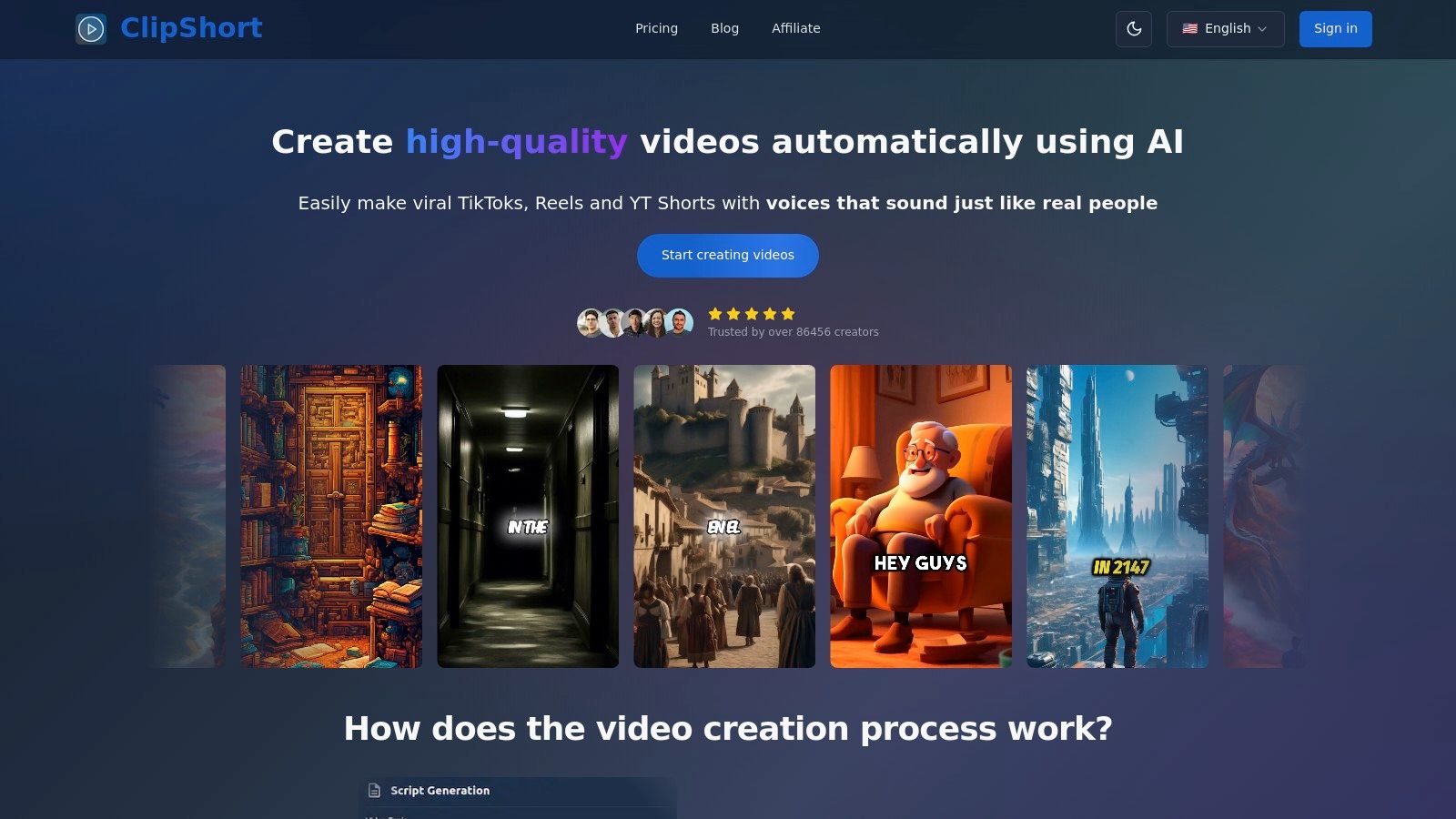
ClipShort establishes itself as a powerhouse among social media content creation tools, delivering a complete, AI-driven workflow for producing faceless short-form videos. Its core strength lies in its remarkable efficiency, transforming a simple text prompt or script into a platform-ready TikTok, Reel, or Short in minutes. This end-to-end automation removes the traditional bottlenecks of filming, editing, and on-camera work entirely.
The platform guides users through a streamlined process: generate or input a script, select a hyper-realistic AI voiceover from over 50 languages and accents, and then choose a distinct visual style. The AI generates corresponding scenes in anime, cinematic, realistic, or comic book aesthetics, which can be individually regenerated or replaced with custom uploads for precise creative control.
Key Features & Use Cases
What sets ClipShort apart is its integrated suite of retention-focused tools. Users can apply dynamic, animated caption templates, adjust subtitle timing, and add emoji overlays and background music directly within the platform. These features are specifically engineered to maximize viewer engagement and stop the scroll, eliminating the need for third-party editing software.
- For Agencies & Brands: Rapidly produce high volumes of localized video ads by leveraging the multilingual voiceover library. A/B test different scripts, visuals, and calls-to-action without the overhead of traditional video production.
- For Faceless Content Creators: Build entire channels on YouTube, TikTok, or Instagram without ever appearing on camera. Automate content production to maintain a consistent, high-frequency posting schedule and accelerate subscriber growth.
- For Small Businesses: Effortlessly create promotional content showcasing products or services. Generate testimonial videos, explainers, or trend-based marketing shorts to drive traffic and sales with minimal time investment.
Analysis & Verdict
| Feature | Assessment |
|---|---|
| Speed & Efficiency | Excellent. The script-to-video process is exceptionally fast, making it ideal for scaling content production and reacting to trends. |
| Customization | Good. Offers strong control over voice, visual style, and scene-level imagery, though it may not replace bespoke cinematography. |
| Engagement Tools | Excellent. Built-in animated captions, emojis, and music are perfectly optimized for short-form video platforms. |
| Ease of Use | Excellent. The intuitive interface requires no prior video editing experience, making it accessible to beginners and professionals alike. |
Pros:
- Fast, end-to-end video creation eliminates filming and complex editing.
- Lifelike AI voiceovers in 50+ languages enable global content scaling.
- Multiple visual styles and upload options provide strong creative flexibility.
- Integrated retention features (animated captions, music) are optimized for performance.
Cons:
- AI-generated visuals may not suit brands built on personal, on-camera authenticity.
- Pricing information is not immediately available and requires visiting the website.
Website: https://www.clipshort.co
2. Canva
Canva is a versatile, browser-based design suite that has become an essential tool for creators and brands. It excels at unifying the entire content creation workflow, from designing a YouTube thumbnail or an Instagram Story to editing a quick video Reel and scheduling it directly to your social media platforms. Its drag-and-drop interface makes it incredibly approachable, removing the steep learning curve associated with more complex design software.
For social media managers and solo creators, Canva is one of the most efficient social media content creation tools for turning an idea into a finished post in minutes. The platform's real power lies in its massive library of templates and its one-click "Magic Switch" feature, which instantly resizes a single design for multiple platform formats like TikTok, YouTube Shorts, and Instagram posts.
Core Features & Use Cases
- Best For: All-in-one graphic design, simple video editing, and content scheduling for solo creators, small businesses, and marketing teams.
- Key Features: Vast template library, Brand Kit for maintaining visual consistency, Content Planner for direct social media scheduling, and AI-powered tools like Background Remover and Magic Write.
- Practical Tip: Use the Brand Kit feature on a paid plan to preload your logos, color palettes, and fonts. This ensures every piece of content, from a simple quote graphic to a multi-page carousel post, remains perfectly on-brand with just a few clicks.
| Plan | Price (Per Person/Month, Billed Annually) | Key Features & Limitations |
|---|---|---|
| Free | $0 | Over 250,000 templates, limited stock assets, 5GB cloud storage. |
| Pro | $12.99 | 100M+ premium stock assets, Brand Kit, Magic Switch, Background Remover, 1TB storage. |
| Teams | $25.00 | All Pro features plus real-time collaboration, brand controls, and workflow management. |
Pros:
- Extremely easy to use for non-designers.
- The free version is highly capable for basic needs.
- Consolidates design, editing, and scheduling into one platform.
Cons:
- AI tool usage is limited by a credit system on paid plans.
- Video editing features are basic compared to dedicated video editors.
- Heavy asset usage can hit storage limits on lower-tier plans.
Website: https://www.canva.com/
3. Adobe Express
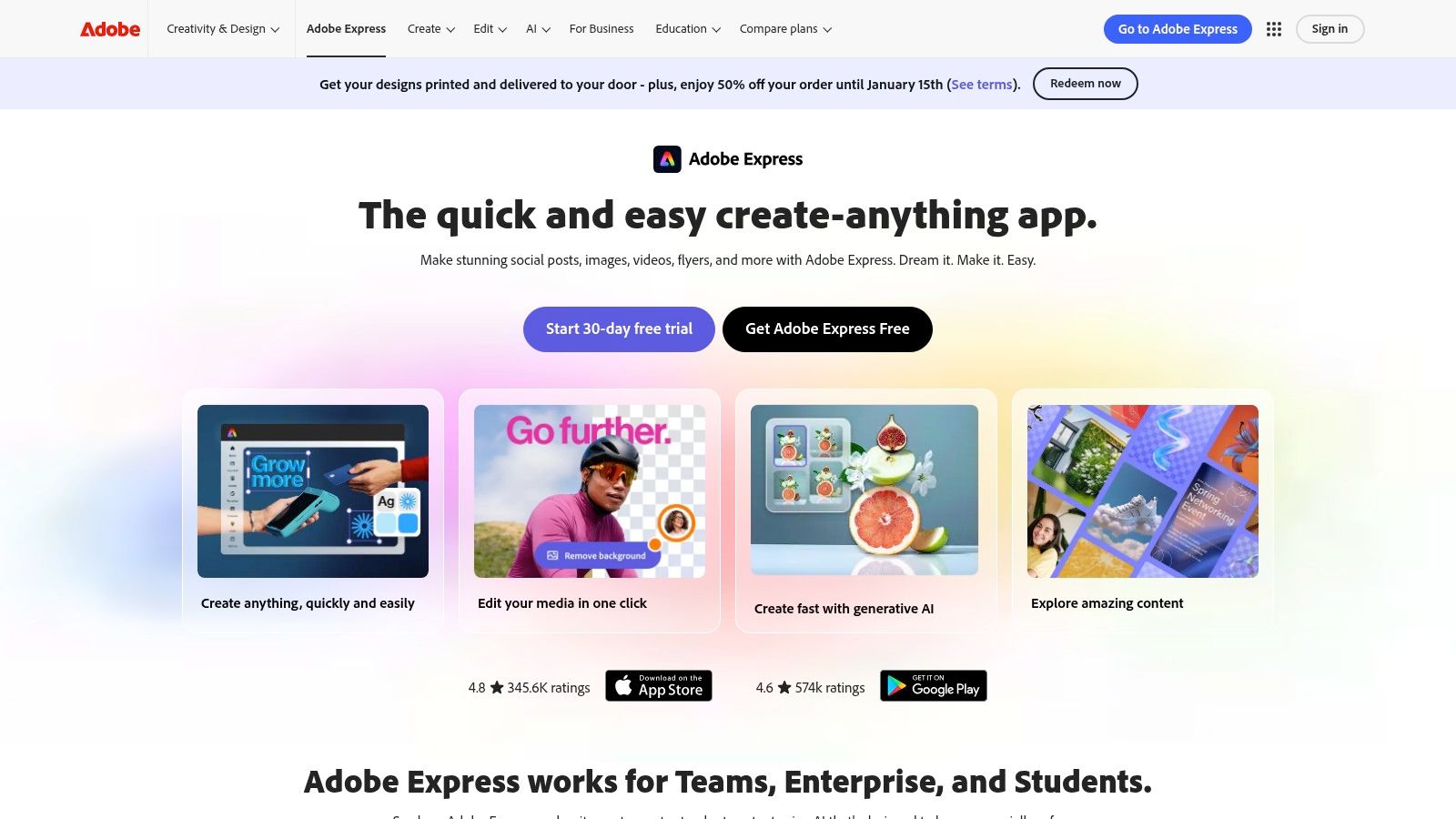
Adobe Express is the creative giant’s answer to streamlined, all-in-one content creation. Positioned as a more accessible alternative to its professional-grade software like Photoshop and Premiere Pro, Express offers a clean, web-based interface for designing social media graphics, web pages, and short videos quickly and efficiently. It’s an ideal entry point into the powerful Adobe ecosystem, providing access to high-quality Adobe Stock assets and fonts.
For creators already familiar with Adobe products or those wanting a polished, reliable design experience, Adobe Express serves as one of the most powerful social media content creation tools available. Its key differentiators are its seamless integration with other Adobe Creative Cloud apps and its robust generative AI features, powered by Adobe Firefly, which allow for unique text-to-image and text effects creation directly within the editor.
Core Features & Use Cases
- Best For: Individuals and teams who want a user-friendly design tool backed by Adobe's powerful asset library and AI technology, especially those who may eventually scale to using other Creative Cloud apps.
- Key Features: Access to Adobe Stock photo, video, and music libraries, Content Scheduler for planning and publishing, generative AI tools (Text to Image, Text to Template), and seamless integration with Photoshop and Illustrator libraries.
- Practical Tip: Leverage the linked assets feature. If you create a logo in Adobe Illustrator and place it in your Express Brand Kit, any updates made to the original Illustrator file will automatically sync across all your Express projects, ensuring brand consistency without manual updates.
| Plan | Price (Per Person/Month, Billed Annually) | Key Features & Limitations |
|---|---|---|
| Free | $0 | Thousands of templates, limited Adobe Stock assets, 25 monthly generative AI credits, 5GB storage. |
| Premium | $9.99 | 250M+ premium Adobe Stock assets, 100+ premium templates, 250 generative credits, 100GB storage. |
| Teams | $8.99 | All Premium features plus team asset sharing, collaboration tools, and 1TB storage per user. |
Pros:
- Intuitive interface makes creating high-quality content fast.
- Seamless integration with the professional Adobe Creative Cloud ecosystem.
- Generous access to premium Adobe Stock assets and fonts on paid plans.
Cons:
- Generative AI capabilities are tied to a monthly credit system.
- The free plan's asset library is more limited than some competitors.
- Can feel less feature-rich for advanced video editing compared to dedicated software.
Website: https://www.adobe.com/express/
4. CapCut
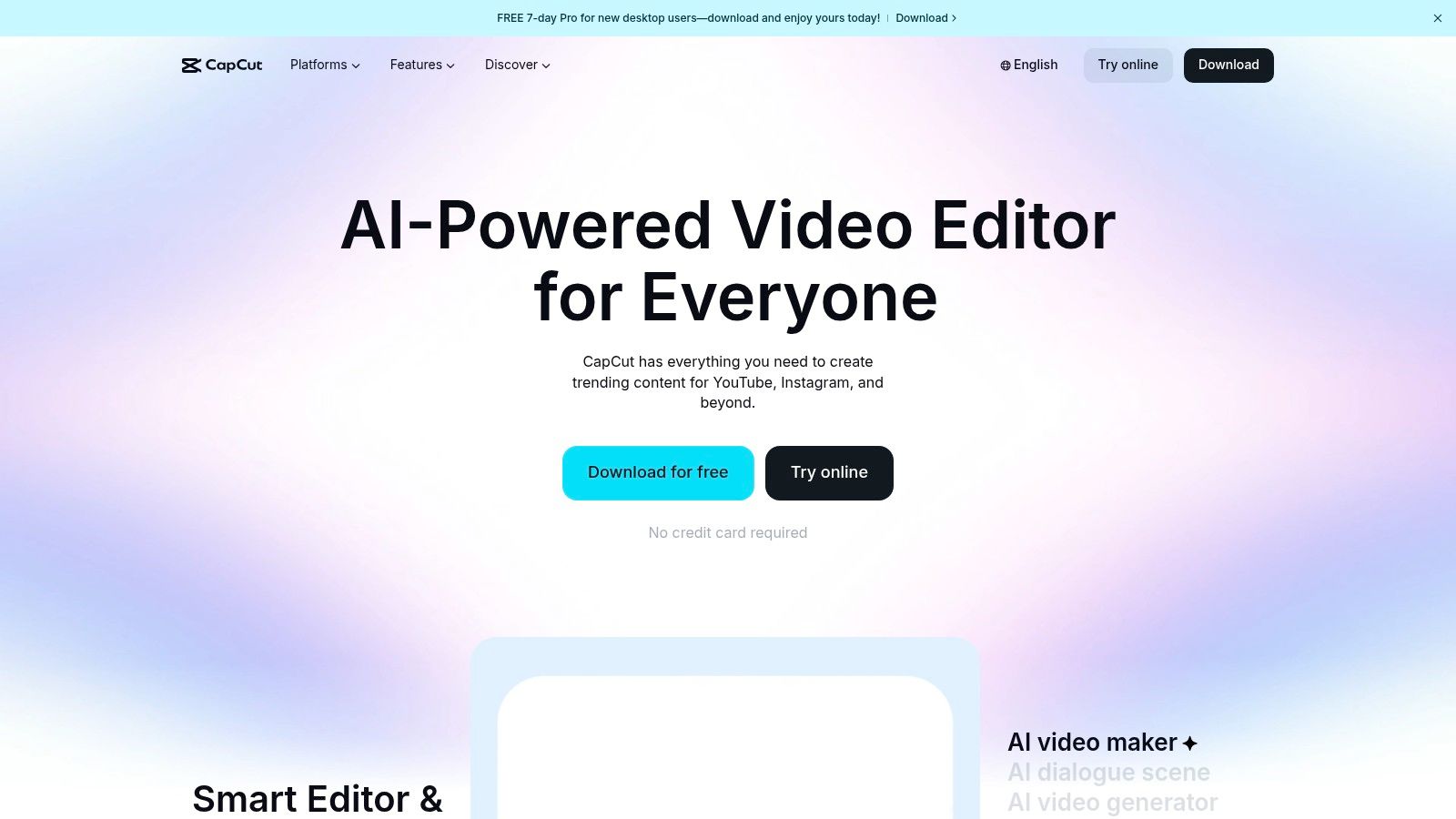
CapCut is a powerful video editor from ByteDance (the parent company of TikTok) that has become the go-to tool for creating high-energy, trend-focused short-form videos. Available on both desktop and mobile, its key advantage is the seamless cloud sync, allowing creators to start a project on their phone and finish it on their computer. The interface is intuitive, bridging the gap between basic mobile editors and complex desktop software.
As one of the most popular social media content creation tools, CapCut excels at quickly producing content for TikTok, Reels, and YouTube Shorts. Its strength lies in a vast library of viral templates, trendy effects, and an exceptionally accurate auto-captioning feature that can be customized with a single click. This makes it ideal for creators who need to jump on trends fast without a steep learning curve.
Core Features & Use Cases
- Best For: Short-form video creators, TikTok and Instagram influencers, and marketing teams looking to produce trendy, effects-heavy content quickly.
- Key Features: Auto-captioning with animations, extensive template and effects library, AI video maker, background removal, and cloud synchronization between mobile and desktop apps.
- Practical Tip: Use the "Auto Reframe" feature when repurposing a single video for multiple platforms. It intelligently tracks the main subject and automatically adjusts the video's aspect ratio for vertical (9:16), square (1:1), and horizontal (16:9) formats, saving significant editing time.
| Plan | Price (Per Person/Month, Billed Annually) | Key Features & Limitations |
|---|---|---|
| Free | $0 | Export up to 1080p, access to many templates and effects, 1GB cloud storage, watermark-free exports. |
| Pro | $7.99 | All Free features plus 4K 60fps exports, access to premium effects and templates, 100GB cloud storage, and team collaboration. |
| Business | Custom Pricing | All Pro features plus business-specific ad templates, team collaboration tools, and dedicated ad creation features. |
Pros:
- The free version is extremely powerful and sufficient for most creators.
- Optimized for short-form video with an intuitive, quick-to-learn interface.
- Massive library of trending templates, effects, and sounds.
Cons:
- AI feature usage relies on a credit system that can be confusing.
- Pricing and available features can vary by platform and region.
- Lacks the advanced color grading and audio mixing of professional editors.
Website: https://www.capcut.com/
5. Descript
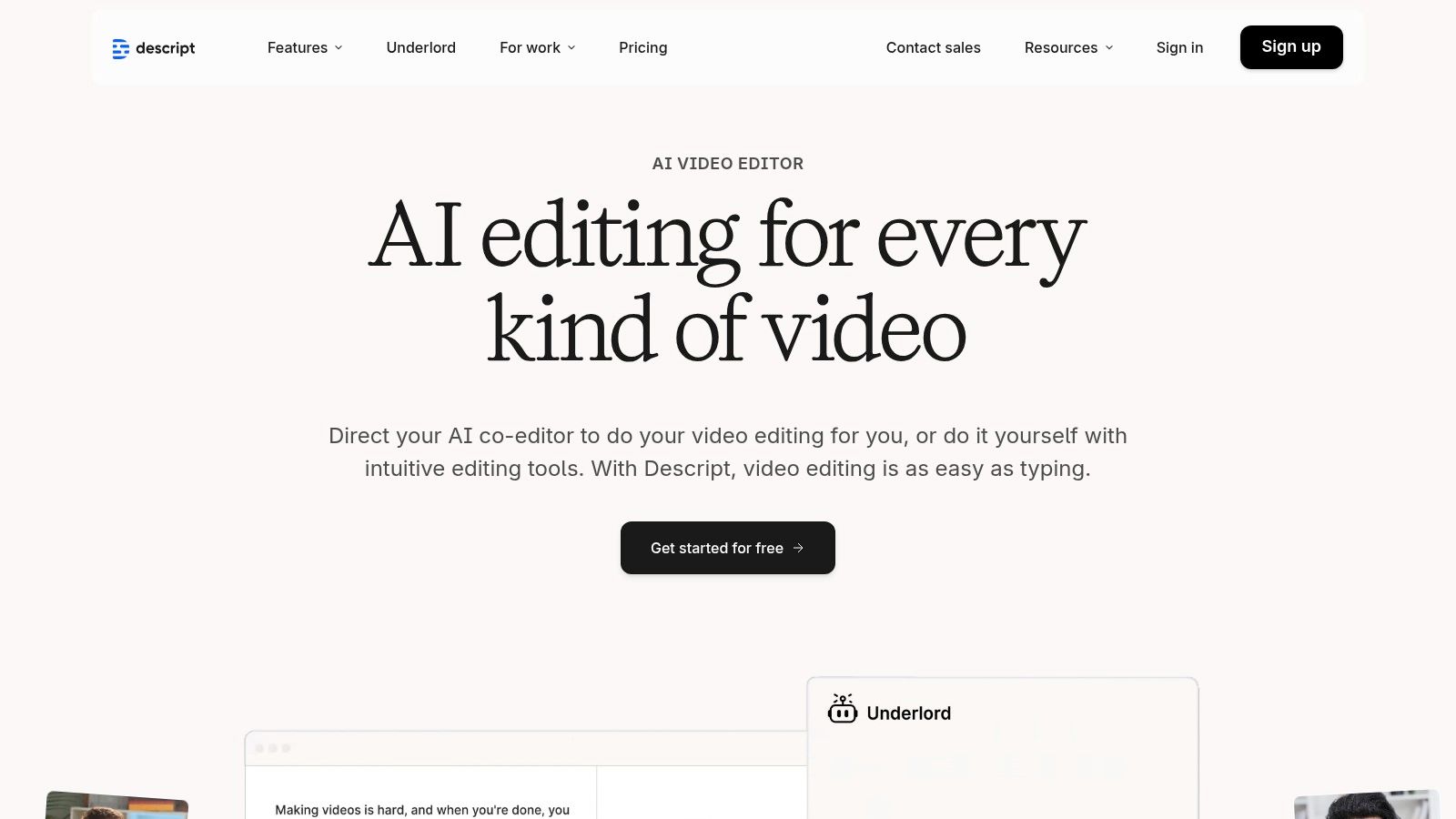
Descript is an innovative, all-in-one editor that revolutionizes how creators work with video and audio by allowing them to edit media by simply editing a text document. Its workflow is built on an incredibly accurate automatic transcription, turning spoken words into a manuscript. Deleting a sentence in the text removes the corresponding video and audio clip, making it exceptionally fast to repurpose long-form content like podcasts, interviews, or webinars into concise social media clips.
For podcasters and video creators, Descript is one of the most powerful social media content creation tools for transforming dialogue-heavy content into engaging social posts. Its standout features include Studio Sound, which removes background noise and enhances voice quality with a single click, and Overdub, an AI tool for correcting words or creating new voice-over from text. This text-based approach drastically cuts down editing time, especially for refining talking-head videos and creating perfectly synchronized captions for platforms like TikTok and Instagram Reels. Learn more about how AI is shaping the creator economy and see where Descript fits among the best AI tools for content creators.
Core Features & Use Cases
- Best For: Podcasters, video interviewers, and course creators who need to quickly edit and repurpose dialogue-driven content for social media.
- Key Features: Text-based video and audio editing, automatic transcription, AI-powered Studio Sound for audio cleanup, Overdub voice cloning, and screen recording.
- Practical Tip: Use the "Find good clips" AI feature to automatically identify shareable moments in your long-form recordings. You can ask it to find questions, highlights, or specific topics, then export them as short, captioned videos ready for social media. While Descript's built-in cleanup is powerful, for complex audio issues, you may want to explore the best noise reduction software for audio for more granular control.
| Plan | Price (Per Person/Month, Billed Annually) | Key Features & Limitations |
|---|---|---|
| Free | $0 | 1 hour of transcription per month, 1 watermark-free export, limited to 720p video export. |
| Creator | $12.00 | 10 hours of transcription per month, unlimited watermark-free exports at up to 4K quality. |
| Pro | $24.00 | 30 hours of transcription per month, all Creator features plus Overdub and Studio Sound. |
Pros:
- Editing video by editing text is incredibly fast and intuitive.
- Studio Sound feature provides professional-grade audio cleanup with one click.
- Excellent for creating audiograms and captioned video clips from existing content.
Cons:
- The workflow is less ideal for highly visual, non-dialogue-based video content.
- Transcription hour limits can be restrictive for high-volume creators on lower-tier plans.
- The user interface can have a slight learning curve for those used to traditional timeline editors.
Website: https://www.descript.com/
6. VEED
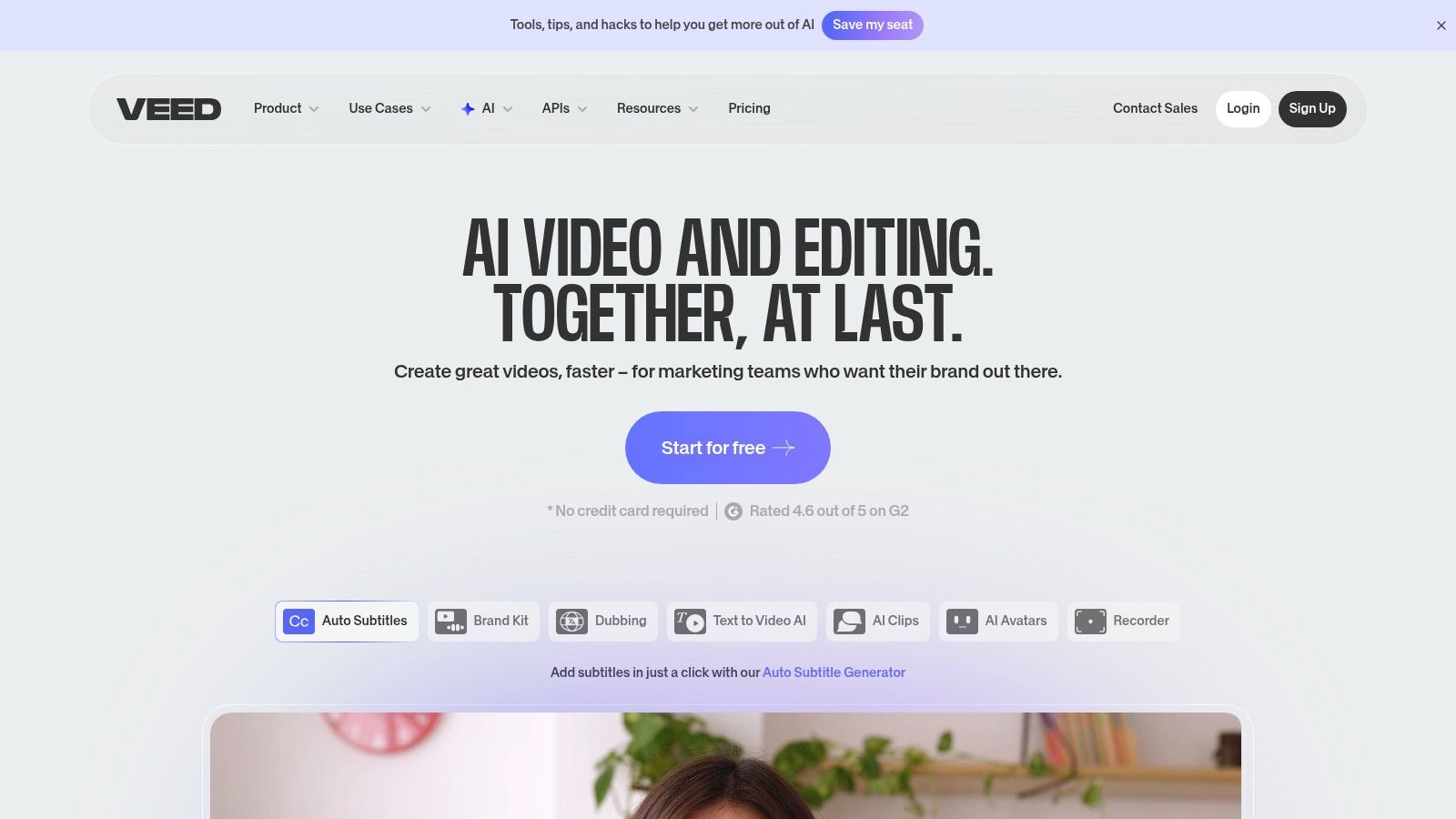
VEED is a powerful, browser-based video editor designed for speed and accessibility, making it a go-to for creators who need to produce social-ready content quickly. It merges a traditional timeline editor with a suite of modern AI features, allowing users to generate subtitles, create AI avatars, and perform text-to-speech voiceovers all within the same interface. This integrated workflow is ideal for producing high-engagement short-form videos without requiring software installation or extensive editing knowledge.
As one of the most versatile social media content creation tools, VEED excels at streamlining repetitive tasks that slow down content production. Its standout feature is the automatic subtitle generator, which adds accurate, customizable captions in seconds, a crucial element for viewer retention on platforms like TikTok and Instagram Reels. The platform also includes tools for screen recording, brand kit application, and even text-to-video generation, positioning it as a comprehensive solution for modern marketers and creators.
Core Features & Use Cases
- Best For: Social media managers, content creators, and marketing teams needing a fast, all-in-one tool for editing, subtitling, and generating video content.
- Key Features: Automatic subtitle generation and translation, AI avatars and text-to-speech, screen recorder, Brand Kit for visual consistency, and a stock media library.
- Practical Tip: Leverage the automatic subtitle generator first, then make minor corrections. You can save your customized subtitle style as a template to apply it instantly to all future videos, saving significant time. For more tips on captioning, you can learn how to add captions to videos effectively.
| Plan | Price (Per Person/Month, Billed Annually) | Key Features & Limitations |
|---|---|---|
| Free | $0 | 720p exports with watermark, 10 min/month subtitling, 2GB storage. |
| Basic | $12 | No watermark, 25-min video length, 72 min/year subtitling, 4K export. |
| Pro | $24 | All Basic features, 1440 min/year subtitling, AI avatars, video translation. |
Pros:
- Completely browser-based, requiring no software installation.
- Excellent automatic subtitle generation and customization.
- Broad suite of AI tools consolidates multiple functions into one platform.
Cons:
- AI credits and plan features can be confusing; always verify entitlements at checkout.
- The user interface can feel less responsive than desktop-based editors on complex projects.
- Higher-tier features like AI avatars and translation are limited by credits.
Website: https://www.veed.io/
7. InVideo
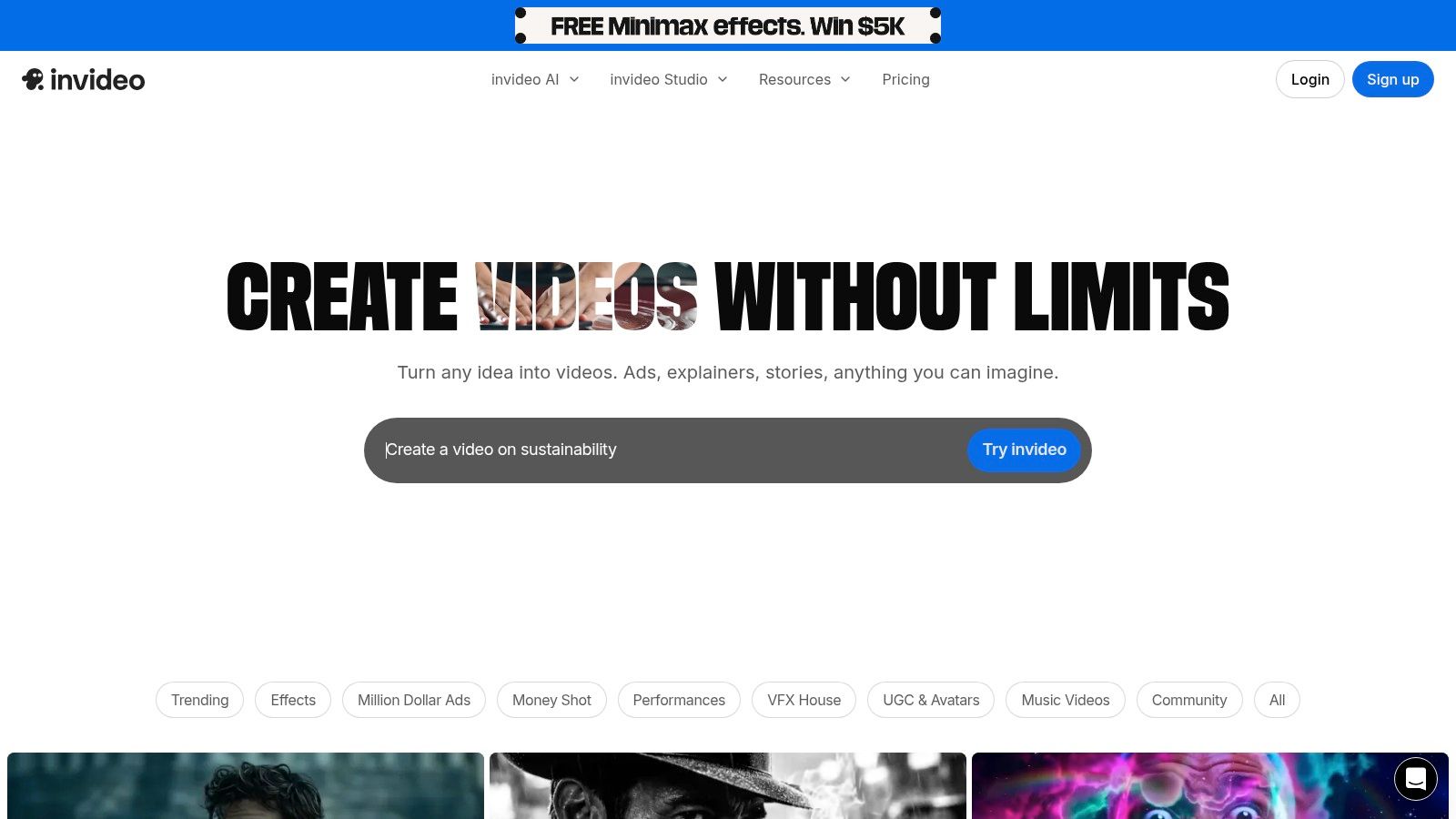
InVideo is an AI-powered video creation platform designed for users who need to produce professional-looking videos quickly, without requiring deep editing expertise. It excels at turning text prompts, scripts, or even blog post URLs into engaging social media videos complete with stock footage, voiceovers, and background music. This makes it a powerful asset for marketers and creators focused on high-volume content production.
For teams aiming to scale their video output for platforms like YouTube Shorts and Instagram Reels, InVideo serves as one of the most efficient social media content creation tools available. Its core strength lies in its AI co-pilot, which automates the tedious parts of video creation, allowing users to simply provide instructions in plain language to make edits, swap scenes, or change the overall tone of the video. The workflow is streamlined for speed, making it possible to go from a simple idea to a publish-ready video in minutes.
Core Features & Use Cases
- Best For: Marketers, agencies, and creators who need to rapidly generate short-form videos, product promos, and social ads from text prompts or existing content.
- Key Features: AI script-to-video generation, massive library of templates and stock media, AI voiceover creation, and a text-based video editor.
- Practical Tip: Start by feeding the AI a link to a relevant article or your own detailed script. This gives the platform a strong foundation to build upon, which you can then refine with text commands for a faster workflow. For more insights on how this works, you can explore the top free script-to-video AI tools.
| Plan | Price (Per Person/Month, Billed Annually) | Key Features & Limitations |
|---|---|---|
| Free | $0 | Watermarked exports, 10 mins/week AI generation, 10GB storage, limited stock media. |
| Plus | $20.00 | No watermark, 50 mins/month AI generation, 80 iStock assets/month, 100GB storage. |
| Max | $48.00 | 200 mins/month AI generation, 320 iStock assets/month, 400GB storage, multiple users. |
Pros:
- Excellent for non-editors who want to create videos quickly.
- The AI-driven script-to-video feature is a massive time-saver.
- Active user community and strong 24/7 customer support.
Cons:
- The free plan includes a prominent watermark and has strict export limits.
- Advanced AI generation capabilities are heavily dependent on the chosen paid plan.
- AI-selected footage can sometimes feel generic and may require manual replacement.
Website: https://invideo.io/
8. Envato Elements
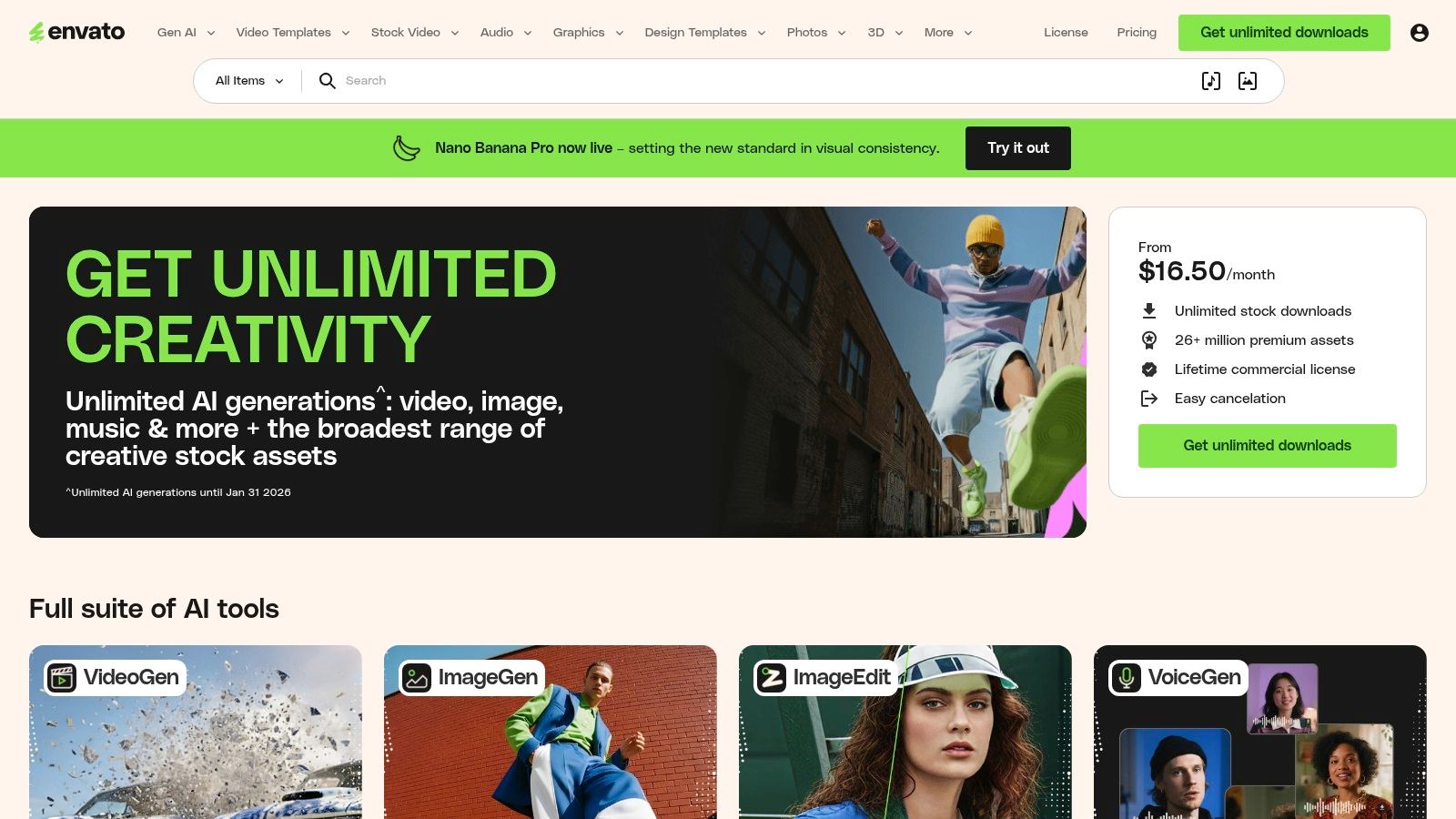
Envato Elements is an all-you-can-download subscription service that acts as a creative superpower for social media managers and video editors. Instead of purchasing assets individually, you gain unlimited access to a massive library of video templates, stock footage, royalty-free music, sound effects, and graphic templates, all under a single commercial license. This model is a game-changer for creators who need a high volume of diverse assets to keep their content fresh and engaging.
For agencies and brands producing content at scale, Envato Elements is one of the most cost-effective social media content creation tools available. Its value lies in providing an endless supply of high-quality building blocks, from After Effects templates for intricate motion graphics to stock videos perfect for faceless TikTok channels. The simple, broad licensing eliminates the guesswork often associated with using assets commercially on social media.
Core Features & Use Cases
- Best For: Agencies, freelance editors, and high-volume content creators who need a constant supply of video templates, stock footage, music, and graphic assets.
- Key Features: Unlimited downloads of 26M+ creative assets, simple commercial licensing for all items, integrations for Adobe apps, and team management features.
- Practical Tip: Before starting a project, create a "Collection" on Envato Elements to gather all potential assets like video clips, music tracks, and graphic templates. This organizes your workflow and lets you quickly find and license everything you need when you're ready to edit.
| Plan | Price (Per Person/Month, Billed Annually) | Key Features & Limitations |
|---|---|---|
| Individual | $16.50 | Unlimited downloads for one user, simple commercial license. |
| Teams | $29.00 | All Individual features plus centralized billing and seat management for 2-5 users. |
| Enterprise | Custom | Custom licensing, dedicated account management, and tailored indemnification. |
Pros:
- Incredible value with predictable costs for heavy asset users.
- Simple, comprehensive commercial license covers most social media uses.
- Vast and diverse library of high-quality, professional assets.
Cons:
- You must maintain an active subscription to use downloaded assets in new projects.
- The sheer volume of assets can sometimes be overwhelming to navigate.
- Not ideal for users who only need a few specific assets occasionally.
Website: https://elements.envato.com/
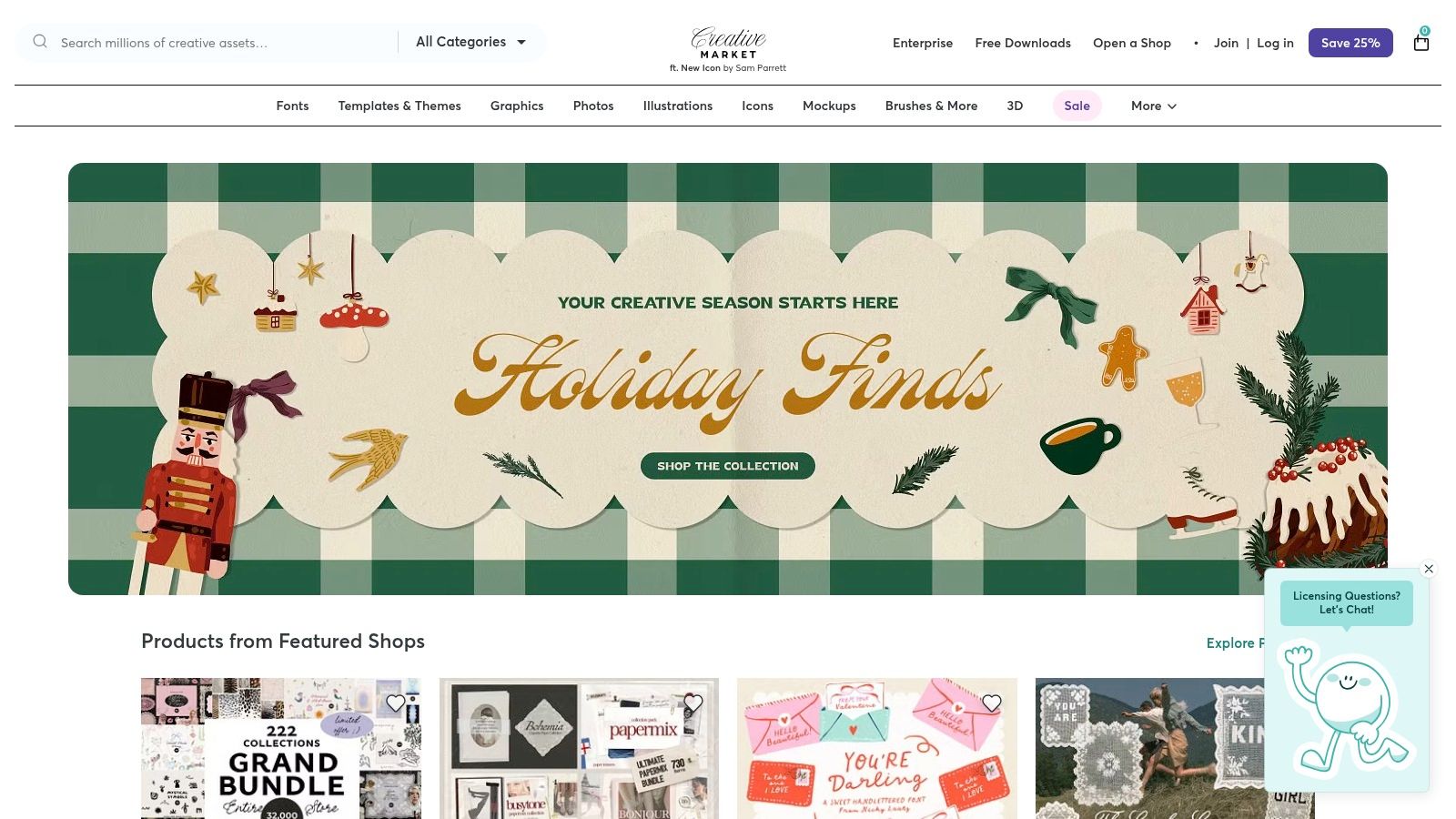
9. Creative Market
Creative Market is not a standalone tool but a vast marketplace where independent creators sell high-quality, ready-to-use design assets. For social media managers, it’s a goldmine for unique templates, fonts, graphics, and presets that break the mold of generic, overused designs. Instead of building from scratch, you can purchase a professionally designed Instagram carousel or TikTok video template pack that aligns perfectly with a specific aesthetic or industry.
This platform is one of the most valuable social media content creation tools for creators who want to establish a distinct visual identity without needing advanced design skills. Its strength lies in the sheer variety and quality of assets from thousands of different artists, ensuring you can find something that truly stands out.
Core Features & Use Cases
- Best For: Sourcing unique social media templates, custom fonts, mockups, and graphic elements to establish a distinct brand aesthetic.
- Key Features: A massive catalog of assets from independent creators, a la carte purchasing, and an optional membership for sitewide discounts and monthly "Drops" of curated assets.
- Practical Tip: Before purchasing a template pack, check what software it requires. Many high-quality templates are designed for Adobe Photoshop or Illustrator, so ensure you have the necessary programs to edit them.
| Plan | Price (Per Month, Billed Annually) | Key Features & Limitations |
|---|---|---|
| A La Carte | Pay per item | Purchase assets individually with prices set by the creator. |
| Membership | $19.95 | Includes monthly "Drop" credits to spend on curated assets and a sitewide discount. |
Pros:
- Huge variety of unique, high-quality social packs and assets.
- Supports independent artists and designers.
- Membership can offer significant savings for frequent buyers.
Cons:
- License terms can vary by product, so you must read each listing carefully.
- Unlike Canva, it's a marketplace, not an all-in-one editor and scheduler.
- Quality can vary between shops, so always check reviews and ratings.
Website: https://creativemarket.com/
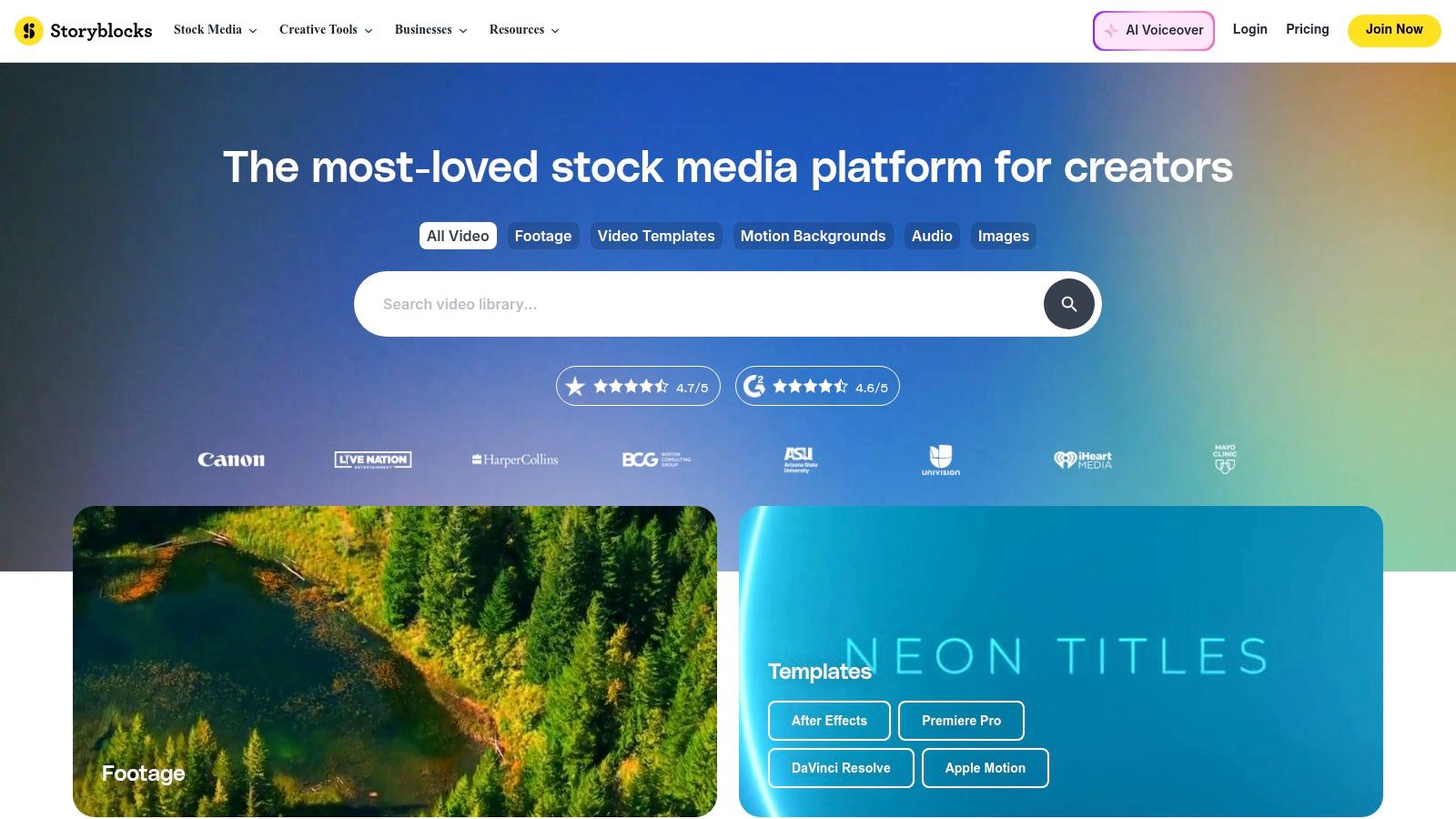
10. Storyblocks
Storyblocks is a subscription-based library offering unlimited downloads of high-quality stock video, audio, and images. It's an indispensable resource for creators who frequently need B-roll footage, motion graphics, and sound effects to produce engaging social media videos for platforms like YouTube Shorts, TikTok, and Instagram Reels. The platform’s simple, royalty-free licensing removes the complexity often associated with using stock media for commercial or monetized content.
For high-volume video producers, particularly those creating faceless or documentary-style content, Storyblocks is one of the most cost-effective social media content creation tools available. Instead of paying per asset, a single subscription provides unrestricted access, allowing for rapid experimentation and production without worrying about budget constraints. The library is constantly updated, ensuring a fresh supply of modern, relevant footage and templates.
Core Features & Use Cases
- Best For: Video creators, agencies, and social media managers who need a constant supply of B-roll, motion graphics, and audio for high-volume video production.
- Key Features: Unlimited downloads of 4K/HD video footage, a vast library of audio tracks and sound effects, After Effects and Premiere Pro templates, and plugins for Adobe Creative Cloud.
- Practical Tip: Use the "Collections" feature to save and organize assets for specific projects or clients. This creates a curated library of your favorite B-roll, music, and templates, dramatically speeding up your workflow for future videos.
| Plan | Price (Per Person/Month, Billed Annually) | Key Features & Limitations |
|---|---|---|
| Starter | $15.00 | 5 monthly HD footage downloads, plus music and SFX. No 4K video or premium assets. |
| Unlimited All Access | $30.00 | Unlimited 4K/HD video, music, SFX, photos, and templates. Includes plugins and Storyblocks' video editor. |
| Pro | $35.00 | All Unlimited features plus enhanced licensing coverage and priority technical support. |
Pros:
- Simple, all-inclusive licensing is ideal for commercial social media use.
- Unlimited downloads offer exceptional value for high-output creators.
- Extensive library of video, audio, and templates in one place.
Cons:
- Subscription model is not ideal for users who only need a few assets.
- Annual billing offers significant savings, making monthly plans less cost-effective.
- Library, while large, may not have the niche-specific clips found on larger per-asset marketplaces.
Website: https://www.storyblocks.com/
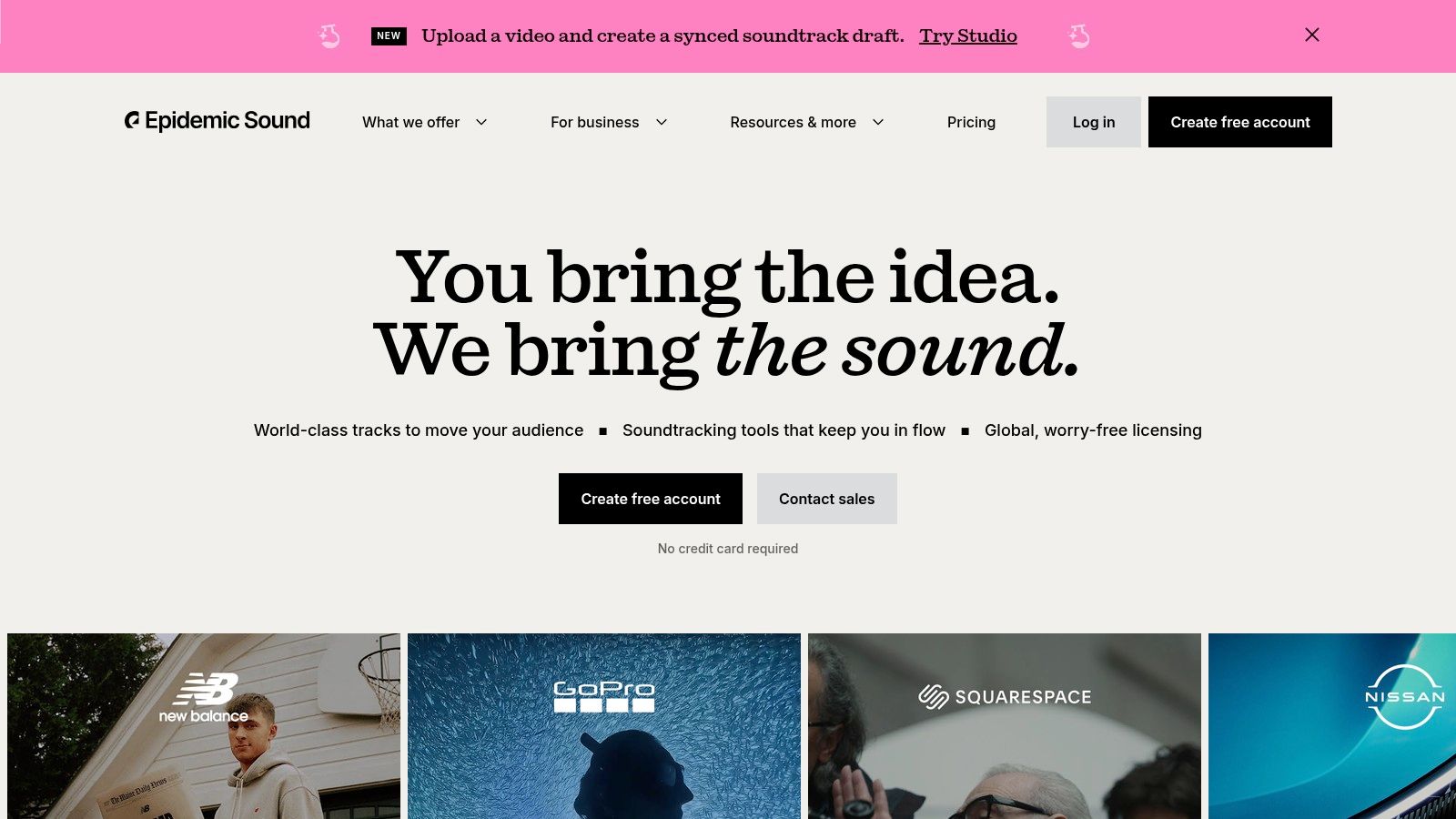
11. Epidemic Sound
Epidemic Sound offers a massive, high-quality library of royalty-free music and sound effects, making it an indispensable resource for creators who need premium audio without navigating complex licensing. The platform is built for the modern creator economy, with clear-cut subscriptions that cover monetization across YouTube, TikTok, Instagram, and other major social platforms, removing the fear of copyright claims or demonetization.
It stands out as one of the best social media content creation tools for its curated catalog and powerful search functionality, allowing users to quickly find the perfect track by filtering for mood, genre, BPM, or video theme. The straightforward licensing and unlimited downloads make it a go-to for creators who produce a high volume of content and require a reliable audio source to elevate their production value.
Core Features & Use Cases
- Best For: YouTubers, TikTok creators, podcasters, and marketing agencies needing high-quality, claim-free music and SFX for monetized content.
- Key Features: Unlimited music and SFX downloads, clear licensing for all major social media platforms, curated playlists, powerful search filters, and plugins for Adobe Premiere Pro and DaVinci Resolve.
- Practical Tip: Use the "Find Similar" feature when you discover a track you like. This instantly populates a list of songs with a similar vibe, dramatically speeding up the process of finding the right audio for your entire video series or campaign.
| Plan | Price (Per Person/Month, Billed Annually) | Key Features & Limitations |
|---|---|---|
| Personal | ~$10 | Covers one channel per platform (YouTube, TikTok, etc.), monetization on covered channels. |
| Commercial | ~$20 | All Personal features plus coverage for three channels per platform and use in client work and digital ads. |
| Enterprise | Custom | All Commercial features plus tailored licensing, multiple user accounts, and dedicated support. |
Pros:
- Simple, worry-free licensing covers YouTube, TikTok, Instagram, and more.
- High-quality, curated catalog with robust search and discovery filters.
- Seamlessly integrates with major video editing software via plugins.
Cons:
- Subscription-only model; no option for single-track purchases.
- Official pricing can be inconsistent as it's often based on geolocation and browser cookies.
- One plan is needed per creator, which can be costly for teams without an Enterprise plan.
Website: https://www.epidemicsound.com/
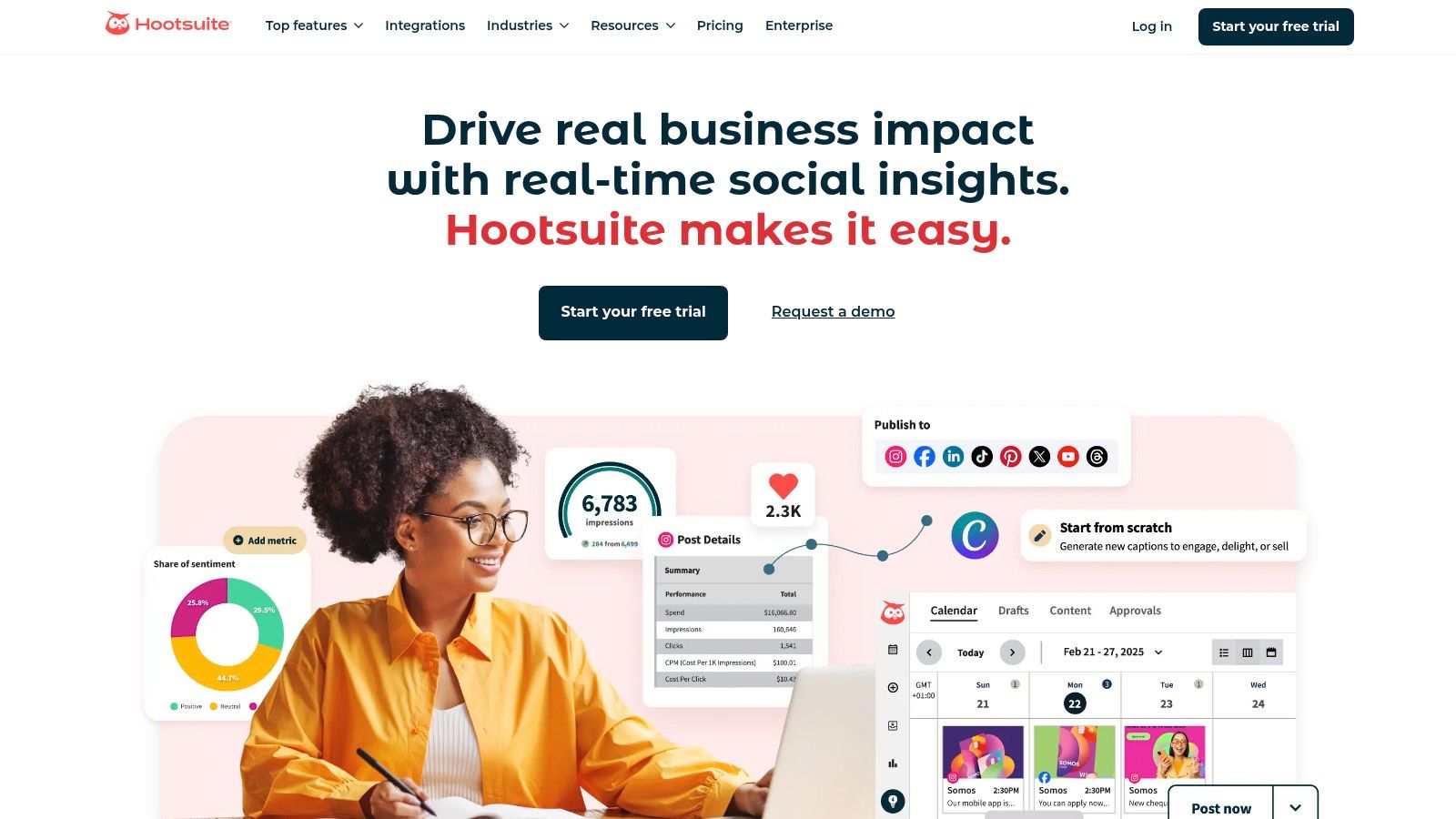
12. Hootsuite
Hootsuite is one of the most established social media management platforms, evolving from a simple scheduler to an integrated suite that supports the entire content lifecycle. It bridges the gap between creation and distribution by combining its powerful scheduling, monitoring, and analytics features with direct integrations for content design. Users can leverage built-in connections with Canva and Adobe Express, alongside an AI assistant, to generate ideas and design visuals directly within the Hootsuite dashboard.
This makes Hootsuite an excellent choice for teams and agencies that need professional-grade publishing and reporting tools without sacrificing creative efficiency. Rather than being a standalone design app, it serves as a command center, centralizing content ideation, creation, scheduling, and performance analysis. This integrated approach makes it one of the most robust social media content creation tools for organizations managing a high volume of content across numerous profiles.
Core Features & Use Cases
- Best For: Marketing teams, agencies, and enterprises needing a unified platform for scheduling, engagement, analytics, and integrated content creation.
- Key Features: Unlimited post scheduling, OwlyWriter AI for caption and idea generation, integrations with Canva and Adobe Express, a unified social inbox, and comprehensive analytics with competitor benchmarking.
- Practical Tip: Use the "Best time to publish" feature to automatically schedule your posts for optimal engagement based on your audience's past activity. Let the platform’s data guide your content strategy rather than guessing publish times.
| Plan | Price (Per User/Month, Billed Annually) | Key Features & Limitations |
|---|---|---|
| Professional | $99 | 10 users, 1 social account, unlimited scheduling, OwlyWriter AI, core analytics. |
| Team | $249 | 3 users, 20 social accounts, all Professional features plus roles, assignments, and custom analytics. |
| Enterprise | Custom | Custom number of users and accounts, advanced team features, social listening, employee advocacy. |
Pros:
- Enterprise-grade scheduling and analytics provide deep performance insights.
- Integrates creation helpers (AI, Canva) with professional publishing workflows.
- Excellent for managing complex campaigns across multiple brands and channels.
Cons:
- Pricing can be higher than tools focused solely on content creation.
- Full pricing details for some plans may require direct contact or signup.
- The user interface can feel complex for solo creators or small businesses.
Website: https://www.hootsuite.com/
Top 12 Social Media Content Creation Tools Comparison
| Product | Core features | UX / Quality (★) | Value / Pricing (💰) | Target audience (👥) | Unique selling points (✨) |
|---|---|---|---|---|---|
| ClipShort 🏆 | Script→video, 50+ lifelike voices, selectable image styles, captions & music | Fast, trend-aware edits, retention tools ★★★★☆ | Plans on site, built for scale 💰 | Influencers, brands, agencies, SMBs 👥 | Automated faceless shorts, style presets, trusted by ~86k creators ✨ |
| Canva | Templates, drag‑and‑drop editor, Content Planner, AI tools | Extremely approachable, polished UI ★★★★☆ | Free + Pro/Business/Enterprise tiers 💰 | Solo creators, small teams, marketers 👥 | Massive template & brand tool library, one‑click resizing ✨ |
| Adobe Express | Templates, Adobe Stock access, scheduling, generative AI | Clean workflow, Adobe integration ★★★★☆ | Free + Premium assets/credits 💰 | Creators wanting Adobe ecosystem & quick promos 👥 | Easy entry to Adobe assets and scheduling ✨ |
| CapCut | Mobile/desktop editor, templates, effects, cloud sync | Optimized for short-form trends, quick learning ★★★★☆ | Powerful free tier; Pro unlocks exports/credits 💰 | TikTok/Reels creators, trend editors 👥 | Rich effect library & mobile-first workflow ✨ |
| Descript | Text-based editing, auto-transcript, Overdub, Studio Sound | Speeds dialogue edits & captioning ★★★★☆ | Tiered plans, transcription caps on lower tiers 💰 | Podcasters, repurposers, editors 👥 | Edit-by-text + voice cloning & audio cleanup ✨ |
| VEED | Browser editor, AI avatars, subtitles, translation tools | No‑install, fast for simple social clips ★★★☆☆ | Free/basic with AI credits; pay for higher tiers 💰 | Non-install users, social teams, creators 👥 | Text-to-video, TTS & AI avatars in-browser ✨ |
| InVideo | Script-to-video, template-driven editor, voiceover | Fast for non-editors, template-first ★★★☆☆ | Free tier (watermark/limits), paid plans 💰 | Marketers, small businesses, non-editors 👥 | Script-driven generation + support community ✨ |
| Envato Elements | Unlimited downloads: templates, video, music, fonts | High-volume asset access, simple licensing ★★★★☆ | Subscription — unlimited downloads 💰 | Agencies, teams, heavy asset users 👥 | 26M+ assets with commercial license & plugins ✨ |
| Creative Market | Marketplace of templates, fonts, LUTs, mockups | Huge variety, indie styles ★★★★☆ | A‑la‑carte purchases + membership discounts 💰 | Designers, creators seeking unique packs 👥 | Independent creators marketplace & monthly Drops ✨ |
| Storyblocks | Unlimited stock video, templates, music & SFX | Great for b-roll & motion graphics ★★★★☆ | Unlimited-download subscription 💰 | High-output creators, video teams, agencies 👥 | Unlimited 4K/HD assets and easy licensing ✨ |
| Epidemic Sound | Unlimited music & SFX, clear social/ad licensing | Curated catalog with strong search ★★★★☆ | Subscription; geo-gated pricing 💰 | Creators/brands needing licensed music for monetization 👥 | Clear license coverage for monetized channels & ads ✨ |
| Hootsuite | Scheduling, analytics, inbox, creation integrations | Enterprise-grade publishing & reporting ★★★★☆ | Tiered plans; enterprise pricing 💰 | Social managers, teams, agencies 👥 | Unified publishing + analytics + Canva/Adobe integrations ✨ |
Choosing the Right Tools to Accelerate Your Growth
Navigating the expansive landscape of social media content creation tools can feel overwhelming, but the right toolkit is the single most powerful lever you can pull to accelerate your growth. As we've detailed, the ideal combination of software is not a one-size-fits-all solution. It's a strategic stack built around your specific goals, workflow, budget, and the unique demands of your audience. The ultimate objective is to transform your content production from a time-consuming chore into a streamlined, scalable system.
The journey from idea to published content involves multiple stages: ideation, asset sourcing, video and audio editing, captioning, and scheduling. By dissecting this process, you can pinpoint your most significant bottlenecks. Is it the hours spent manually editing short-form videos? Is it the challenge of finding high-quality, royalty-free music and stock footage? Or is it the sheer difficulty of maintaining a consistent posting schedule across multiple platforms? The tools we’ve explored, from comprehensive suites like Canva and Adobe Express to specialized platforms like Descript and Epidemic Sound, are designed to solve these exact problems.
Building Your Custom Content Creation Stack
Your role as a creator or brand dictates your needs. A solo creator focused on faceless YouTube Shorts or TikToks will prioritize speed and automation. For them, a powerful AI-driven tool like ClipShort paired with an asset library like Envato Elements could form a complete, highly efficient workflow. This combination minimizes hands-on editing time, allowing them to scale output dramatically and focus on strategy and analytics.
In contrast, a creative agency or a large e-commerce brand requires a more robust and collaborative solution. Their stack might integrate CapCut for its advanced mobile editing features, Hootsuite for its comprehensive scheduling and analytics capabilities, and Storyblocks for its enterprise-grade licensing. This approach ensures brand consistency, facilitates team collaboration, and provides the data-driven insights necessary to manage complex campaigns and report on ROI. The key is to avoid redundancy; choose tools that complement each other rather than overlap in core functionality.
Final Considerations for Implementation
Before you commit to a subscription, make the most of free trials. Test the user interface, evaluate the output quality, and determine how seamlessly the tool integrates into your existing process. Consider the learning curve; a powerful tool is useless if it’s too complex for you or your team to adopt effectively. Remember, the goal of these social media content creation tools is not just to add more features but to buy back your most valuable resource: time.
By making a thoughtful, strategic investment in the right software, you're not just acquiring a new program; you're building a competitive advantage. You're empowering yourself to create higher-quality content, post more consistently, and engage your audience more effectively. This strategic automation and enhancement is the secret to breaking through the noise and achieving sustainable growth in today's crowded digital ecosystem.
Ready to put your short-form video creation on autopilot? ClipShort is the ultimate AI-powered tool designed to turn long-form content into dozens of viral-ready clips in minutes, complete with captions, and tailored for maximum engagement. Start creating more content in less time and discover how the top creators scale their channels by visiting ClipShort today.