
How to Get More Views on YouTube Shorts in 2024
If you want more views on YouTube Shorts, you need to internalize a simple but powerful formula: grab viewers in the first three seconds, keep them glued to the screen with smart editing, and post consistently. Forget what worked last year; the algorithm today is all about content that hooks instantly and refuses to let go.
The New Blueprint for YouTube Shorts Success
YouTube Shorts has turned into a hyper-competitive arena where billions of views are up for grabs every single day. The game has changed. It's no longer about jumping on simple trends; it's about creating sophisticated, high-retention content. Success isn't about luck anymore—it's about strategy.
The modern playbook for growing on Shorts is all about mastering a few key areas. Explosive growth is totally achievable, especially for creators who build smart, repeatable workflows.
To truly succeed, you need to build your content around a few core pillars that the YouTube algorithm actively rewards. Before we dive deep into each one, here's a quick overview of what matters most right now.
Core Pillars of YouTube Shorts Success
| Strategy Pillar | Why It Works | Key Action |
|---|---|---|
| Magnetic Hooks | You have less than 3 seconds to stop the scroll. An irresistible hook is your only chance. | Start with a bold claim, a question, or the most visually striking part of your video. |
| Retention-Driven Editing | Short attention spans demand constant stimulation. Pattern interrupts keep eyes on the screen. | Use rapid cuts, zoom effects, sound effects, and dynamic captions every 2–4 seconds. |
| Algorithmic Consistency | Frequent posting signals to YouTube that your channel is active, encouraging it to test your content. | Establish a realistic posting schedule (3–5 Shorts per week) and stick to it religiously. |
| Data-Driven Iteration | Your analytics are a roadmap to success. Top creators obsess over their data to refine their strategy. | Analyze your "viewed vs. swiped away" metric and viewer retention graphs to double down on what works. |
These pillars aren't just suggestions; they're the new non-negotiables for anyone serious about channel growth. And make no mistake, the opportunity here is massive.
The scale is staggering. YouTube Shorts have exploded to over 200 billion daily views in 2025, a huge jump from 70 billion in 2024. Interestingly, some data shows that slightly longer Shorts—between 50 and 60 seconds—often pull in more views, averaging between 1.7 million and 4.1 million. You can find even more fascinating YouTube Shorts statistics that paint a clear picture of where the platform is heading.
The real goal isn't just to make one viral video. It's to build a system that produces high-performing content over and over again. This guide is your blueprint for that exact system, from the first idea to a fully automated production line.
Automating Your Workflow for Speed and Scale
Let’s be honest: one of the biggest reasons creators fail is burnout. The demand for constant content is exhausting. This is where automation becomes an absolute game-changer.
By using AI-powered tools like ClipShort.co, you can generate scripts, add voiceovers, and produce visually slick videos in a fraction of the time it would take to do it all manually.
This frees you up to focus on the high-level strategy and creativity instead of getting buried in the tedious busywork of editing. Throughout this guide, we'll walk through practical workflows that let you maintain a heavy posting schedule without sacrificing quality, putting you on the fast track to growing your channel and your impact.
Crafting Hooks That Stop the Scroll Cold

On YouTube Shorts, you don't have minutes to grab someone's attention. You have a split second. The endless scroll is a powerful habit, and your only job in that first moment is to be an immovable object—an intro so magnetic it literally stops a viewer's thumb in its tracks.
This isn't an exaggeration. That first frame is often the deciding factor between a Short that fizzles out at 100 views and one that explodes to 1 million.
The first 1–3 seconds are your entire pitch to the algorithm. This tiny window sets your initial audience retention score. If people swipe away instantly, you're telling YouTube your content isn't engaging, and it'll bury your video. A strong hook, on the other hand, signals that you've got something worth watching, prompting the algorithm to push it out to more people.
Think of it like a movie trailer. It never starts with the opening credits. It drops you right into the action, a moment of high drama, or a mind-bending visual to make you desperate for more. Your Short needs that exact same energy from the word "go."
Psychological Triggers That Command Attention
The secret to a great hook isn't just about being loud or flashy; it's about tapping into basic human psychology. We're all wired to pay attention to novelty, conflict, and things we can't immediately explain. Forget starting with "Hey guys, welcome to my channel..." and just dive headfirst into the good stuff.
Here are a few proven formulas that work wonders in almost any niche:
- Ask a Controversial Question: Start by challenging a popular opinion. For a tech channel, something like, "This is the most overrated feature on the new iPhone," is an instant pattern interrupt that makes people want to see your reasoning.
- Share a Shocking Statistic: A number that shatters expectations is a powerful way to establish authority. A finance Short could open with, "95% of day traders lose money, and it's because of this one mistake." You've just promised a valuable secret.
- Start Mid-Action: Don't tell me what you're about to do—show me. A cooking video that opens with a knife cleaving through a perfect steak is far more compelling than a shot of an empty frying pan.
The goal is to create an "open loop." It's a psychological gap between what someone knows and what they desperately want to know. A powerful hook opens this loop immediately, compelling the viewer to stick around for the answer.
Mastering this is non-negotiable for getting more views on YouTube Shorts. It directly juices your watch time right from the start.
Real-World Examples of Effective Hooks
Let’s get practical. Say you're running a faceless history channel.
A weak, forgettable hook would be: "Today, we're going to talk about an interesting event from World War II." It’s bland, generic, and gives the viewer a perfect reason to keep scrolling.
Now, let's inject some psychology:
- The Mystery Hook: "A single briefcase nearly decided the entire outcome of World War II." This creates immediate suspense. What was in it? How was it so important?
- The Counterintuitive Hook: "The deadliest weapon in medieval Europe wasn't the sword—it was something you'd find in a farmer's field." This goes against what people think they know, sparking curiosity.
- The Personal Stake Hook: "You probably own something that was originally invented for the Apollo space missions." This makes it personal and relatable, connecting a grand topic to the viewer's daily life.
Each of these hooks works by hitting a different emotional trigger—suspense, surprise, or personal connection. Building a narrative that supports these powerful openings is just as crucial. For more on that, see this guide on how to write an engaging YouTube video script.
Testing and Optimizing Your Hooks with AI
Let's be real, coming up with brilliant hooks on demand is tough. That’s where AI tools can be an absolute game-changer for brainstorming.
Instead of agonizing over the single "perfect" hook, use an AI script generator to spit out 10–15 different versions for one video idea. Feed it your core topic and ask for hooks based on curiosity, urgency, or controversy.
This process does more than just save time; it forces you to see your own ideas from new angles you might have missed. By having a bank of options, you can start to A/B test what really connects with your audience and double down on the formulas that work.
Driving Viewer Retention with Smart Editing
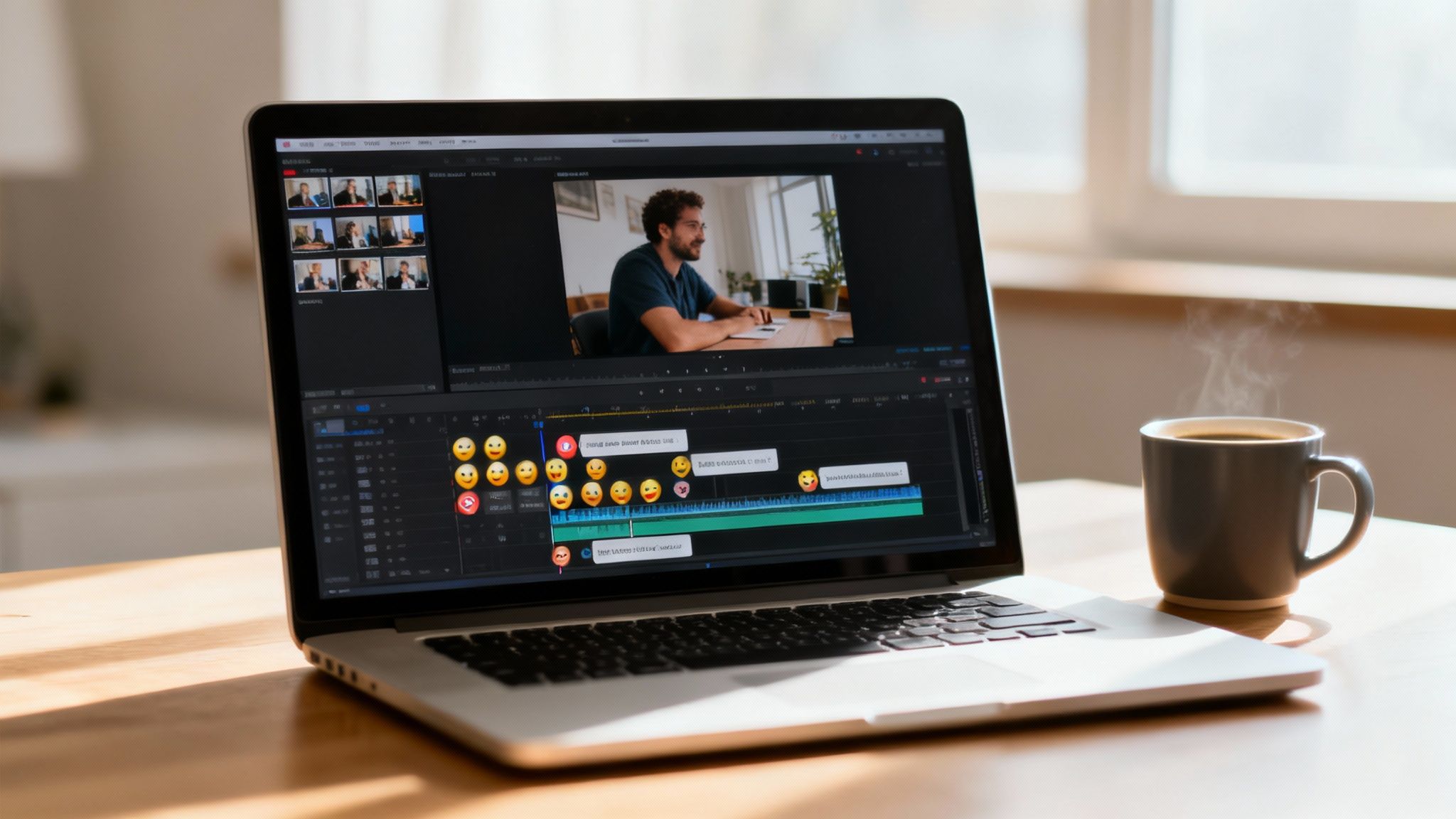
A killer hook might get you the click, but what happens in the seconds that follow is what separates a one-hit-wonder from a viral sensation. Viewer retention is the lifeblood of the YouTube Shorts algorithm.
When someone watches your entire video—or even better, loops it—you’re sending a massive signal to YouTube that your content is worth pushing to more people.
This is where sharp, dynamic editing becomes your secret weapon. The mission is to make every single second count, leaving absolutely no room for a viewer's thumb to even think about swiping away. Forget long, drawn-out shots; the modern Short is a masterclass in constant stimulation.
The Power of Pattern Interrupts
A pattern interrupt is any sudden change—visual or auditory—that snaps a viewer's attention back to the screen. In the fast-paced world of Shorts, you need to pepper them in constantly. Think of it as hitting a mini-refresh button in their brain every few seconds.
This doesn't mean you need Hollywood-level special effects. Simple, well-timed edits do the trick.
- Rapid-Fire Cuts: Never linger on a single shot for more than 2–3 seconds. Cutting between different angles, close-ups, and wide shots injects a feeling of energy and momentum.
- Strategic Zooms: A slow, creeping zoom can build suspense, while a quick punch-in can emphasize a reaction or a critical detail. Use them to bring movement to an otherwise static scene.
- Animated Captions: Text that appears on-screen word-by-word is more than just an accessibility feature; it’s a powerful retention tool. It forces the viewer to read along, keeping them actively glued to what's happening.
- Sound Effects and Emojis: Don't underestimate the power of a perfectly timed "swoosh" or a pop-up emoji. They can land a joke, highlight a surprising moment, or just break up the visual monotony.
These small edits all work in concert to create an active viewing experience. Your Short stops being a passive video and becomes a dynamic piece of media that demands focus from start to finish.
Structuring Your Story for Maximum Impact
Even in a video that's under 60 seconds, storytelling is king. A solid narrative structure is what gives viewers a reason to see it through to the end. A random jumble of clips will almost never perform as well as a video with a clear beginning, middle, and a satisfying ending.
Here are a couple of battle-tested frameworks that work incredibly well for Shorts:
- Problem-Agitate-Solution (PAS): This classic marketing formula is a goldmine for educational or how-to Shorts. First, you introduce a relatable problem. Next, you agitate it by showing just how frustrating it is. Finally, you sweep in with your simple, brilliant solution.
- Building Suspense to a Payoff: Kick things off with an intriguing question or setup that makes the viewer wonder, "Where is this going?" Then, build the tension with each cut, leading to a surprising, hilarious, or deeply satisfying finale. This is perfect for skits, challenges, or "big reveal" videos.
A great Short doesn't just show something; it takes the viewer on a tiny journey. That payoff at the end is what sparks the re-watches and shares—critical signals for the algorithm.
For instance, a PAS Short about cleaning white sneakers could start with a shot of hopelessly dirty shoes (Problem). The next clip shows someone failing miserably with a wet paper towel (Agitate). Finally, the last shot reveals a magical cleaning hack that makes them look box-fresh (Solution). It’s simple, satisfying, and incredibly effective. If you really want to level up, diving into different YouTube Shorts editing techniques can give you a serious edge.
Automating Your Editing for Speed and Quality
Let's be real: manually adding all these quick cuts, captions, and effects is a massive time-sink, especially if you're aiming for daily posts. This is where automated tools and AI-powered platforms become a game-changer for creators looking to scale.
Modern video generators can do the heavy lifting for you. They can automatically add slick animated captions, find relevant B-roll clips to match your script, and drop in emojis and sound effects exactly where they'll have the most impact. This frees you up to produce high-retention Shorts in a tiny fraction of the time.
Instead of getting lost in a complex editing timeline, you can put your energy into what really matters: the idea and the script. By automating the technical side of editing, you guarantee that every video is packed with the dynamic elements that keep eyes on the screen. This workflow is the key to maintaining a consistent schedule without ever compromising on quality.
Optimizing Your Shorts for Search and Discovery
While the endless scroll of the Shorts feed feels like the main stage, a huge, untapped source of consistent traffic comes from a place many creators ignore: YouTube search. Optimizing your metadata isn't just a formality—it's how you turn a fleeting viral moment into a long-term asset that pulls in new viewers for months.
Think of it this way: the feed is for discovery, but search is for intent. When someone actively types a query into the search bar, they have a specific problem or question. If your Short provides the answer, you've found a highly engaged viewer who is far more likely to stick around and see what else you've got. It’s a game-changer for getting more views on YouTube Shorts sustainably.
Writing Titles That Work for Clicks and Robots
Your title has two jobs: it has to attract a human and inform the algorithm. A classic mistake is focusing too much on one and completely forgetting the other. You need a title that’s packed with keywords for the search engine but also psychologically compelling for a person just browsing.
The sweet spot is a title that screams value while naturally including your target keyword. Instead of something vague like "Cool Gadget Review," a much stronger title would be "This $10 Gadget Solves Your Biggest Kitchen Problem." It’s specific, creates curiosity with the price, and directly targets people searching for kitchen solutions.
To really nail your Shorts optimization, you have to understand how the YouTube Shorts algorithm works and what signals it’s looking for. Knowing this helps you craft metadata that gives the system exactly what it wants to see.
Your description adds another layer of context for YouTube. Most viewers won't read it, but the algorithm absolutely does. Use this space to write one or two sentences that build on your title, weaving in your primary keyword and a couple of secondary ones.
The Smart Way to Use Hashtags
Hashtags aren't just for decoration; they're powerful sorting tools that help YouTube categorize your content and serve it to the right audience. But don't make the mistake of stuffing your description with dozens of random tags—that can do more harm than good. The key here is strategic precision.
A good rule of thumb is to use 3 to 5 highly relevant hashtags. This mix should include:
- 1-2 Broad Tags: These are the general ones, like
#shortsor#youtubeshorts. You absolutely need to include#shortsin your title or description for proper categorization. - 2-3 Niche-Specific Tags: These should be directly tied to your video's topic. For a quick pasta recipe video, you might use
#pastarecipe,#15minutemeals, or#easycooking.
I always recommend placing these at the very end of your description. It keeps the main text clean and focused on providing value while still giving the algorithm the signals it needs to index your video for both the feed and search.
Don't Underestimate the Power of a Good Thumbnail
For a long time, thumbnails on Shorts felt like an afterthought since most views came from the feed where they weren't even visible. That has completely changed. Your Shorts now show up in search results, on your channel page, and in suggested video sidebars—all places where a strong thumbnail is non-negotiable for earning a click.
YouTube lets you pick a single frame from your video to act as the thumbnail. Don't just let it default to some random, blurry shot. Scrub through your video and find the most visually compelling moment you can.
Look for a frame that accomplishes one of these things:
- Sparks Curiosity: A shot that makes someone stop and ask, "What is happening here?"
- Shows the Climax: The most dramatic or satisfying part of your video.
- Features a Clear Face: Human faces are naturally magnetic, especially ones showing strong emotion.
This small step can dramatically boost your click-through rate from search and other discovery surfaces. Remember, more clicks signal to YouTube that your content is relevant, which can improve its performance everywhere. These optimizations also drive subscriber growth. In fact, some creators are gaining as many as 16.9 subscribers per 10,000 views on their Shorts. It's a powerful growth engine.
Scaling Content Production with AI Workflows
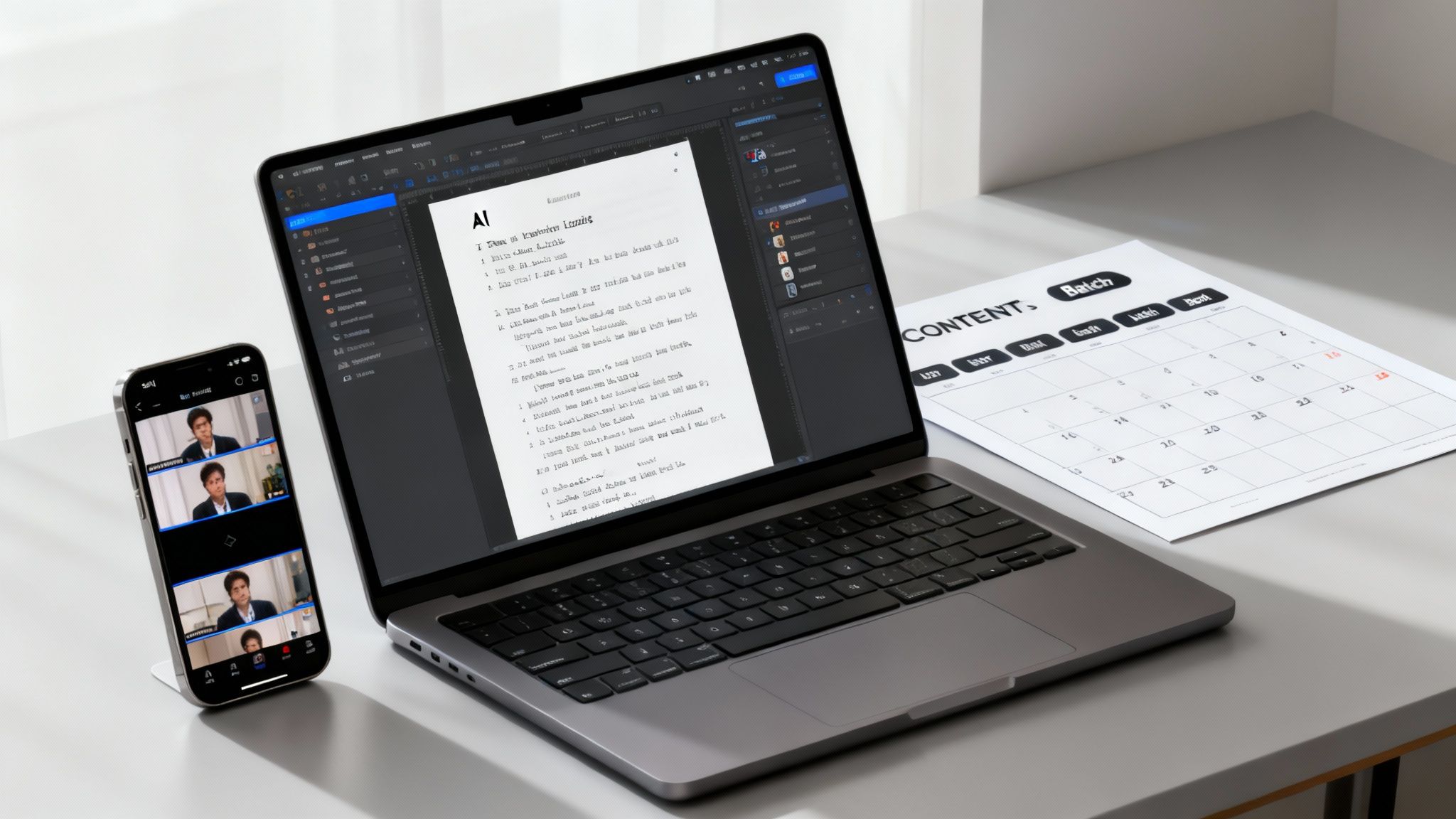
Let's be real: consistency is the engine for Shorts growth. The algorithm loves a steady stream of content, but trying to keep up with that relentless demand is a one-way ticket to burnout.
To win the long game, you need a system.
Building a scalable content machine is how you post often without letting quality slide. The secret isn’t to work harder—it’s to work smarter by plugging in automated workflows that handle the tedious, time-sucking parts of video creation. This frees you up to focus on strategy and creativity, which is where the real view-driving magic happens.
Imagine pumping out several high-quality, fully-edited Shorts in the time it used to take you to painfully edit just one. This is what's possible right now with the right tools.
Building Your Automated Content Engine
At the heart of any efficient workflow is a solid AI video generator. These platforms completely flip the old production process on its head, turning a simple idea or a text prompt into a polished, ready-to-post Short.
Forget juggling five different apps for scripting, voiceovers, visuals, and editing. You can now run the whole show from a single dashboard.
Here's what that usually looks like:
- Idea to Script: You start with a basic idea or a keyword. The AI then spits out a complete script, perfectly structured for the Shorts format—hook, main point, and call-to-action all included.
- Voiceover Generation: Next, pick from a library of surprisingly lifelike AI voices. You can find different languages, accents, and tones to nail the vibe of your channel.
- Visual Creation: The AI then pulls together compelling visuals that actually match the script. We're talking everything from stock footage and images to completely generated scenes in cinematic, anime, or realistic styles.
- Automated Editing: Finally, the tool layers in all those crucial retention-driving elements. Think animated captions, emojis, transitions, and background music, all synced up perfectly.
This entire process squeezes hours of manual work into just a few minutes. Suddenly, a consistent posting schedule isn’t just possible—it’s easy.
The real game-changer with an AI workflow is speed to iteration. When you can produce content 10x faster, you can test more ideas, see what sticks, and double down on your winning formats way faster than the competition.
Strategies for Batch Production
Once you've got your workflow dialed in, batch production becomes your superpower. Instead of making one Short at a time, you block out a few hours to create all your content for the week, or even the whole month. It's wildly efficient and keeps your brand voice and quality consistent.
If you want to take this even further, get good at repurposing your longer videos. You can learn how to create YouTube Shorts from existing video and squeeze even more value out of the content you've already made. It’s a powerful way to fill your calendar without starting from scratch.
A simple content calendar is the final piece of the puzzle. It doesn't need to be fancy; a basic spreadsheet works fine. Just map out your posting days and schedule your batched content ahead of time. This completely kills that daily "what do I post today?" pressure and ensures you never miss an upload. To dive deeper into this, check out some great resources on automatic content creation and see how it can put your channel's growth into overdrive.
The Impact on Channel Growth
Switching to an automated workflow directly tackles the biggest roadblocks to getting more views on Shorts. It solves the consistency problem by demolishing the production bottleneck. When you can reliably drop high-quality content multiple times a week, you're feeding the algorithm exactly what it wants to see.
This flood of new content also gives you more data to work with. You can quickly spot which topics, hooks, and editing styles are hitting with your audience and adjust your strategy on the fly. You're no longer guessing; you're making smart moves based on real performance.
Ultimately, scaling your production lets you treat your Shorts channel like a media operation, not just a hobby. You build momentum, attract a loyal following, and create a sustainable system for long-term growth. The burnout that takes out so many other creators? It becomes a non-issue.
Answering Your Top YouTube Shorts Questions
As you get deeper into creating Shorts, you're bound to run into some specific questions. You've got the basics down—hooks, editing, consistency—but it's the little details that often make the biggest difference in your growth. Let's dig into some of the most common hurdles creators face when trying to rack up more views.
How Many Shorts Should I Post a Day for Maximum Growth?
This is the big debate, isn't it? But the truth is, there’s no magic number. It all comes down to sustainable quality. Pushing out three half-baked Shorts every day will almost always get you worse results than publishing one single, high-retention video.
For most creators, a great starting point is one high-quality Short per day. This gives the algorithm enough fresh content to test with new audiences without burning you out. If you feel the quality start to dip, it's far better to pull back to 3–5 Shorts per week than to keep feeding the machine content that just doesn't land.
The algorithm loves consistency, but it loves viewer satisfaction even more. Find a rhythm that lets you produce your best stuff, every single time.
Does Deleting and Re-Uploading a Short Work?
We've all been there. A Short flops, and the temptation to delete it and try again is huge. But honestly, it's a bad move. YouTube’s algorithm often needs time—sometimes 24 to 72 hours—to figure out who to show your video to. A Short with hardly any views in the first few hours can absolutely take off later.
Deleting and re-uploading messes with your channel's rhythm and can even get flagged by the algorithm as repetitive. Instead of hitting delete, figure out why it flopped. Was the hook weak? Did people swipe away at the 5-second mark?
Use that insight to make your next video better. The game is about moving forward and improving, not trying to CPR a video that didn't connect. The only time this makes sense is if you find a massive technical glitch right after posting, like the audio is missing or the file is messed up.
What Is the Ideal Length for a YouTube Short?
Shorts can be up to 60 seconds long, but the "ideal" length is whatever keeps people watching. So many creators make the mistake of stretching a 15-second idea into a 45-second video, and it absolutely tanks their retention.
The sweet spot for most content seems to be between 15 and 45 seconds. That’s usually enough time to tell a quick story or share a valuable tip without letting your audience get bored. Shorter videos—under 15 seconds—can be absolute gold if they have a quick, satisfying punchline that makes people want to watch it again.
Here’s the golden rule: your Short should be exactly as long as it needs to be and not a second longer. Be ruthless in your editing. If a clip doesn't add to the story, it's gone.
Can I Get Monetized from YouTube Shorts Views?
Yes, you definitely can. The YouTube Partner Program (YPP) has a specific track for Shorts creators. To get your channel monetized, you need to hit one of these milestones in the last 90 days:
- 1,000 subscribers
- 10 million valid public Shorts views
Once you're in the YPP, you start earning a slice of the ad revenue from the Shorts feed. YouTube pools all the money from Shorts ads and then pays creators based on their share of the total views.
This is huge because it directly ties your views to your earnings. It means even one viral Short that pulls in millions of views can have a real financial impact, opening up a serious path to monetization for creators of all sizes.
Ready to stop spending hours editing and start scaling your content production? ClipShort is an AI video generator that helps you create viral-ready Shorts in minutes, not hours. Automate your scripts, voiceovers, and editing to maintain a consistent posting schedule and grow your channel faster than ever before. Try ClipShort for free and see the difference.