
How to create short video: Quick, Tested Tips to Grow on TikTok, Reels, Shorts
To get short video content to actually work, you need to nail three things: a hook that stops the scroll in the first three seconds, a story that keeps people watching, and a clear call-to-action that tells them what to do next. This isn't about guesswork; it's a simple, powerful structure that can turn casual viewers into a real audience.
The Framework for Viral Short Form Video
Before you even think about hitting record, you have to understand what makes a short video pop. Going viral isn't just a happy accident. It’s the result of a repeatable framework that the top creators on TikTok, Instagram Reels, and YouTube Shorts use every single day. This strategic foundation is what underpins the entire creative process, from a rough idea to the final uploaded clip.
The whole thing is built on some basic psychology. People are scrolling fast. Those first three seconds are your entire window to make an impression. You have to stop them cold with a hook—a provocative question, a bold claim, or a visual that makes them go, "Wait, what?"
Once you’ve got their attention, the narrative has to deliver on the promise you just made. It needs to be clean, concise, and offer some kind of value, whether that’s a quick tutorial, a bit of entertainment, or an inspiring story.
The Three Pillars of a Successful Short Video
Let's break it down. Every video that performs well has three elements you just can't skip. If you miss one, you're pretty much guaranteeing a swipe-away.
- The Hook: This is everything. It’s your promise to the viewer about what’s in it for them. A great hook makes people feel like they need to see how it ends.
- The Narrative: This is the meat of your video. It has to be easy to follow and directly pay off the hook. This could be a quick how-to, a personal anecdote, or a mind-blowing fact.
- The Call-to-Action (CTA): At the very end, you have to tell people what to do next. Ask for a follow, prompt them to drop a comment, or point them to a link. A solid CTA is what drives the engagement that tells the algorithm your content is worth pushing.
This simple but powerful flow is the key to creating videos that people actually watch all the way through.
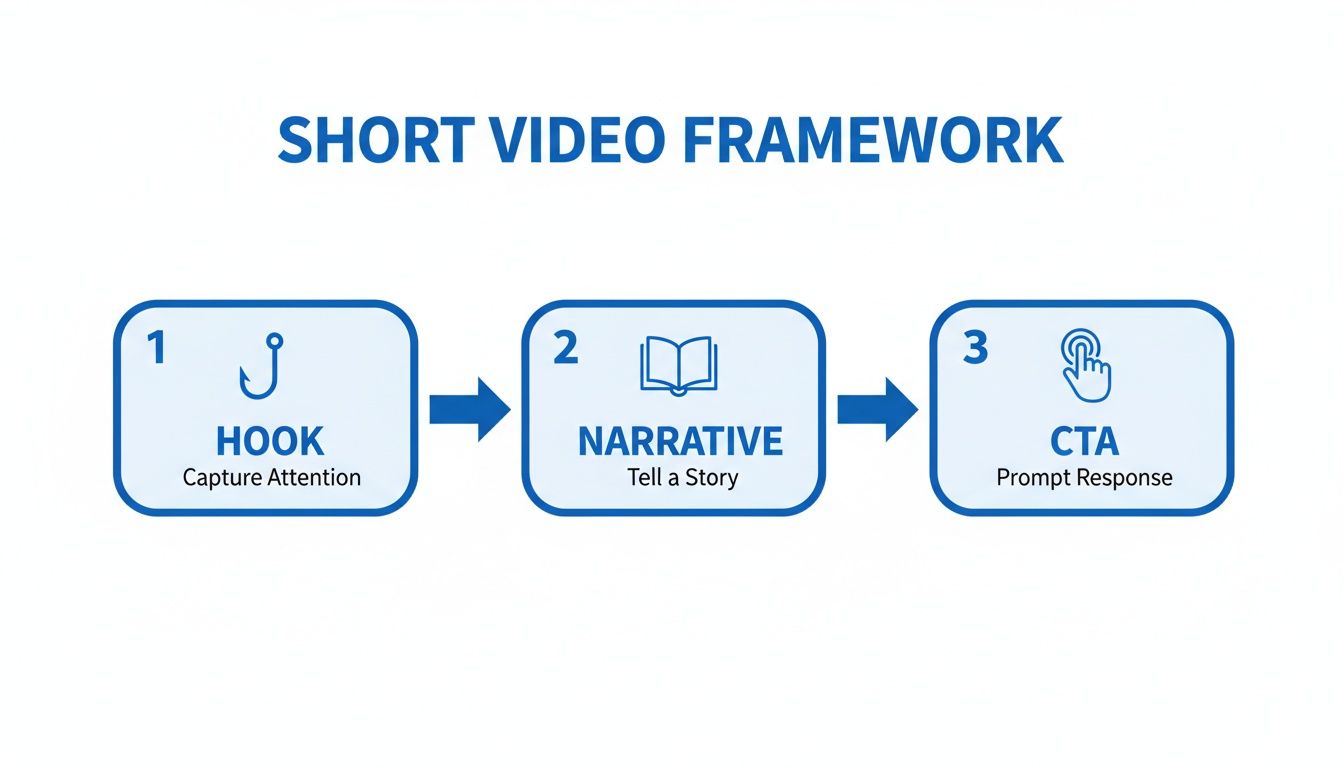
As you can see, each stage logically builds on the last, pulling the viewer from passive curiosity into active engagement.
This table breaks down how each piece works together to create a video that not only gets views but also drives results.
Core Components of a High-Performing Short Video
| Component | Purpose | Best Practice Example |
|---|---|---|
| Hook | Grab attention in the first 3 seconds. | "Here are three mistakes you're making with your money..." |
| Narrative | Deliver value and fulfill the hook's promise. | Quickly list and explain each of the three financial mistakes. |
| Call-to-Action | Tell the viewer what to do next. | "Follow me for more daily money tips." |
By internalizing these three components, you shift from just making content to building a system for creating consistently effective videos.
Why This Framework Works
The scale of short-form video is just staggering. TikTok claims an estimated 50 billion daily plays, with YouTube Shorts and Instagram Reels adding another 35 billion and 18 billion on top of that. Those aren't just big numbers; they represent a massive, hungry audience looking for good content.
The secret to consistency isn't having an endless supply of perfect ideas. It's having a solid framework that makes any idea work.
When you focus on the Hook, Narrative, and CTA, you build a reliable system for producing content that truly connects with people.
To make sure your videos are set up for success from the get-go, sticking to the optimal Instagram Reels format is a crucial piece of the puzzle. And if you really want to dig into the mechanics behind what separates a one-hit wonder from a viral sensation, our guide on what makes a video go viral is the perfect next step. Think of this structure as your roadmap for cutting through the noise.
Scripting a Story That Captivates Your Audience
A viral short video is rarely an accident. Behind almost every clip that blows up, there’s a meticulously crafted story designed to stop a fast-scrolling thumb in its tracks. The script is the blueprint for that story, turning a simple idea into a compelling narrative that holds attention from the first second to the last.
Your whole process should start with brainstorming ideas that already have viral potential baked in. Keep an eye on trending topics in your niche, but the real key is to find a unique angle. For example, if everyone is talking about a new productivity app, don't just list its features. That's boring. Instead, build a script around something like, "The one hidden feature in this app that saved me five hours this week." This approach instantly combines a popular trend with a specific, high-value outcome.
Structuring Your Script for Maximum Impact
A killer script almost always follows the same simple structure we talked about earlier: Hook, Narrative, and CTA. Let's dig into how to actually write each part so it lands with viewers.
-
The Hook (First 3 Seconds): This has to be a punchy, curiosity-driving statement. It could be a provocative question ("Are you still making this common mistake?") or a bold claim ("I grew my account by 10k followers using one simple trick"). A surprising visual works just as well. The goal is to make them need to know what's next.
-
The Narrative (The Middle): This is where you deliver on the promise you made in the hook. Keep your sentences short and your points super concise. If your hook was about a common mistake, the narrative should quickly explain what the mistake is, why it's so bad, and exactly how to fix it. No fluff.
-
The Call-to-Action (The End): Tell your viewers exactly what you want them to do next. Don't be vague. "Follow for more tips" or "Comment your thoughts below" are clear, direct commands that work because they leave no room for interpretation and actively boost engagement.
Speeding Up the Process with AI
Look, writing scripts from scratch is a huge time-suck, especially when you’re trying to post consistently. This is where AI tools become an absolute game-changer for creators who want to scale their output without burning out. Platforms like ClipShort can take a basic prompt and spit out a complete, structured script in just a few seconds.
You can see here how a simple prompt can generate a full script, complete with scene ideas, saving you a ton of mental energy.
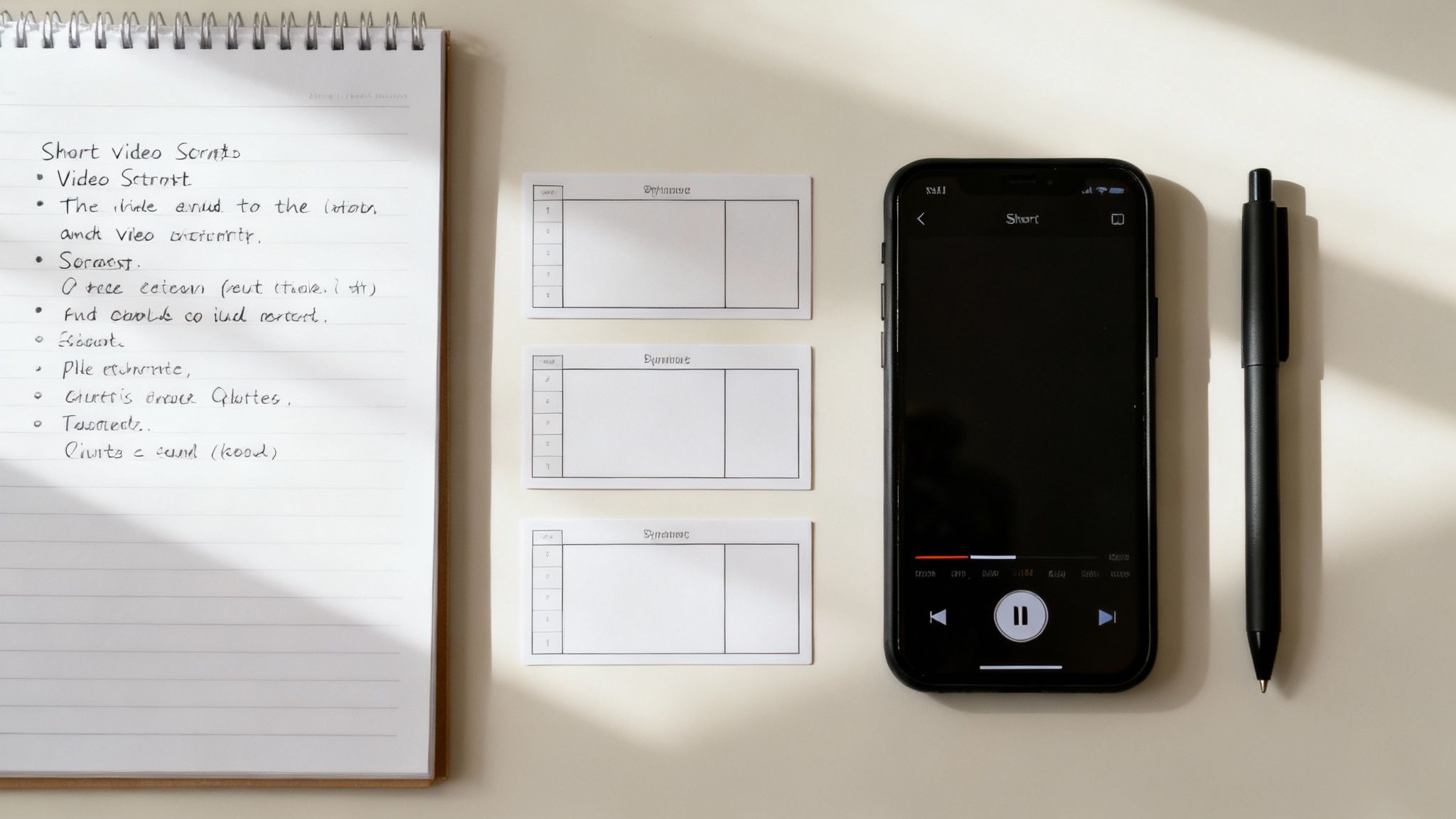
This kind of automation doesn't just save you hours; it also ensures your video script has a logical flow and hits all the key beats needed to keep a viewer hooked.
A great script makes the editing process ten times easier. When you know the story you're telling, every visual choice, caption, and sound effect has a clear purpose.
This strategic approach to scripting is everything. For a deeper dive into crafting narratives that really connect, check out our guide on how to write a compelling script for a YouTube video—many of the core principles are exactly the same. By perfecting your script, you're not just making a video; you're engineering a piece of content designed to succeed from the ground up.
Producing High-Quality Visuals Without a Camera
Think you need a fancy camera and a studio setup to create killer short-form videos? Think again.
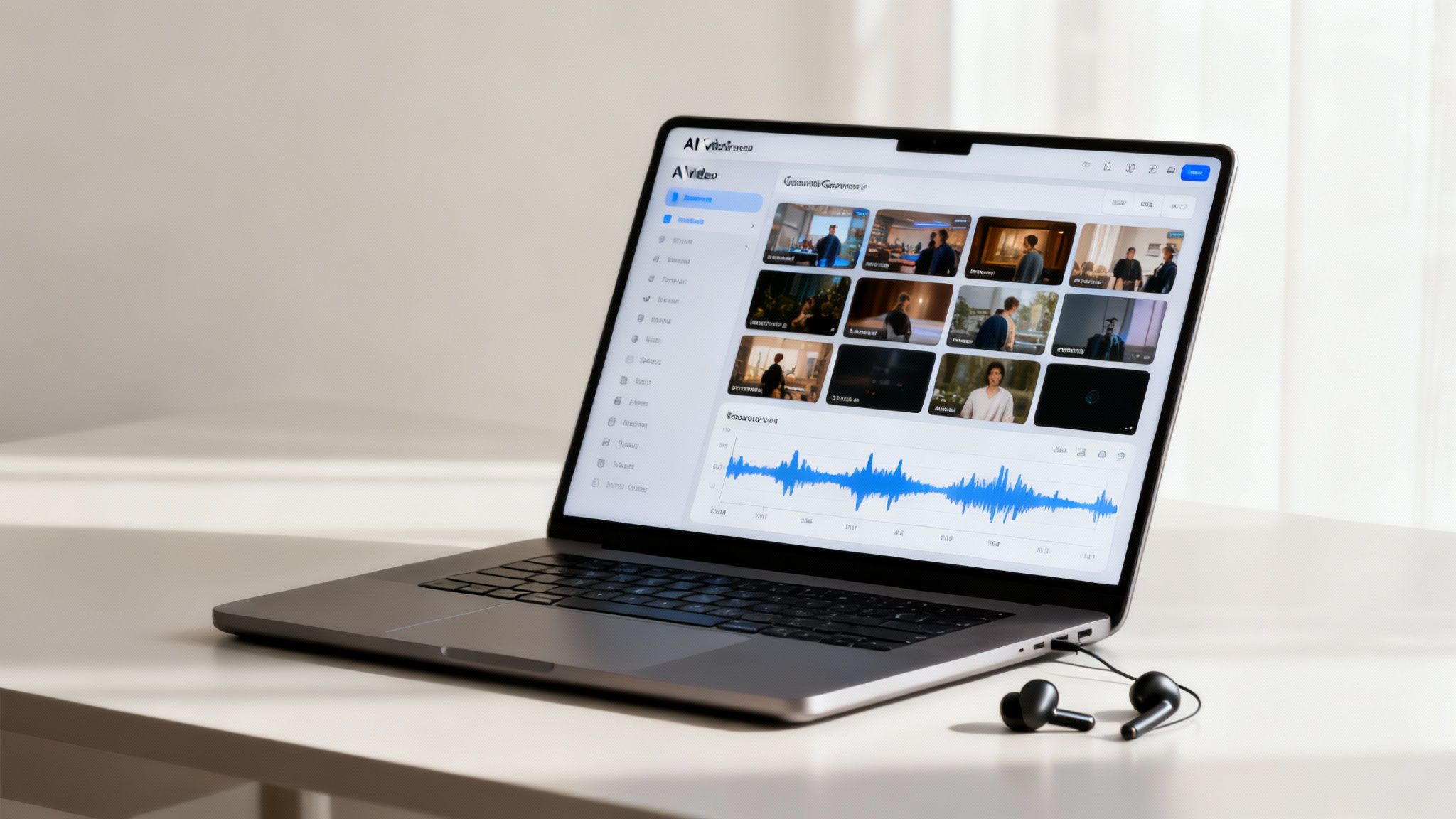
High-end video production is no longer just for creators with expensive gear. The explosion of 'faceless' content has completely changed the game, opening the door for anyone to produce professional-quality videos, even if you’d rather stay behind the scenes. The whole method hinges on using AI tools to spin up stunning visuals and surprisingly human-like voiceovers, all from a simple script.
This approach is an absolute game-changer for creators who need to pump out content at scale without spending all day filming. Forget worrying about perfect lighting or your neighbor's dog barking in the background. Your focus shifts to what really matters: crafting a powerful story and letting the tech handle the heavy lifting.
Finding the Right AI Voice for Your Brand
In a faceless video, the voiceover is your personality. It's the soul of your content, so picking the right one is everything. Modern AI voice generators have massive libraries, letting you find a voice that perfectly captures your brand's vibe—whether that's high-energy and motivating, calm and authoritative, or warm and trustworthy.
Don't just settle for a generic narrator. The best tools offer a huge range of languages and accents, which is a massive plus if you're trying to reach a global audience. The goal is to find a voice so natural and convincing that your viewers don't even clock it as AI.
Generating and Customizing Your Visuals
With your script and voiceover locked in, it’s time to build the visual side of the story. This is where the magic really happens. AI video generators can automatically create entire scenes just by analyzing the keywords in your script. A good place to start is by choosing a general visual style that fits your content.
- Cinematic: This is your go-to for dramatic storytelling or those high-impact motivational clips.
- Animated: Perfect for breaking down complex topics, creating educational explainers, or just having some fun.
- Realistic: Great for getting that stock footage feel, but with visuals that are completely unique and AI-generated.
The real power of these tools isn't just in what they create first—it's in how you can tweak it. Never just accept the first draft the AI spits out. Customization is what will make your video stand out from the sea of look-alike content.
This is where you inject your own style. If the AI generates a scene that feels a little off, you can easily swap in your own images, product shots, or b-roll clips. This hybrid approach gives you the insane speed of AI combined with the unique touch of your own brand. The final product feels both polished and genuinely authentic.
For anyone serious about innovating their production workflow, learning how to create AI videos is a non-negotiable next step. The technology is getting better every single day, offering more creative freedom than ever before.
If you're ready to see how AI can completely overhaul your process from start to finish, check out our guide on how to create videos with AI. It's a deep dive into the entire workflow. By embracing these tools, you can build a scalable system for producing short videos that captivate your audience—no camera required.
Editing Techniques That Boost Viewer Retention
The edit is where the real magic happens. This is your chance to shape the viewer's experience, turning a decent clip into something they simply can't scroll past. The editing strategies you use here are the secret sauce that separates a good video from an unforgettable one, and they directly impact how long people stick around.
Think of your editing process as a conversation. Every cut, caption, and sound effect is a tool to keep your viewer hooked and listening. A static, unchanging shot is the fastest way to lose someone's attention. Your goal should be to build a dynamic experience that constantly gives them something new to look at or hear.
Captivate with Captions and Subtitles
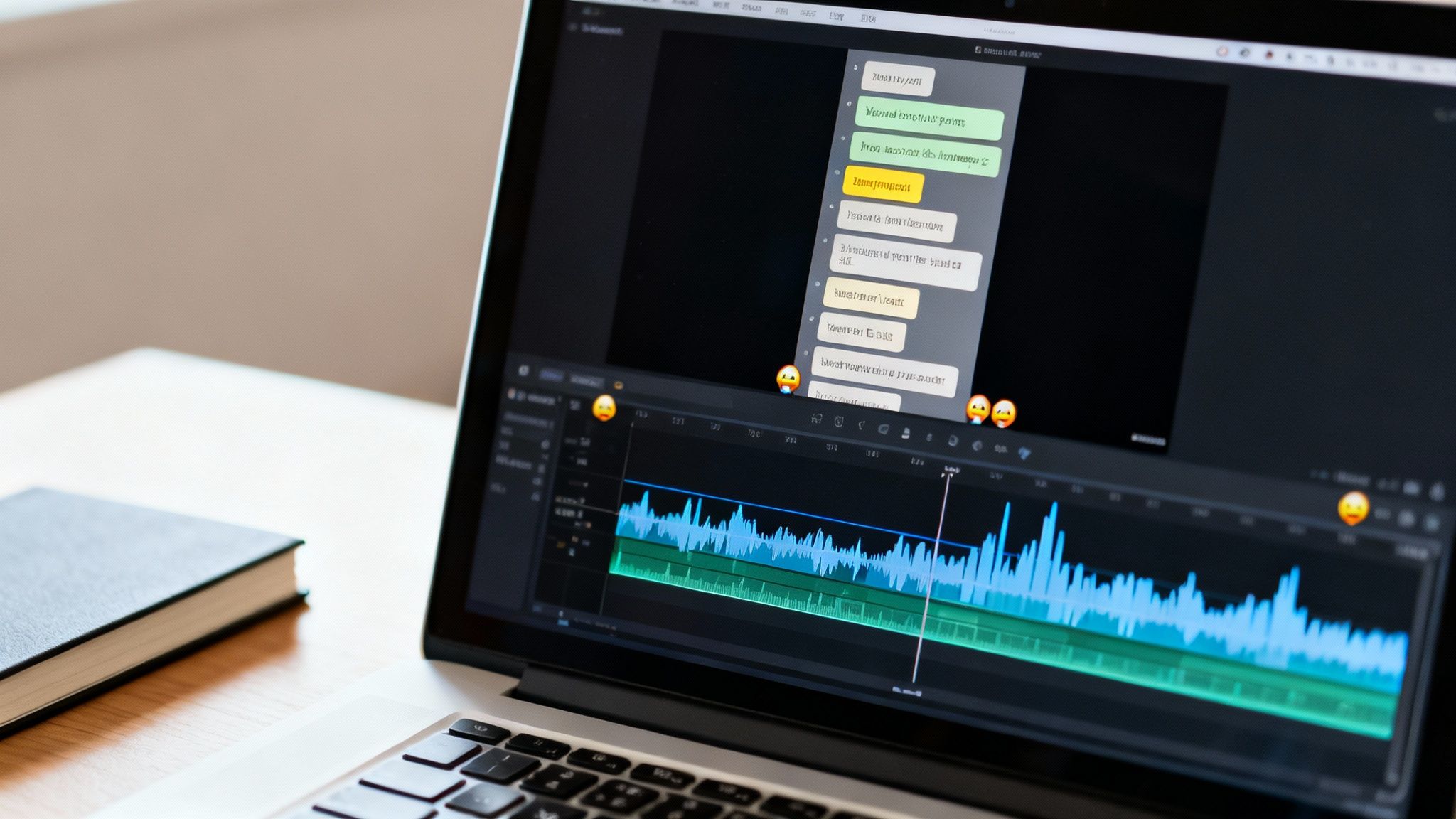
Let's be real: most people are watching your videos on mute. That makes captions completely non-negotiable. But in today's fast-paced feed, static, boring subtitles just don't cut it anymore. Your captions need to be part of the show.
- Animated Captions: Make your captions pop, slide, or change color to put a spotlight on key words. This technique, often called the "Alex Hormozi style," keeps the viewer's eyes glued to the screen as they follow along.
- Perfectly Timed Subtitles: Your subtitles have to appear exactly when the words are spoken. Even a tiny delay feels clunky and unprofessional, disrupting the flow and giving people a reason to swipe away.
- Strategic Emojis: Don't be afraid to sprinkle in relevant emojis. A well-placed 🤯 or 🔥 can inject personality and emotion, making your content feel way more human and engaging.
When you guide the viewer's focus with dynamic text, you’re taking control of their attention and turning a passive watch into an active experience.
Find the New Sweet Spot for Video Length
For the longest time, the advice for short videos was "the shorter, the better." Everyone was trying to cram their message into 15 seconds. But the game has changed, and the data tells a completely different story now. The platforms are actually rewarding creators who can hold attention for longer.
The sweet spot for short-form video length has shifted dramatically. While the early days were all about sub-15-second clips, recent data shows a more nuanced reality. For instance, Instagram Reels between 60 and 90 seconds now consistently pull in the highest engagement. You see the same pattern on TikTok, where engagement rates climb as videos get longer, peaking just past the 2-minute mark. You can dig into more of these social media video statistics to get a better handle on the trends.
Your goal is no longer just to stop the scroll; it's to hold attention. Don't be afraid to create longer videos if your story is compelling enough to justify it.
This shift gives you more room to build a real narrative and deliver solid value. Instead of rushing, you can focus on crafting a story that keeps viewers hooked all the way to the end.
To help you remember what to include, here's a quick checklist of editing elements that are proven to capture and hold viewer attention on platforms like TikTok and Instagram.
Retention-Boosting Elements for Short Videos
| Editing Element | Impact on Retention | Implementation Tip |
|---|---|---|
| Dynamic Captions | Keeps eyes on the screen, especially for silent viewers. | Animate keywords with color pops or size changes. Use the "Alex Hormozi" style. |
| Quick Cuts & Zooms | Prevents visual boredom by creating constant motion. | Change the shot or zoom in/out every 2-3 seconds to reset attention. |
| Sound Effects (SFX) | Adds emphasis and personality to key moments. | Use whooshes for transitions and dings for important points. Don't overdo it. |
| Background Music | Sets the emotional tone and pace of the video. | Choose a trending but non-distracting track. Keep the volume low. |
| B-Roll & Overlays | Adds visual context and keeps the screen interesting. | Layer relevant stock clips, images, or screen recordings over your main footage. |
| Emojis & Graphics | Injects personality and visual flair to highlight ideas. | Place emojis or simple icons next to text to reinforce the message. |
Adding these elements consistently will make your videos feel more polished and professional, making them much harder for viewers to scroll past.
Enhance the Vibe with Music and Sound
Audio is at least half the battle. The right background music sets the emotional tone for your entire video, while a few well-placed sound effects can add moments of surprise and delight.
When you're picking a track, make sure it actually complements your message instead of overpowering it. A high-energy electronic track might be perfect for a quick-cut tutorial, but a softer, more ambient piece is a better fit for a personal story. Always keep the volume low enough that it doesn't fight with your voiceover.
Using tools like ClipShort, you can easily apply all these retention-focused edits without ever having to touch complex software. By combining dynamic captions, finding the right video length, and layering in polished audio, you’ll craft videos that people don't just watch—they finish.
Optimizing Your Content for Algorithmic Success
Making a great video is a huge accomplishment, but let's be honest—getting people to actually see it is the real challenge. Hitting "publish" isn't the finish line; it’s the starting gun.
If you want your content to land in front of the right audience, you need to know how to speak the language of the algorithms that run TikTok, Instagram, and YouTube. This isn't about trying to trick the system. It's about strategically setting up every video for maximum reach so you can turn those hard-earned views into a loyal community.
Crafting a Magnetic Description and Cover Image
Think of your description and cover image as your video's one-two punch. The cover image is what stops the scroll, and the description is what hooks them into watching.
A killer cover image needs to be clean, intriguing, and feature bold, easy-to-read text that promises value. It’s a mini-billboard for your content. Instead of just letting the platform pick a random, blurry frame from your video, create a custom thumbnail with a headline like, "This Mistake Is Costing You Money." Curiosity is a powerful tool.
Your description is where you give the algorithm clues about your video's topic. Weave in keywords that real people would actually search for. Keep it short and compelling, nail the key takeaway, and always end with a clear call-to-action to get people commenting and engaging.
Choosing Hashtags That Actually Drive Discovery
Hashtags are not an afterthought. They are a critical discovery tool if you use them correctly. Just slapping on the biggest, most popular tags is a fast way to get your content buried. A much smarter play is to use a strategic mix.
- Broad Hashtags: These are high-volume tags that categorize your video, like
#shortvideoor#contentcreation. You only need one or two. - Niche-Specific Hashtags: This is where the magic happens. Tags like
#facelesscontentcreatoror#AIvideotipsconnect you with your core community—the people most likely to engage. - Trending Hashtags: If you can naturally tie your video to a current trend without forcing it, you can catch a nice wave of short-term visibility.
Don't just publish and pray. A thoughtful publishing strategy is what separates creators who grow consistently from those who get stuck.
By blending these three types of hashtags, you’re basically telling the algorithm exactly who your video is for, dramatically increasing its chances of landing on the right "For You" pages.
Consistency Is King and Monetization Is the Goal
Algorithms love consistency. When you post on a regular schedule, it signals that you're a serious creator worth promoting. This is where AI tools like ClipShort become a game-changer, allowing you to create a steady stream of short videos without burning yourself out.
Ultimately, that consistency leads to growth, which opens the door to monetization. The money-making potential for short-form video has exploded, but it’s different on every platform. YouTube Shorts creators can earn anywhere from $0.01 to $0.07 per 1,000 views, while Instagram relies more on shoppable tags and creator bonuses, and TikTok has its Creator Fund.
Knowing how each platform works is crucial for building a real revenue stream. To get the full picture, you can discover more insights about short-form monetization and see how they stack up.
Your Biggest Short Video Questions, Answered
Even with the best strategy, diving into short-form video can feel like navigating a minefield of questions. You're not alone. Let's clear up some of the most common roadblocks I see creators hit, from what tools to use to how often you really need to be posting.
One of the first things people ask is, "Do I have to be on camera?" I get it, not everyone wants to be the star of the show. The good news? The answer is a hard no. We're seeing a massive wave of "faceless" content proving that a powerful story, a clean voiceover, and the right visuals are what truly connect with an audience. Some of the biggest channels on TikTok and YouTube Shorts are built entirely on great b-roll or slick animations, with the creator never making an appearance.
What’s the Real Sweet Spot for Video Length?
The game has changed a bit here. While platforms let you upload videos that are several minutes long, shorter isn't always better anymore. The initial craze was all about those hyper-short, 15-second clips, but the data now tells a different story. Slightly longer videos are often winning because they give you enough runway to provide real value and hook viewers for longer.
On Instagram Reels, for example, we often see peak engagement on videos between 60 and 90 seconds. And on TikTok? Some of the highest-performing content is pushing past the two-minute mark.
The takeaway here isn't to aim for a magic number. It's to make your video exactly as long as it needs to be to land your point—and not a second longer. If you can say it perfectly in 30 seconds, great. If it takes 75, that’s fine too.
How Often Should I Post to Actually Grow?
This is a big one, and the answer is simple: consistency trumps frequency, every single time.
Posting three genuinely good videos every week, without fail, will get you much further than dropping ten rushed videos one week and then going silent the next. The algorithms on these platforms are designed to reward a predictable rhythm.
For most people just starting out, aiming for 3-5 videos per week is a solid, sustainable goal. It keeps you on your audience's radar (and the algorithm's) without pushing you toward total creative burnout. Find a pace you can maintain for the long haul.
Do I Really Need to Buy Expensive Editing Software?
Absolutely not. Look, professional tools like Adobe Premiere Pro are incredibly powerful, but they come with a beast of a learning curve and are frankly overkill for most short-form videos. The new generation of AI video generators and mobile editing apps are built for one thing: speed.
They bake in the features that are non-negotiable for holding attention, like:
- Auto-generated animated captions that grab viewers who are watching with the sound off.
- Huge pre-licensed music libraries to find the perfect vibe.
- Simple drag-and-drop interfaces that feel intuitive from the jump.
The name of the game is creating high-impact videos quickly. Modern tools are designed for exactly that, leaving all the unnecessary complexity behind.
Ready to create scroll-stopping short videos in minutes without ever showing your face? With ClipShort, you can turn any idea into a polished, engaging video with AI-powered scripting, lifelike voiceovers, and dynamic editing features. Start creating faster and smarter at https://www.clipshort.co.