
Mastering the TikTok Aspect Ratio for Viral Content
If you want your videos to have any shot at success on TikTok, there’s one rule you can't ignore: the 9:16 aspect ratio. For the best quality, you should be aiming for a resolution of 1080x1920 pixels.
This isn't just a technical suggestion—it's the core of the entire TikTok experience. The platform is designed for vertical, full-screen video that sucks you in from the moment you start scrolling. Nail this, and you're already on the right track.
Why the 9:16 TikTok Aspect Ratio Is Non-Negotiable
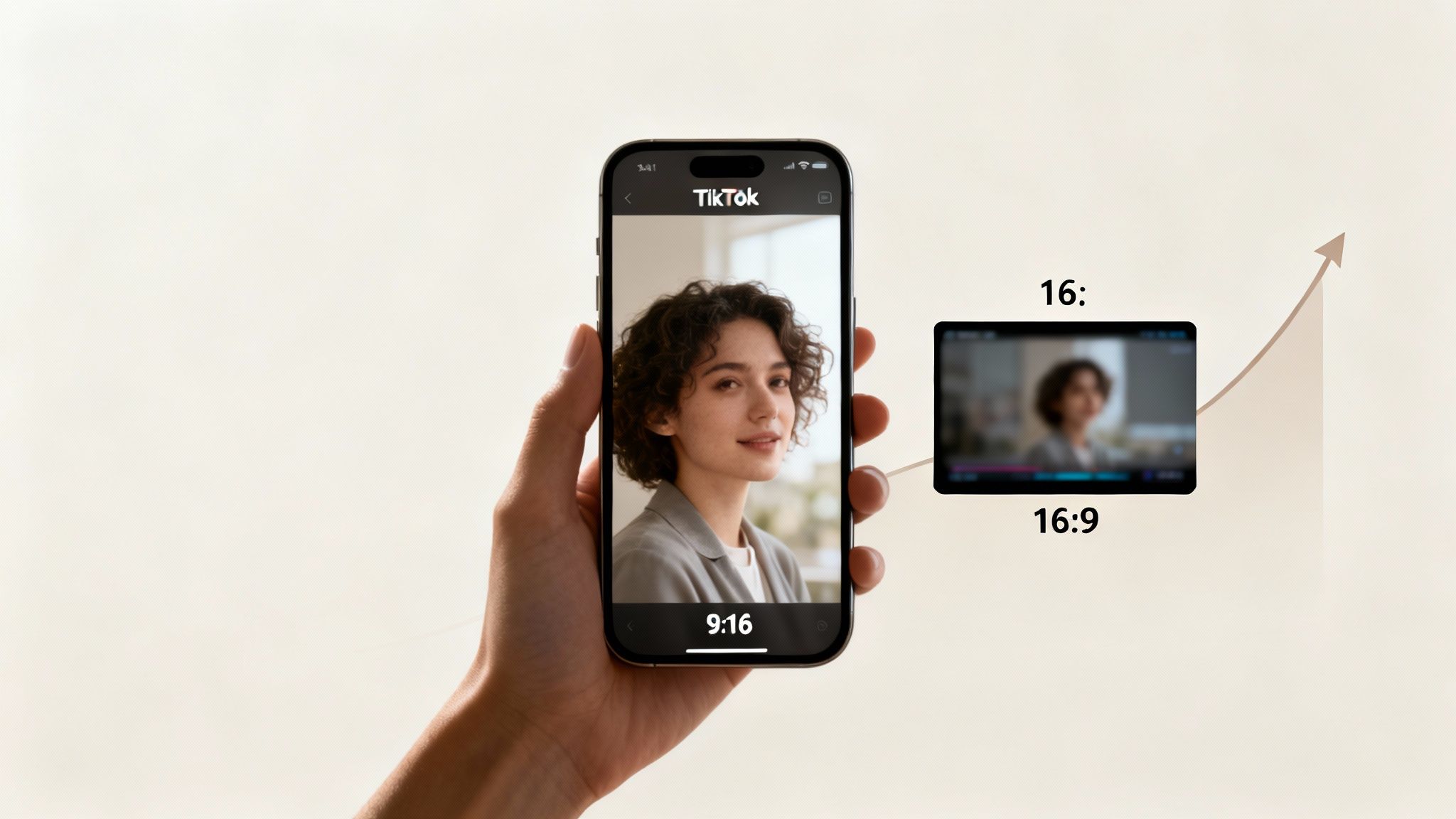
Think of the 9:16 aspect ratio as the native language of TikTok. Uploading a widescreen 16:9 video is like trying to screen a blockbuster movie on a phone held sideways—it just feels wrong and instantly breaks the immersion.
The whole app is built around a seamless, vertical scrolling feed. When your video fills the screen, it feels like it belongs there, holding a viewer's attention. But a video with clunky black bars on the top and bottom (what’s known as pillarboxing) is a jarring interruption. It’s a dead giveaway that the content wasn't actually made for TikTok.
The Algorithmic Advantage of Vertical Video
Here’s the thing: TikTok doesn't just prefer the 9:16 format; its algorithm is built to reward it. When you upload a horizontal clip, the app automatically shrinks it down to fit inside a 9:16 frame, which immediately ruins the full-screen experience.
This isn't just an aesthetic problem—it kills your performance.
Platform data shows that videos shot natively in a vertical format see a staggering 40.1% lift in impressions compared to square or horizontal videos. That’s a massive boost just for framing your content the right way.
The 9:16 aspect ratio isn't a suggestion; it's the language of the platform. Speaking it fluently gives your content the best possible chance to be seen and shared.
Building for the User Experience
At the end of the day, respecting the TikTok aspect ratio is about respecting the viewer. People use their phones vertically, and the best content meets them where they are. By creating videos that fit their screen perfectly, you remove any friction and make it dead simple for them to watch, like, and share.
This focus on the native format is the first step in the creative process. If you want to dive deeper into building content that works, check out our complete guide on how to make TikTok videos that grab attention from the first second. Getting the 9:16 standard right is your foundation for creating content that not only looks professional but also performs like a champ.
How Vertical Video Became the Global Standard
For decades, our screens were wider than they were tall. Think about it—from the massive displays at the movie theater to the TV in your living room and even early YouTube, the 16:9 horizontal aspect ratio was the undisputed king. It was just how we watched things.
Then came the smartphone, and it changed everything. Suddenly, we had these powerful little screens that we held in our hands vertically almost all the time. This simple change in how we hold our devices set the stage for a massive shift in how we consume media.
Early platforms like Snapchat and Instagram Stories started playing with vertical content, but it was TikTok that really blew the doors wide open. The app wasn't just friendly to vertical video; it was built from the ground up for it.
The Rise of the 9:16 Format
When TikTok launched internationally around 2017-2018, it made a bold bet on the 9:16 vertical format. This move completely broke away from the horizontal tradition and leaned into the way people naturally use their phones. It felt native, intuitive, and was a huge reason for its explosive growth.
Fast forward to 2023, and what once felt like a strange, cropped format is now the industry standard. Most major social media guides now define the 9:16 ratio at 1080x1920 pixels as the default canvas for short-form video. In a few short years, TikTok managed to flip a century-long tradition of widescreen cinema on its head. If you're curious about the full backstory, you can read more about video aspect ratio history.
This pivot was so huge that it sent shockwaves across the entire social media world. Other platforms had a simple choice: adapt or get left behind.
The vertical video revolution wasn't just a trend; it was a fundamental change in how we create and consume media. TikTok didn't invent vertical video, but it perfected the experience and made it the standard for millions.
How Other Platforms Followed Suit
The sheer magnetic pull of TikTok's vertical-first approach became impossible for anyone to ignore. Seeing its wild success, the competition scrambled to launch their own versions.
- Instagram Reels: Instagram launched Reels as a direct competitor, copying the 9:16 aspect ratio to give users that same seamless, addictive scrolling experience.
- YouTube Shorts: Even YouTube, the original champion of horizontal video, caved and introduced Shorts. It adopted the 9:16 format to win over the massive mobile-first audience.
This industry-wide shift makes one thing crystal clear: the 9:16 TikTok aspect ratio is no longer just a "TikTok thing." It's the universal language of short-form video. For any creator looking to stay relevant and get their content seen, mastering this format is non-negotiable, no matter what platform you call home.
Alright, we’ve established why that vertical 9:16 aspect ratio is non-negotiable. Now, let's get into the nitty-gritty numbers that actually make your videos look good. While the aspect ratio is the shape of your video, resolution is all about its clarity. Nailing both is the secret to content that looks sharp and polished, not like it was filmed on a potato.
Think of it this way: your aspect ratio is the canvas, and the resolution is the quality of the paint. You can have the perfect canvas, but if you use low-quality, blurry paint, the final picture will be a mess.
The Gold Standard Resolution: 1080x1920
For that vertical 9:16 frame, the gold standard resolution for TikTok is 1080x1920 pixels. That simply means your video is 1080 pixels wide and 1920 pixels tall. This is full high-definition (HD), and it hits the sweet spot between crisp visual quality and a file size that won’t take forever to upload.
Uploading at this resolution makes sure your video looks crystal clear on modern smartphone screens. It helps you avoid that fuzzy, pixelated look that instantly screams "amateur." While TikTok technically supports lower resolutions like 720p (720x1280 pixels), just stick to 1080p. It's the professional standard for a reason.
This is especially important if you’re using AI video generator tools to create your content. Those tools almost always have export settings, and selecting 1080x1920 is one of the most crucial steps you’ll take.
Why Higher Isn't Always Better
You might be thinking, "Why not just upload in 4K? Bigger is better, right?" Not exactly. For TikTok, at least, it’s not that simple. The platform currently tops out its video quality at 1080p.
If you upload a 4K video, TikTok will automatically crush it down to 1080p anyway. This compression process can be unpredictable and often introduces weird visual glitches, which can ironically make your video look worse than if you’d just exported it at 1080p to begin with.
By exporting directly at 1080x1920, you stay in the driver's seat. You get total control over how your video looks, guaranteeing a clean, high-quality upload without any nasty surprises from TikTok's compression algorithm.
If you want to see how these specs play out on other platforms, check out our deep dive on https://www.clipshort.co/en/blog/vertical-video-dimensions. It’ll help you streamline your workflow for TikTok, Reels, and Shorts. By mastering both the TikTok aspect ratio and the right resolution, you create a viewing experience that feels professional and keeps people watching.
Keeping Your Content Inside TikTok's Safe Zones
So, you’ve nailed the technical side. Your video is in the perfect 9:16 aspect ratio and looks super sharp at 1080x1920 resolution. But there’s one last, sneaky hurdle that trips up even experienced creators: the TikTok interface itself.
All those buttons, your username, and the caption get slapped right on top of your masterpiece. If you’re not careful, they can completely cover up the most important parts of your video. This is where you need to get smart about "safe zones."
Think of the edges of your video screen as a no-fly zone for anything important. That call-to-action you placed at the very bottom? It's a classic mistake. The caption or navigation bar will almost certainly swallow it whole. The goal is to design your content to live in harmony with the interface, not fight against it.
Visualizing the Safe Zones
To sidestep these common issues, you have to know exactly where TikTok puts its UI elements. The main areas to keep clear are the bottom, the right side, and the very top of the screen.
This graphic breaks down how a video's core specs—ratio, dimensions, and resolution—all work together.
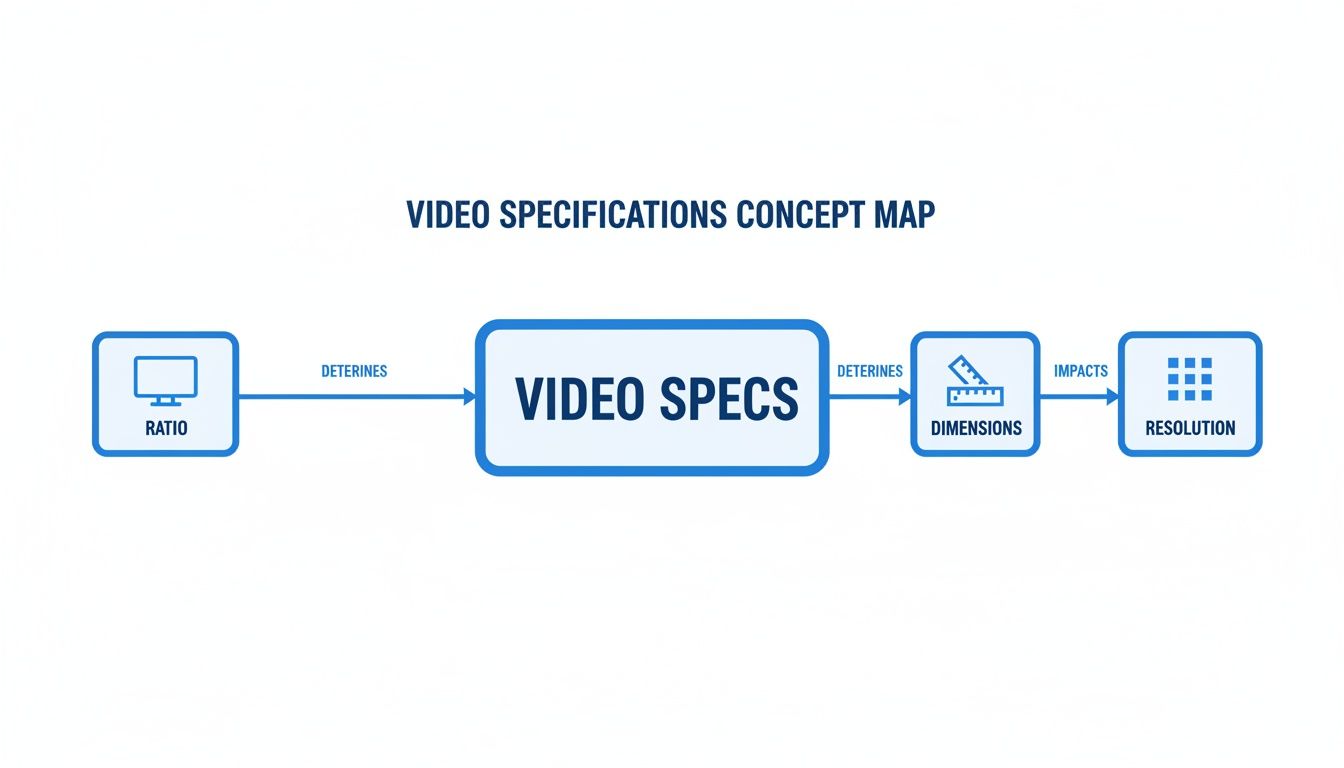
While this shows the technical foundation, the real trick is making sure your high-res content stays visible within that central viewing area. Let's break down exactly what you need to watch out for.
TikTok UI Element Placement Guide
To keep your key visuals from getting lost behind TikTok's interface, you need to know where everything sits. This table breaks down the UI hotspots so you can design your content to fit perfectly in the visible "safe zone."
| UI Element | Screen Location | Best Practice |
|---|---|---|
| Profile, Like, Comment, Share Icons | Right-side, vertical stack | Keep this entire vertical strip clear of text, logos, or key facial expressions. |
| Username & Caption | Bottom-left | Any on-screen text or subtitles must be placed well above this area to remain readable. |
| Audio/Sound Name | Bottom, scrolling ticker | This area is very busy. Avoid placing any crucial visual elements along the absolute bottom edge. |
| "LIVE" & Other Banners | Top-left or top-center | Although less cluttered, leave a small buffer at the very top to avoid being covered by system notifications. |
Remembering where these elements are is half the battle. When editing, just mentally block off these areas to keep your important stuff front and center.
Essentially, your video's "safe zone" is the big rectangle in the middle where nothing gets blocked. Treat the screen's edges like a picture frame—all the important action needs to happen comfortably inside it.
Respecting these boundaries guarantees your audience sees your video exactly as you intended. It's a simple habit that makes your content look polished and professional, ensuring your message lands loud and clear. That’s fundamental to optimizing your TikTok aspect ratio for real engagement.
How to Repurpose Horizontal Videos for TikTok
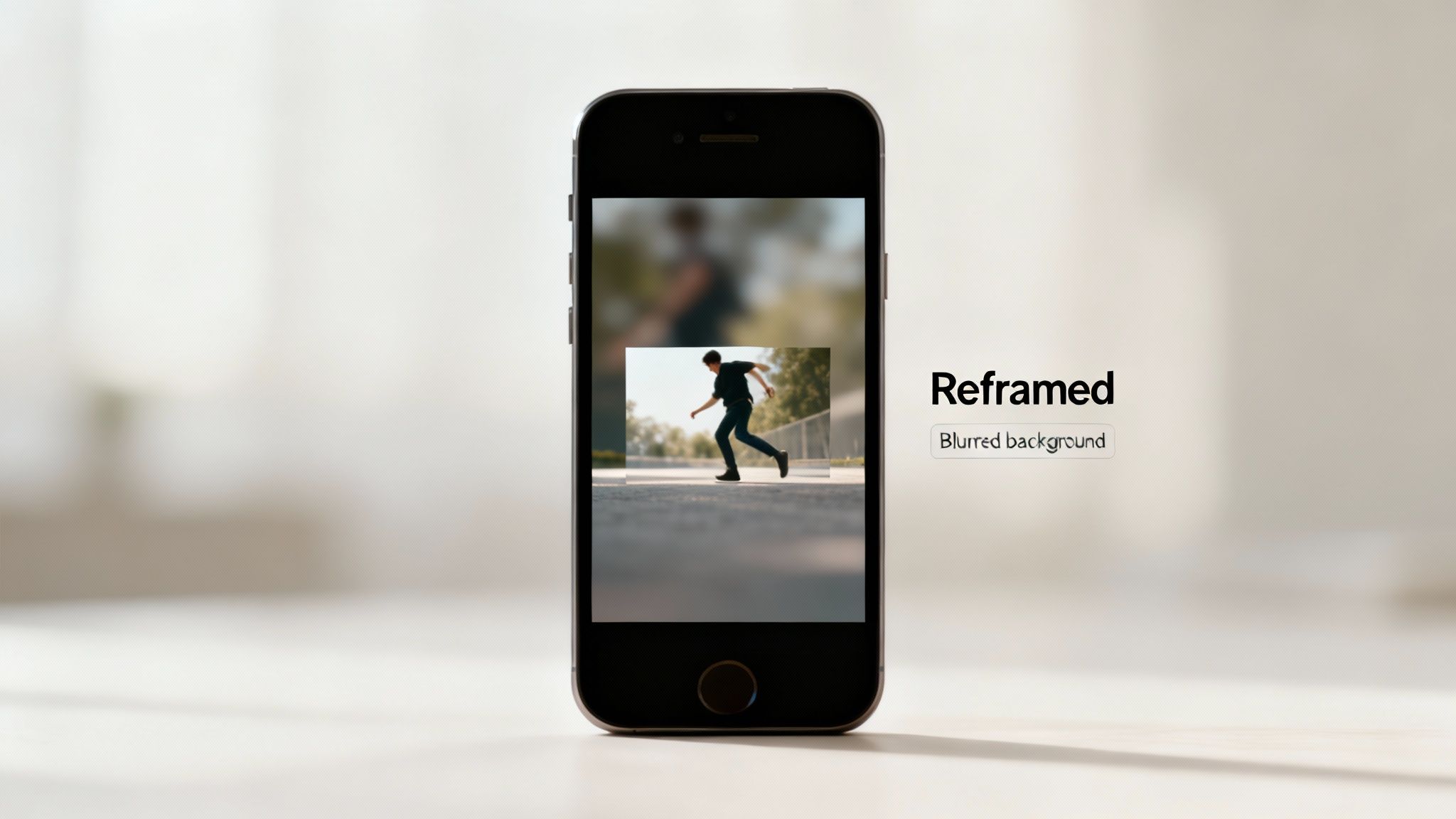
While the perfect TikTok aspect ratio is 9:16, you’re probably sitting on a goldmine of horizontal videos from YouTube or other projects. The temptation is to just upload them as-is, but that creates a huge problem: pillarboxing.
TikTok will slap ugly black bars on the top and bottom of your video. This instantly shatters the immersive, full-screen vibe and screams to viewers that the content wasn't made for them. That tiny detail can absolutely wreck your engagement before your video even gets a chance to shine.
The fix isn't to ditch your old content. It’s to get creative and adapt it for a vertical world. This means reframing your horizontal footage to fit the 9:16 canvas without losing the soul of your message.
Creative Ways to Reframe Horizontal Content
Instead of letting TikTok control your look with those default black bars, take charge of that empty space. Modern video editors make it incredibly easy to drop your 16:9 clip onto a 9:16 background and fill the gaps with something way more engaging.
Here are three go-to techniques that work wonders:
- Punch-In and Reframe: This is the most popular method. You essentially zoom into your horizontal video, panning and scanning to keep the main subject or action centered. Think of it like you're "re-directing" the video in post-production. This works best if your original footage was shot in a high resolution like 4K, giving you plenty of pixels to crop without turning your video into a blurry mess.
- Blurred Background Effect: Drop your original 16:9 video into the middle of the 9:16 frame. Then, copy that same clip, scale it up to fill the whole screen, and add a blur effect. This creates a soft, slick-looking backdrop that’s infinitely better than plain black bars.
- Use Text and Graphics: Treat that empty space above and below your video clip like prime real estate. You can add a bold, scroll-stopping headline at the top and pop on some dynamic, animated captions at the bottom. This approach turns a formatting headache into a creative win.
Repurposing isn't just about resizing; it's about re-imagining. A well-reframed horizontal video can perform just as well as a native vertical one if you treat the new canvas as a creative opportunity.
The Future of Formats on TikTok
While 9:16 is still king, it's worth keeping an eye on how the platform is changing. As TikTok pushes longer-form content, it has even started testing the promotion of landscape (16:9) videos.
But there’s a catch. For a viewer to watch a landscape clip in Full Screen mode, they have to tap a button. Then, to keep scrolling, they have to manually close it. This adds friction to the famously seamless For You Page scroll.
This tiny roadblock is exactly why the native TikTok aspect ratio is still your safest bet for maximum engagement.
If you need a step-by-step tutorial, check out our guide on https://www.clipshort.co/en/blog/how-to-change-aspect-ratio-of-video. And for a deeper dive into turning your YouTube library into killer TikToks, this guide on how to crosspost YouTube to TikTok has you covered.
Common Questions About the TikTok Aspect Ratio
Even after covering the basics, a few questions always pop up. The world of video specs can feel a little technical, but nailing these details is what separates polished, pro-level content from videos that just feel... off. This section cuts right to the chase with direct answers to the most common questions about the TikTok aspect ratio.
Think of this as your quick-reference guide. It's here to help you troubleshoot common snags and reinforce the most important takeaways. With these answers in your back pocket, you can post with total confidence every single time. Let's clear up any lingering confusion.
What Is the Best TikTok Aspect Ratio?
The one and only official TikTok aspect ratio is 9:16. No ifs, ands, or buts. This vertical format is tailor-made to fill up a modern smartphone screen, creating that immersive, full-screen experience that makes the app so addictive. For the best possible clarity, you’ll want to pair that ratio with a resolution of 1080x1920 pixels.
Sure, TikTok will technically let you upload other shapes, like a square (1:1) video, but they’ll show up with clunky black bars. More importantly, they just don't perform. TikTok's own data has shown that native 9:16 videos can get up to a 40% increase in impressions compared to non-vertical content.
Can I Upload a 16:9 Widescreen Video to TikTok?
Yes, you can upload a 16:9 video, but you really, really shouldn't. It’s one of the biggest mistakes new creators make, and it’s a performance killer. When you upload a horizontal video, TikTok crams it into the vertical 9:16 frame by slapping thick black bars above and below it.
This is called letterboxing, and it's an instant red flag for viewers. It screams, "this video wasn't made for you or this platform," breaking the seamless scroll and almost guaranteeing a quick swipe to the next video. Always take the extra minute to re-edit or reframe your 16:9 footage into a proper 9:16 format.
Are TikTok, Reels, and YouTube Shorts the Same Aspect Ratio?
Yes! And this is fantastic news for creators. All three of the major short-form video platforms—TikTok, Instagram Reels, and YouTube Shorts—have standardized on the 9:16 aspect ratio. This means you can create one master video file at 1080x1920 pixels and repurpose it across every channel without having to go back to the editing board.
While the 9:16 canvas is the same everywhere, the user interface isn't. Be mindful of the "safe zones." The placement of icons, captions, and buttons is slightly different on each app, so what’s perfectly visible on TikTok might get covered up by the like button on Reels.
Why Does My Video Look Blurry on TikTok?
Blurry video on TikTok almost always boils down to two culprits: your original file quality and TikTok’s own compression. To sidestep this, you have to start with a high-quality source file. Always, always export your video from your editor at 1080x1920 pixels. Anything less is a recipe for a fuzzy, pixelated mess once it's uploaded.
Second, TikTok compresses every single video that gets uploaded. It's how they save server space and make sure videos load quickly for millions of users. To minimize the quality drop from their compression, here are a few pro tips:
- Upload on Wi-Fi: A strong, stable Wi-Fi connection is your best friend. Uploading over a spotty cell signal can force TikTok to apply even heavier compression, crushing your video quality.
- Keep Motion Clean: Scenes with a ton of chaotic motion, like confetti or fast-moving visual noise, are tough for compression algorithms to handle. This often leads to those ugly, blocky artifacts.
- Good Lighting is Key: A bright, well-lit source video will always compress better than a dark, grainy one. Clean input equals clean output.
By keeping these factors in check, you give your content the best shot at looking sharp and professional in the feed.
Ready to create perfectly formatted, viral-worthy short-form videos without the hassle? ClipShort uses AI to turn your ideas into stunning TikToks, Reels, and Shorts in minutes. Forget complex editing and filming—just write a prompt and let our tool generate engaging, faceless videos complete with voiceovers, animated captions, and trending visuals. Start creating for free today!