
10 Instagram Reels Best Practices for Viral Growth in 2025
Instagram Reels represent one of the most powerful engines for organic reach and audience growth on the platform. Yet, simply publishing a video is not a strategy. The algorithm is a complex system that prioritizes content displaying specific, predictable patterns of engagement and quality. Success requires a deliberate approach that covers every stage of creation, from the initial concept to post-publication analysis. Getting this right means moving beyond guesswork and implementing a proven framework.
This guide is that framework. We will dissect the 10 most critical Instagram Reels best practices that consistently drive results. Forget vague advice; you will find actionable, step-by-step instructions designed for immediate implementation. We'll explore how to craft compelling hooks that stop the scroll, leverage audio trends effectively, and optimize your metadata for maximum discoverability.
More importantly, these strategies are tailored for the modern creator. Whether you are a business owner promoting a product, an agency managing client accounts, or an influencer scaling with AI-assisted tools for faceless content, this comprehensive list provides the tactical blueprint you need. Consider this your definitive roadmap to creating Reels that not only capture attention but also convert viewers into a loyal community, driving tangible growth for your account. Let’s dive into the practices that turn casual viewers into dedicated followers.
1. Hook Viewers in the First 3 Seconds
In the fast-paced world of short-form video, you have a razor-thin window to capture someone's attention before they scroll on. The first three seconds of your Instagram Reel are the most critical real estate you have. A strong, immediate hook is a fundamental pillar of Instagram Reels best practices because it directly signals to the algorithm that your content is engaging, leading to increased watch time and broader reach.

The primary goal is to create a "pattern interrupt," a psychological trigger that breaks a user's mindless scrolling pattern and makes them stop and pay attention. This isn't just about being loud or flashy; it's about instantly communicating value or sparking curiosity.
How to Implement an Effective Hook
Your hook should promise a specific outcome or pose an intriguing question that the rest of the Reel will answer. Think of it as the headline for your video.
- Start with the "After": Instead of a slow build-up, show the final result first. A beauty creator can start with the flawless finished makeup look before showing the process, or a fitness influencer can display a quick, impressive exercise result.
- Use Bold Text Overlays: On-screen text is powerful. Pose a controversial question, state a shocking statistic, or make a bold claim like, "You're cleaning your air fryer all wrong." This creates an immediate need for the viewer to see the answer.
- Create Visual Intrigue: Begin with an unusual camera angle, a rapid-fire sequence of engaging clips, or a visually arresting scene. This forces the viewer's brain to try and make sense of what it's seeing, holding their attention for a few crucial extra seconds.
Pro Tip: For faceless or AI-assisted content, a text-based hook is your most powerful tool. Use tools like ClipShort to automatically add a compelling, animated title or question in the first few frames to ensure your message lands instantly without needing a human presenter.
2. Leverage Trending Audio and Sounds
Audio is the heartbeat of Instagram Reels. Leveraging trending sounds is one of the most powerful Instagram Reels best practices because it taps into existing cultural moments and signals relevance to both viewers and the algorithm. When a user engages with a Reel using a specific sound, Instagram is more likely to show them other Reels with that same audio, creating a built-in discovery engine for your content.
The primary goal is to associate your content with a rising trend, effectively borrowing the momentum of that sound to boost your own visibility. Viewers are psychologically primed to enjoy content set to familiar, popular music or audio clips, which can increase watch time and engagement.
How to Implement Trending Audio
Choosing the right sound is as important as the visual content itself. It should complement your message, not distract from it. The key is to find a trend and adapt it to your niche authentically.
- Find and Save Sounds: Actively browse your Reels feed and tap on the audio name at the bottom of any video to see its usage stats. If you see a small upward-pointing arrow, it’s trending. Save sounds that fit your brand voice so you have a library ready for future content.
- Adapt Trends to Your Niche: You don't have to do the popular dance associated with a song. An educational account can use a trending song in the background while pointing to on-screen text bubbles that share valuable tips. A product-based business can use a viral sound to reveal a new item or showcase customer reviews.
- Sync Visuals to the Beat: Great Reels often have tight editing where visual changes, text reveals, or transitions happen on the key beats of the audio. This creates a satisfying, professional feel that keeps viewers locked in. For a deeper dive, learn more about how to sync sound and video.
Pro Tip: For faceless content, the audio choice is even more critical as it sets the entire mood. Use an AI tool like ClipShort to easily search and add trending sounds directly to your videos. You can pair an instrumental trending track with AI-generated voiceovers to create compelling educational or motivational content that captures attention without showing a face.
3. Maintain a Consistent Posting Schedule
Think of the Instagram algorithm as a loyal audience member. If you show up at the same time every day with great content, it learns to expect you and even look forward to your posts. Maintaining a consistent posting schedule is one of the most vital Instagram Reels best practices because it signals to the platform that you are an active, reliable creator, which can lead to preferential treatment in content distribution.
Consistency isn't just about posting frequently; it's about establishing a predictable rhythm. This rhythm trains both the algorithm and your audience, encouraging followers to regularly check for your new content and helping the algorithm know when to push your Reels to a broader audience.
How to Implement a Consistent Schedule
The key is to create a realistic and sustainable plan. Don't aim for daily posts if you can only manage three per week. Quality and predictability trump sheer volume.
- Analyze Peak Times: Use your Instagram Insights to identify when your followers are most active. Posting during these peak windows increases the likelihood of immediate engagement, a crucial signal for the algorithm. Schedule your Reels to go live during these optimal times.
- Batch Create Your Content: Dedicate specific blocks of time to film and edit multiple Reels at once. This content batching method ensures you always have a queue of ready-to-publish content, preventing last-minute scrambling and making consistency far more achievable.
- Use a Content Calendar: A simple calendar, whether digital or physical, helps you visualize your posting schedule. Plan your topics, sounds, and captions in advance. This strategic approach keeps you organized and prevents creative burnout.
Pro Tip: For automated or faceless accounts, consistency is your superpower. Use a scheduler tool to plan your posts weeks in advance. Combine this with a tool like ClipShort to quickly generate a large volume of high-quality, repurposed clips, ensuring your content pipeline never runs dry and your posting schedule remains unbroken.
4. Create Vertical, Full-Screen Content
Instagram Reels are fundamentally designed for a mobile-first, vertical viewing experience. To maximize your visual impact and align with user expectations, creating content in a full-screen, 9:16 aspect ratio is a non-negotiable best practice. Horizontal or square videos with black bars (letterboxing) create a jarring experience, immediately signaling that the content wasn't made for the platform, which can reduce watch time and engagement.
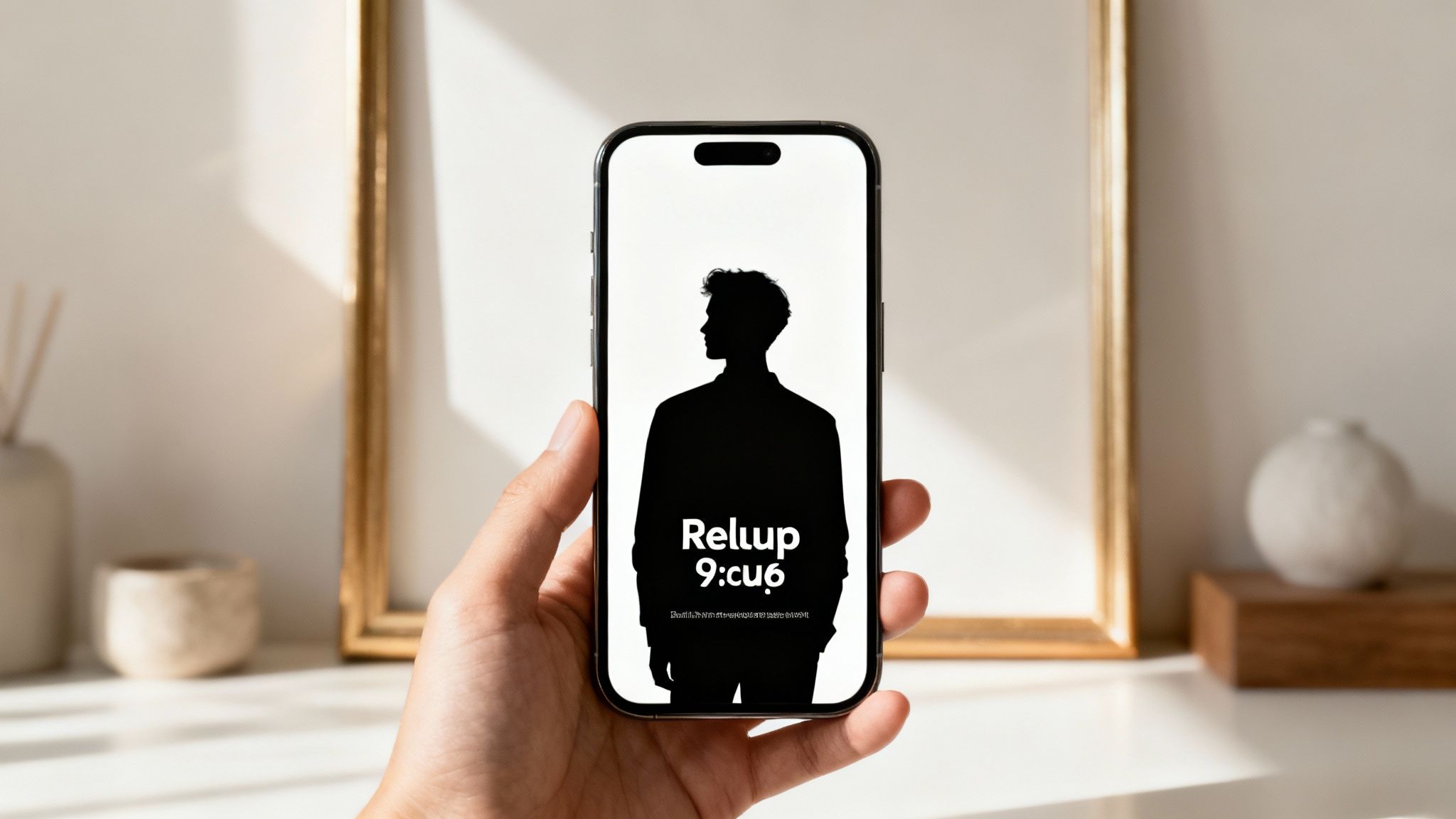
The core principle is to occupy every pixel of the screen, immersing the viewer fully in your video. This native format feels more organic in the Reels feed, encouraging longer viewing sessions and signaling to the Instagram algorithm that your content is high-quality and platform-appropriate. This approach is essential for everything from full-body fitness transformations to close-up beauty tutorials, where every detail matters.
How to Implement a Vertical-First Strategy
Shooting and editing with a vertical mindset from the start is far more effective than trying to crop a horizontal video later. This ensures your subject is framed correctly and your visual storytelling is optimized for the format.
- Film Natively: The easiest way to ensure a perfect 9:16 ratio is to film vertically directly on your smartphone. This eliminates any need for cropping and maintains the highest possible video quality.
- Use Vertical Templates: When editing, use a software preset specifically for a 9:16 aspect ratio (typically 1080x1920 pixels). This creates the correct canvas for your clips and graphics. For a deeper dive into video specs, you can learn more about mastering vertical video dimensions to ensure technical perfection.
- Mind the Safe Zones: Keep critical elements like text, logos, or important visual details away from the very top and bottom edges of the screen. Instagram's user interface (your username, the caption, and engagement buttons) can obscure these areas. Keeping key content centered is a crucial part of Instagram Reels best practices.
Pro Tip: For faceless content creators repurposing stock footage or other assets, tools like ClipShort are invaluable. They can automatically reframe horizontal clips into a vertical 9:16 format, using AI to track the main subject and ensure it stays in focus, saving you hours of manual editing while maintaining a professional, full-screen look.
5. Use Text Overlays and Captions Strategically
In a mobile-first environment where many users watch videos with the sound off, relying solely on audio to deliver your message is a missed opportunity. Strategic use of on-screen text overlays and captions is a core component of Instagram Reels best practices. It reinforces your message, improves accessibility, and caters to a wider range of viewing habits, ensuring your content is understandable and engaging even on mute.
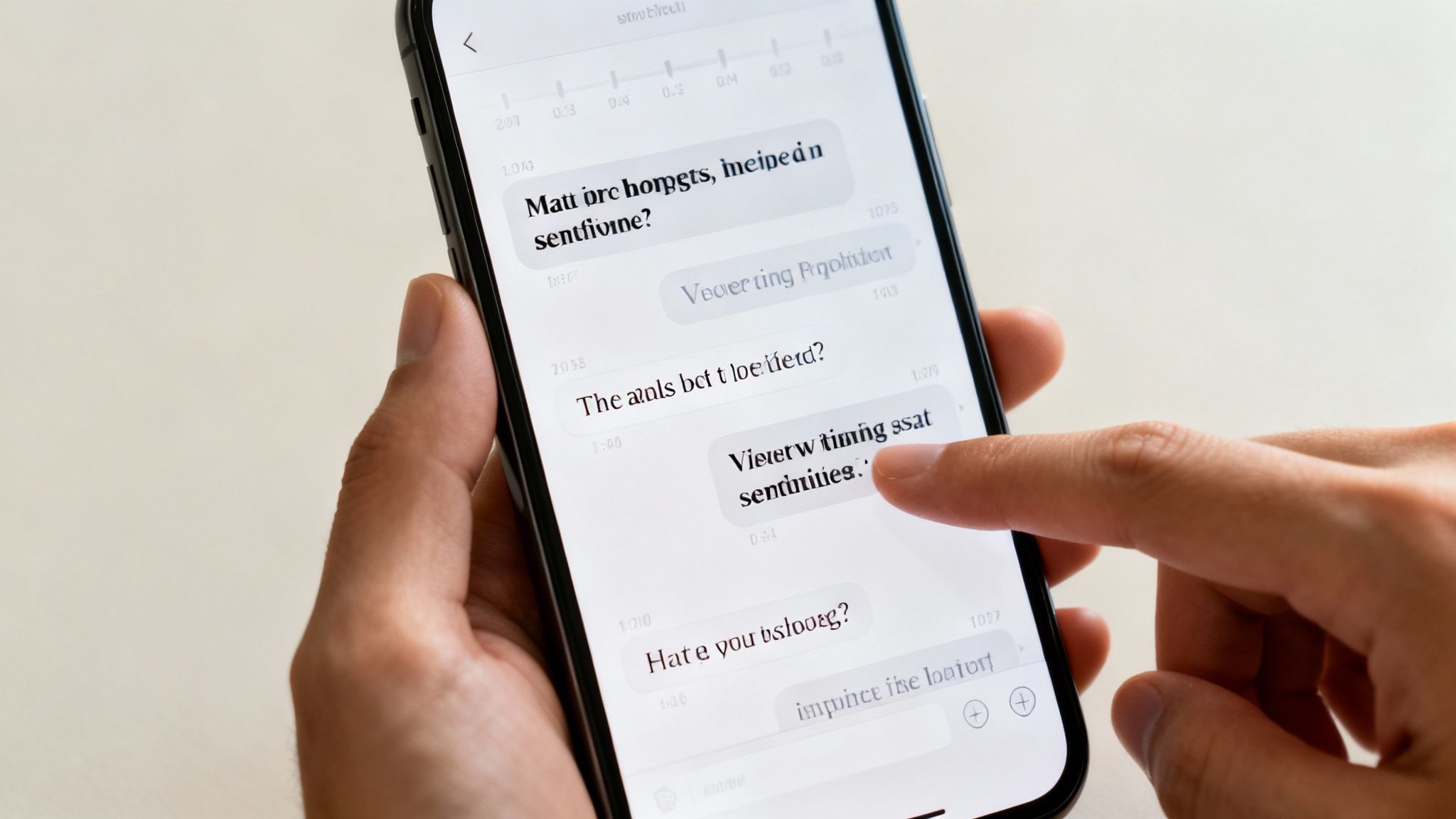
This practice is not just about transcription; it’s about guiding the viewer's attention and adding a layer of visual storytelling. Well-placed text can highlight key points, provide context, or add a punchline, making your Reel more dynamic and easier to follow. For educational or tutorial-based content, it's non-negotiable for conveying step-by-step information clearly.
How to Implement Text and Captions Effectively
Your goal is to make text an integral, value-adding part of the visual experience, not an afterthought. This means focusing on readability, timing, and brand consistency.
- Prioritize Readability: Use high-contrast colors (e.g., white text with a dark shadow or background) to ensure your words stand out against any video footage. Choose a clean, legible font that aligns with your brand’s visual identity.
- Keep it Brief and Punchy: On-screen text should be easily digestible. Stick to short phrases or key takeaways, aiming for a maximum of 5-7 words per line to avoid overwhelming the viewer.
- Synchronize Text with Audio/Visuals: Time your text overlays to appear precisely when a concept is being discussed or an action is shown. This synchronization creates a seamless viewing experience and reinforces learning.
- Enable and Edit Auto-Captions: Always use Instagram's auto-caption feature for accessibility. Crucially, review and edit them for accuracy, as misinterpretations can confuse viewers and dilute your message.
Pro Tip: For automated content, particularly when repurposing longer videos, using a tool like ClipShort is a game-changer. It automatically generates and animates captions in highly readable, engaging styles (like those popularized by creators like Alex Hormozi), ensuring your key points are visually emphasized and perfectly timed without manual effort.
6. Master Visual Transitions and Effects
In a visually driven format like Instagram Reels, how you move from one scene to the next is just as important as the scenes themselves. Creative transitions and well-placed effects are not just decorative flair; they are essential tools for maintaining viewer momentum and preventing drop-off. Mastering these elements is a core part of Instagram Reels best practices, as it creates a seamless, professional, and captivating viewing experience that holds attention.
The goal of a good transition is to guide the viewer’s eye effortlessly through your narrative. Whether it’s a quick cut, a smooth zoom, or a creative swipe, transitions serve to connect ideas, show a transformation, or simply keep the energy high. They are the punctuation of your visual story, signaling shifts in time, location, or subject matter without jarring the audience.
How to Implement Effective Transitions
Using transitions purposefully elevates your content from a simple collection of clips to a polished, cohesive video. The key is to match the effect to the story you're telling.
- Create Outfit or Product Transformations: Fashion and e-commerce creators can use a jump cut, a spin, or a camera-covering gesture to instantly switch between different outfits or product variations. This creates a "magic" effect that is highly shareable.
- Show a Process or "Before and After": Cooking or DIY content can use smooth zooms or quick cuts to show the transformation of ingredients or materials. For example, a quick pan away from raw ingredients and back to the finished dish.
- Sync to Audio Beats: One of the most powerful techniques is timing your scene changes and effects to the beat of the trending audio. This creates a satisfying, rhythmic experience that makes the Reel feel more dynamic and engaging. Use fast cuts on upbeat tracks and slower dissolves for mellow tunes.
Pro Tip: For automated or faceless content, focus on digital transitions rather than in-camera ones. Tools like ClipShort can automatically apply dynamic effects like zooms, pans, and glitches between stock clips or AI-generated images, ensuring your video remains visually stimulating without requiring complex manual editing.
7. Optimize Call-to-Action (CTA) Placement
A great Reel that doesn't inspire action is a missed opportunity. Your call-to-action (CTA) is the bridge between viewer engagement and tangible business results like follows, leads, or sales. Strategic placement is a core component of Instagram Reels best practices because it prompts viewers to act at the precise moment they have received value and are most receptive, dramatically increasing conversion rates.
The goal isn't just to tack on a "follow me" at the end. It's about integrating your request so seamlessly that it feels like the natural next step for the viewer. A well-placed CTA leverages the viewer's momentum and intent, guiding them toward the behavior you want them to take, whether that's saving your post, visiting your profile, or clicking a link.
How to Implement an Effective CTA
Your CTA's timing and relevance are just as important as the words you use. It should appear after you've delivered the promised value but before the viewer has a chance to scroll away.
- Place it at Peak Value: The ideal moment for your primary CTA is typically around 60-75% of the way through your Reel. For an educational video, this is right after the main tip has been revealed. For a product demo, it’s after the key benefit has been shown.
- Make it Visually Distinct: Use text overlays with high-contrast colors to ensure your CTA stands out from the video background. An animated or pop-up effect can also draw the eye and emphasize the message.
- Be Specific and Relevant: Match the CTA to the content. An educational Reel should end with "Follow for more daily tips," while a Reel promoting a service should guide viewers to "Send me a message for a free quote." Limit yourself to one or two clear CTAs per Reel to avoid decision fatigue.
Pro Tip: When automating content, you can pre-program CTAs into your templates. For example, if you're creating a series of faceless tutorial videos with a tool like ClipShort, configure a standard "Save this for later" or "Follow for Part 2" overlay to automatically appear in the last quarter of every video, ensuring consistent and optimized CTA placement without manual effort.
8. Repurpose and Adapt Evergreen Content
Not every Reel needs to be a brand-new, from-scratch creation. One of the most efficient and effective Instagram Reels best practices is to repurpose and adapt your evergreen content. This strategy maximizes the return on your initial content investment, ensuring your most valuable insights reach the widest possible audience over time. Evergreen content remains relevant long after its initial post date, continuously driving engagement and attracting new followers.
The core principle is to take a high-performing concept or a foundational piece of content and create multiple variations. By changing elements like the hook, music, visuals, or caption, you can present the same core message in a fresh way, appealing to different audience segments and testing what resonates most without reinventing the wheel. This is particularly powerful for educational or value-driven content.
How to Repurpose Content Effectively
Your goal is to create a content engine, not just a series of one-off videos. Start by identifying your core content pillars, the foundational topics your audience loves.
- Create Thematic Variations: If a Reel on a specific workout modification performs well, create follow-up Reels showing variations for different fitness levels. A recipe creator can take one base recipe and create separate Reels for vegan, gluten-free, or budget-friendly substitutions.
- Change the Format: Turn a key takeaway from a longer YouTube video into a quick, text-based Reel. Pull an impactful audio quote from a podcast episode and set it to trending audio with cinematic B-roll. For more guidance on this, check out our detailed post on how to post a YouTube video on Instagram.
- Refresh the Visuals and Audio: Take a Reel that performed well three months ago and repost it with a different trending sound, updated text animations, and a new caption. The core value is the same, but the packaging is fresh, capturing viewers who missed it the first time.
Pro Tip: Use a tool like ClipShort to easily clip multiple highlight moments from a single long-form video, like a webinar or tutorial. You can instantly generate 5-10 unique Reels from one piece of content, each with AI-generated captions and formatting, making your repurposing workflow incredibly efficient.
9. Analyze Insights and Optimize Based on Data
Creating viral content isn't just about creative intuition; it's a science refined by data. Analyzing your Instagram Insights is one of the most critical Instagram Reels best practices because it transforms guesswork into a repeatable strategy. By understanding what resonates with your audience on a quantitative level, you can consistently replicate success, improve engagement, and optimize your content for maximum reach.
The primary goal is to identify patterns in your top-performing content and understand the "why" behind their success. Instagram's native analytics tools provide a wealth of information, from watch time and plays to likes, comments, and shares. This data is a direct feedback loop from your audience, telling you exactly what to create more of and what to leave behind.
How to Implement Data-Driven Optimization
Your analytics dashboard is your roadmap to growth. Regularly reviewing these metrics allows you to make informed decisions that align with your audience's preferences and Instagram's algorithmic priorities.
- Identify Top Performers: Look at your Reels from the last 90 days and sort them by reach, plays, or interactions. What do the top 3-5 videos have in common? Note the hook style, audio choice, format (e.g., tutorial, listicle, POV), and topic.
- Analyze Audience Retention: Pay close attention to the watch time and average watch duration metrics. A high drop-off rate in the first few seconds indicates a weak hook, while a video that holds attention signifies a winning formula for pacing and value delivery.
- Test One Variable at a Time: To get clean data, change only one element when testing. For example, use the same video concept but test two different trending audio tracks, or use the same audio but test a text hook versus a visual hook to see which performs better.
Pro Tip: Create a simple spreadsheet to track key metrics for every Reel you post. Columns for Topic, Hook Style, Audio, Plays, Likes, Comments, and Shares will quickly reveal powerful trends. This data-first approach is essential for scaling content, especially for automated or faceless accounts where performance patterns are the primary guide for future creation.
10. Engage Authentically with Your Community
Your work doesn't end once you hit "Publish." The period immediately after a Reel goes live is a crucial time to signal its value to the Instagram algorithm. Authentic community engagement, like responding to comments and DMs, creates a powerful feedback loop: it validates your audience, encourages more interaction, and tells Instagram that your content is sparking meaningful conversations. This practice is fundamental to turning passive viewers into a loyal, active community.
The algorithm rewards content that generates high levels of engagement, particularly within the first few hours. By actively participating in the conversation your Reel starts, you not only boost its immediate performance but also build long-term relationships that lead to sustained growth and higher engagement rates on future content.
How to Implement Authentic Community Engagement
Your goal is to make your followers feel seen and valued, transforming your comments section from a simple metric into a thriving hub for your audience.
- Be Timely and Responsive: Aim to reply to as many comments as possible, especially within the first 24 hours. A quick "thank you" or an emoji response is better than silence. This simple action doubles your comment count and shows new viewers that the creator is active.
- Spark Deeper Conversations: Instead of just liking comments, ask follow-up questions. If someone comments, "Great tip!" you can reply, "Thanks! Which part was most helpful for you?" This encourages further replies and builds a more dynamic interaction.
- Spotlight Your Audience: Pin a particularly insightful or kind comment to the top of your comments section. You can also feature user-generated content (with credit) that relates to your Reel, making your community a part of your content strategy.
Pro Tip: For automated or faceless accounts, set aside specific blocks of time each day solely for community management. Use Instagram's "Saved Replies" feature to create templates for frequently asked questions, but always personalize them slightly to maintain an authentic feel. This makes managing a high volume of comments more efficient without sacrificing the personal touch.
Instagram Reels: Top 10 Best Practices Comparison
| Strategy | 🔄 Implementation Complexity | ⚡ Resource Requirements | ⭐📊 Expected Outcomes | 💡 Ideal Use Cases | ⭐ Key Advantages |
|---|---|---|---|---|---|
| Hook Viewers in the First 3 Seconds | 🔄 Medium — requires planning & multiple takes | ⚡ Low–Medium — smartphone, quick edits, audio effects | ⭐📊 Higher watch time, completion rate, wider reach | 💡 Viral-priority Reels: transformations, shocking facts, quick demos | ⭐ Boosts early retention and algorithmic visibility |
| Leverage Trending Audio and Sounds | 🔄 Low — find/apply trends regularly | ⚡ Low — audio library access; monitor trends | ⭐📊 Increased discoverability and shares | 💡 Dance, comedy, trend-driven or remixable content | ⭐ Strong algorithmic lift and viral potential |
| Maintain Consistent Posting Schedule | 🔄 Medium — planning, batching needed | ⚡ Medium — content calendar, scheduling tools, production time | ⭐📊 Steady growth, predictable engagement patterns | 💡 Brands and creators aiming for audience growth | ⭐ Trains algorithm and builds audience loyalty |
| Create Vertical, Full-Screen Content | 🔄 Low — shoot/edit in 9:16 natively | ⚡ Low — smartphone, vertical templates | ⭐📊 Improved engagement and watch time on mobile | 💡 Mobile-first tutorials, transformations, close-up demos | ⭐ Maximizes screen real estate and readability |
| Use Text Overlays and Captions Strategically | 🔄 Medium — timing and design work required | ⚡ Low–Medium — caption tools, editing time | ⭐📊 Better retention, accessibility, sound-off viewing | 💡 Educational, instructional, and dialogue-heavy Reels | ⭐ Improves comprehension and CTA performance |
| Master Visual Transitions and Effects | 🔄 High — skill and timing practice required | ⚡ Medium — advanced editing apps, extra editing time | ⭐📊 Higher perceived production value and engagement | 💡 Fashion, dance, fast-paced storytelling | ⭐ Creates polished style and maintains viewer interest |
| Optimize Call-to-Action (CTA) Placement | 🔄 Low–Medium — strategic timing/testing | ⚡ Low — overlays, planning, A/B tests | ⭐📊 Increased conversions: follows, clicks, saves | 💡 Product promos, series content, conversion-focused Reels | ⭐ Drives measurable actions and audience behaviors |
| Repurpose and Adapt Evergreen Content | 🔄 Medium — create templates and variations | ⚡ Medium — batch editing, format adaptations | ⭐📊 Extended content lifespan and efficient output | 💡 Educational pillars, recipe/training variations, promos | ⭐ Scales output and improves ROI on production |
| Analyze Insights and Optimize Based on Data | 🔄 Medium–High — framework and analysis skills | ⚡ Medium — analytics tools, time for tracking | ⭐📊 Clear optimizations, predictable growth, better ROI | 💡 Data-driven creators and brands optimizing strategy | ⭐ Eliminates guesswork and prioritizes high-impact content |
| Engage Authentically with Your Community | 🔄 Medium — ongoing, consistent effort | ⚡ Medium–High — time, moderation tools, team support | ⭐📊 Strong loyalty, organic promotion, user feedback | 💡 Community-focused creators, service brands, support-led pages | ⭐ Builds trust, retention, and long-term advocacy |
From Best Practices to Best Performance: Your Next Move
The journey to mastering Instagram Reels isn't about finding a single magic bullet; it's about building a robust, repeatable system. We've explored the ten fundamental pillars that underpin viral success, from crafting an unbreakable hook in the first three seconds to meticulously analyzing your performance data. Each practice is a powerful lever on its own. However, when combined, they create a synergistic effect that transforms your content from just another video in the feed into a reliable engine for audience growth, engagement, and conversion.
The real challenge isn't knowing these Instagram Reels best practices; it's consistently implementing them. It’s easy to get caught up in the creative whirlwind and let a crucial element like strategic text overlays or a clear call-to-action fall by the wayside. The most successful creators and brands on the platform are those who turn these practices into habits, creating an intuitive workflow that ensures every Reel is optimized for maximum impact before they even hit "Publish."
Synthesizing Strategy into Action
Think of these ten principles not as a checklist to be completed, but as interconnected components of a larger growth machine.
- Content Foundation: Your starting point is always the hook, the audio, and the visual format. Nailing the first three seconds with a compelling hook, pairing it with trending audio, and ensuring it's in a vertical, full-screen format are the non-negotiables that earn you the right to a viewer's attention.
- Creative Execution: This is where you add your unique flair. Mastering visual transitions, using strategic text overlays to guide the narrative, and repurposing evergreen content ensures your creative well never runs dry. These are the elements that make your content memorable and shareable.
- Growth and Optimization Loop: Finally, the practices of placing effective CTAs, engaging authentically with your community, and analyzing your insights close the loop. This is how you convert viewers into followers, foster a loyal community, and use hard data to make your next Reel even better than the last.
To truly elevate your content, it’s also beneficial to look beyond the specifics of the Reels platform. Understanding the core principles of lighting, composition, and storytelling that apply to all video content will give you a significant competitive edge. Integrating these foundational general video production best practices can dramatically improve the perceived quality and professionalism of your Reels, making them stand out in a saturated feed.
Your Action Plan for Sustainable Growth
Mastery begins with a single, deliberate step. Don't try to implement all ten of these Instagram Reels best practices at once. Instead, adopt a phased approach to build sustainable habits.
- Select Your Focus: Choose three practices from the list to focus on for the next two weeks. For example, you might decide to perfect your 3-second hooks, commit to using text overlays on every Reel, and respond to every single comment within the first hour.
- Execute and Document: Create your next 5-7 Reels with an intense focus on these three chosen areas. Keep a simple log of which videos implemented these practices and what the initial performance metrics (views, likes, comments, shares) look like after 24 hours.
- Analyze and Iterate: At the end of the two weeks, review your results. Did the Reels with stronger hooks have a better view-to-like ratio? Did engaging with comments lead to more profile visits? Use this data to inform your strategy for the next two weeks as you integrate another one or two practices into your workflow.
This iterative process of application and analysis is the secret to long-term success. It moves you from passively consuming advice to actively building a personalized content strategy that is proven to work for your specific audience and niche. The algorithm rewards consistency, quality, and engagement, and this methodical approach gives you the blueprint to deliver on all three fronts, turning best practices into your best-ever performance.
Ready to implement these best practices without sacrificing your time? ClipShort automates the tedious parts of content creation, from script generation to voiceovers and video assembly, so you can focus on strategy and growth. Create high-quality, engaging Reels in a fraction of the time and scale your content production effortlessly. Discover the power of AI-assisted creation at ClipShort today.